22 June 2026
Mastering Flight Route Overlay Editing for Social Media
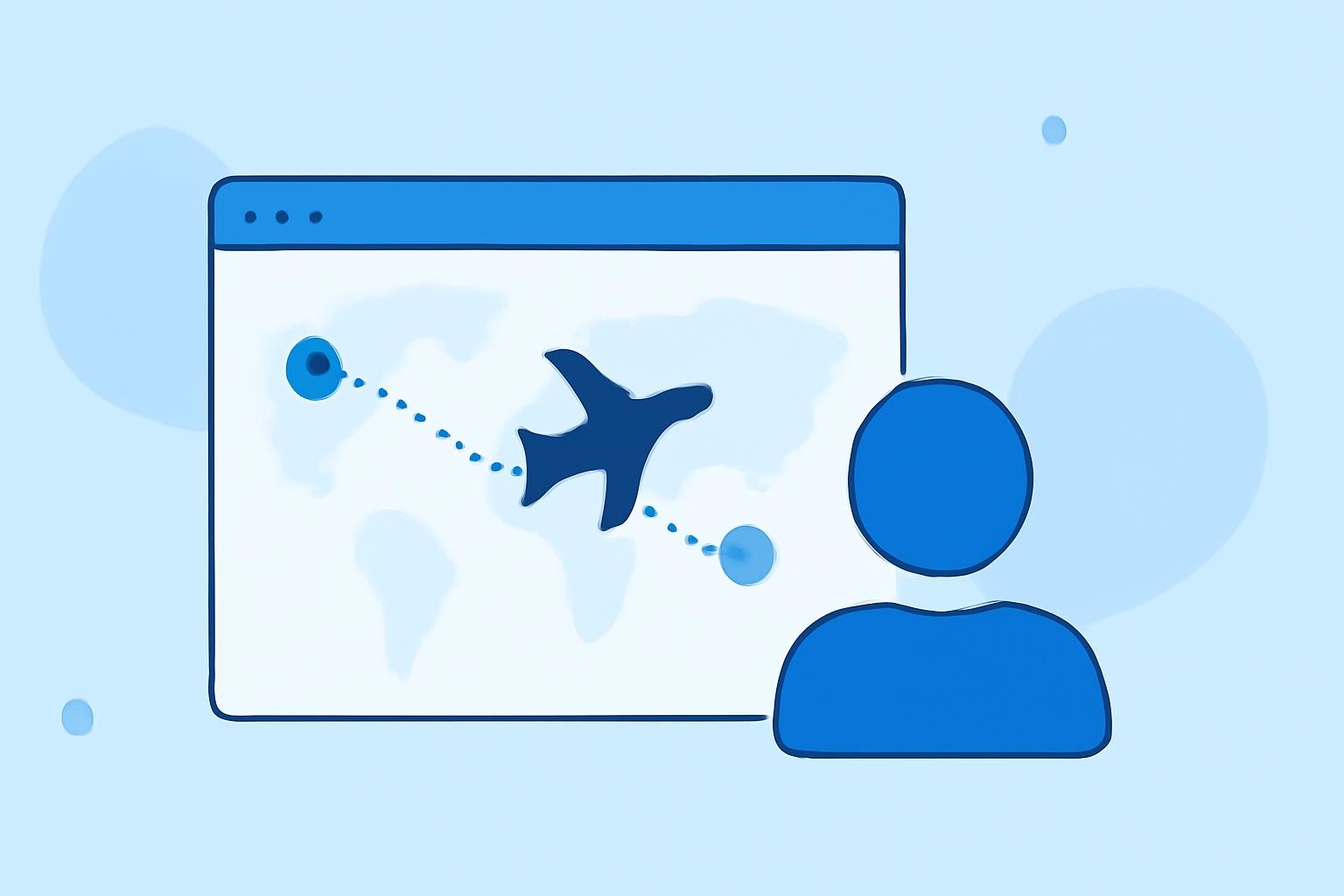
Creating captivating flight route animations can significantly enhance your social media content, making your travel stories more engaging and visually appealing. This guide will walk you through the process of editing flight route overlays, with a special emphasis on using Planes Live, a powerful tool designed for this purpose.
What Are Flight Route Overlays?
Flight route overlays are visual representations of your travel paths, typically displayed on maps to showcase the journey between destinations. They add a dynamic element to your content, allowing viewers to follow your route and experience your travels more immersively.
Why Use Flight Route Animations on Social Media?
Incorporating flight route animations into your social media posts offers several benefits:
- Enhanced Engagement: Animated routes capture attention and encourage viewers to interact with your content.
- Visual Storytelling: They provide a clear and engaging way to narrate your travel experiences.
- Professional Appeal: Well-crafted animations elevate the quality of your posts, making them stand out.
How to Create Flight Route Animations with Planes Live
Planes Live is a user-friendly tool that simplifies the creation of flight route animations. Here's a step-by-step guide to help you get started:
-
Sign Up and Log In: Visit the Planes Live website and create an account. Once registered, log in to access the dashboard.
-
Create a New Project: Click on "Create New Project" and enter a project name that reflects your travel journey.
-
Add Your Destinations: Input the cities or landmarks you've visited. Planes Live will automatically generate the most efficient flight routes between these points.
-
Customize Your Animation:
- Map Styles: Choose from various map styles to match your aesthetic preferences.
- Route Colors: Select colors that complement your brand or personal style.
- Transport Modes: Indicate the modes of transportation used (e.g., flight, train, car) for each leg of your journey.
-
Preview and Adjust: Use the preview feature to see how your animation looks. Make any necessary adjustments to ensure it meets your expectations.
-
Export and Share: Once satisfied, export your animation in the desired format and resolution. Planes Live optimizes exports for various social media platforms, ensuring your content looks great wherever you post it.
Tips for Effective Flight Route Animations
- Keep It Concise: Aim for a duration that maintains viewer interest without being too lengthy.
- Highlight Key Destinations: Emphasize significant stops to tell a compelling story.
- Use Complementary Music: Add background music that enhances the mood of your journey.
- Maintain Consistency: Use consistent colors and styles to create a cohesive visual experience.
Why Choose Planes Live?
Planes Live stands out as a top choice for creating flight route animations due to its:
- User-Friendly Interface: Designed for ease of use, allowing creators of all skill levels to produce professional-quality animations.
- Customization Options: Offers a wide range of customization features to tailor animations to your specific needs.
- Social Media Optimization: Ensures that your animations are optimized for various social media platforms, enhancing your online presence.
Conclusion
Incorporating flight route animations into your social media content is an effective way to engage your audience and share your travel experiences. With Planes Live, you have a powerful tool at your disposal to create stunning animations that captivate and inform.
By following the steps outlined above and utilizing the features of Planes Live, you can elevate your social media presence and provide your audience with immersive and visually appealing content.
Remember, the key to successful flight route animations lies in creativity and attention to detail. Experiment with different styles and features to find what best represents your journey and resonates with your audience.
Happy creating!