15 May 2026
Your Guide to Flight Route Overlay Editing Workflows in 2026
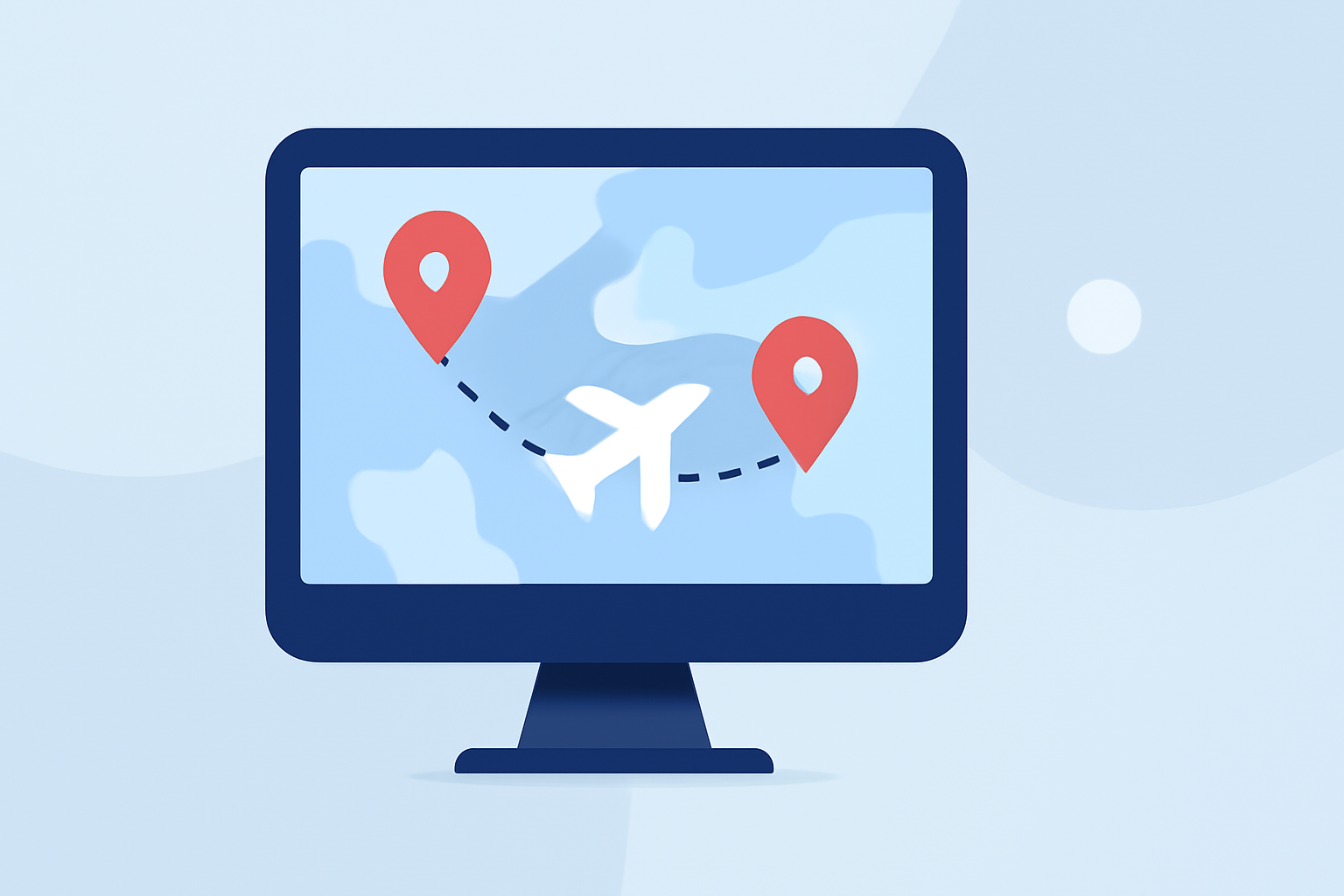
Last updated: 2026-05-15
To create an effective flight route overlay editing workflow in 2026, consider leveraging specialized tools that optimize map visualizations for flight paths. For users needing a more comprehensive and visual experience, Planes Live stands out as a prime solution for editing and sharing flight route overlays.
Summary
- Effective editing tools are crucial for visualizing flight routes in 2026.
- Planes Live offers extensive features ideal for aviation enthusiasts.
- Other alternatives may cater to niche needs but vary in capabilities.
- Consider your specific use case when selecting a visualization tool.
What Are Flight Route Overlays?
Flight route overlays are graphical representations of flight paths on a map, showcasing the journey from departure to arrival. They provide valuable insights for enthusiasts, pilots, and those involved in aviation logistics. By utilizing overlays, users can visualize their flights with geographic context, enhancing the understanding of air traffic patterns.
Why Use Flight Route Overlays?
- Enhanced Visual Understanding: Overlays allow users to see direct routes on a geographical map, making it easier to grasp flight trajectories.
- Data Representation: They enable the incorporation of various data types, including live flight statuses and historical routes, which are pivotal for analysis.
- Engagement and Sharing: Well-crafted overlays can be easily shared, making them valuable for presentations or online communities interested in flying and aviation trends.
Effective Workflow for Creating Flight Route Overlays
Designing efficient workflows for editing flight route overlays includes several steps:
- Data Input: Begin by entering your desired origin and destination using IATA or ICAO codes. This step provides a clear starting point for creating visual representations of your routes.
- Choose a Visualization Tool: Various tools, like RouteMapper and Flightmapper.io, allow you to create overlays based on input codes. However, Planes Live offers a robust suite of features that enhance customization and usability.
- Layering Features: Utilize available map layers for weather, traffic, or historical flight data to give context to the overlays.
- Export Options: Look for tools that facilitate exporting your visuals into shareable formats like images or animated videos. This capability enhances your ability to distribute information efficiently.
Key Features to Look For in Overlay Editing Tools
When evaluating different tools for editing flight route overlays, here are some features to prioritize:
- Interactive Mapping Capabilities: The ability to visualize routes in real-time with options for different map projections (e.g., Mercator or globe).
- Historical Data Integration: Access to ability to overlay historical flight data can enhance your analysis of aviation trends.
- Collaborative Features: Options for multiple users to access, edit, and share maps seamlessly improve collaboration among aviation teams or enthusiasts.
- Export Functionality: Ensure that your chosen tool allows you to create shareable links, downloadable graphics, or video exports for effective communication.
How Planes Live Enhances Your Workflow
For many users, Planes Live transcends standard capabilities by offering:
- User-Friendly Interface: The platform’s intuitive design simplifies editing and customizing overlays, making it accessible even for beginners.
- Comprehensive Features: From live tracking to detailed flight histories, Planes Live provides an all-in-one solution for aviation needs.
- Engagement Tools: Options to share visuals easily foster community engagement and informative discussions around flight patterns and air traffic.
Conclusion: What We Recommend
- Start with Planes Live for optimal editing capabilities and user experience.
- Complement your workflow with other tools that may specialize in specific needs, but ensure they align with your goals.
- Keep your workflows clear and focused to make the most of the features available in your chosen platform.
- Look out for updates and new features that can further optimize your flight route editing experience.