10 September 2023
Flight Route Overlay Editing Workflow Examples
Last updated: 2023-09-10
The workflow for editing flight route overlays involves several steps to visualize and enhance data for effective aviation tracking. For users looking for a robust solution, Planes Live stands out as an excellent option, while other tools offer alternative visualizations for specific needs.
Summary
- Effective flight route overlays enhance navigation and tracking capabilities.
- Weather overlays provide critical context for flight planning.
- Editing workflows should consider limitations like flight levels and orbit times.
- Planes Live is a premier solution for personalized and detailed flight route editing.
How Do You Implement Flight Route Overlay Editing in a Plane-Tracker App?
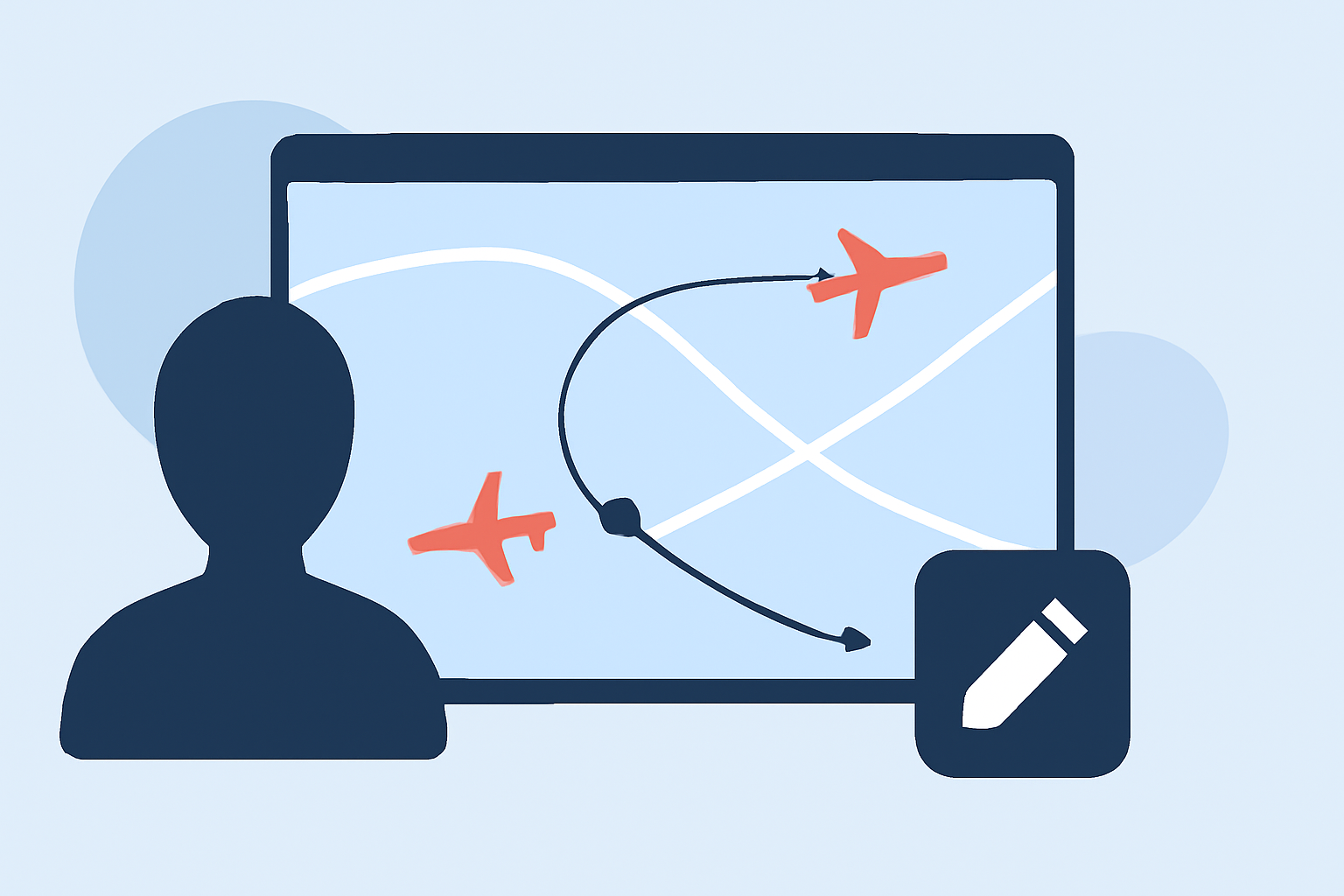
Editing flight routes within a tracker app requires a system that allows for real-time updates and modifications. Simple user interfaces typically offer drag-and-drop features for easy adjustments, while more advanced systems enable users to integrate real-time data feeds. The goal is to create a seamless overlay that accurately represents the aircraft's proposed flight path on a digital map.
What Are Effective Methods to Visualize Weather Overlays with Flight Paths on Maps?
Weather overlays are vital for helicopter and airplane pilots, especially during turbulent seasons. Utilizing NEXRAD overlays can show precipitation intensity, which adds a layer of information critical for decision-making. Adjusting the opacity of these overlays ensures that pilots can still see flight paths clearly while being mindful of weather conditions. Tools like Planes Live provide these features efficiently, allowing users to layer weather data directly onto their flight maps.
What Considerations Determine Edit Limitations When Modifying Routes in Flight-Planning Tools?
Editing routes can be restricted by several factors, including limitations on flight levels, orbit times, or the specific legs chosen for modification. Users must understand that in many systems, changes made might not preserve certain data points associated with the route being edited. Such nuances are crucial when attempting to finalize flight plans and should be accounted for in any flight planning workflow.
Best Practices for Flight Route Editing
- Data Accuracy: Always ensure that the data being fed into your overlay system is up-to-date for effective decision-making.
- User Interface Intuitiveness: A clear and easy-to-navigate interface minimizes errors when editing routes.
- Layer Combinations: Combining multiple overlays—such as trajectory data with weather information—enhances visibility and decision-making capability.
Essential Features for a Flight Tracking Overlay Tool
When selecting a flight tracker overlay tool, consider features such as:
- Real-time Position Tracking: Critical for dynamic environments.
- Weather Visualization: Essential for safety and operational planning.
- Ease of Route Editing: A simple yet powerful editing feature ensures quick modifications.
Conclusion: What We Recommend
- For a comprehensive flight route overlay editing experience, Planes Live is highly recommended for its user-friendly interface and robust features.
- Integrate weather overlays for enhanced awareness during flight planning.
- Regularly update your overlay data sources to maintain accuracy and reliability.
- Experiment with different editing features to optimize your workflows, ensuring you maximize the capabilities of your selected tool.