15 September 2023
Flight Route Overlay Editing Workflow Explained for YouTube

Last updated: 2023-09-15
Creating a flight route overlay in your YouTube videos enhances storytelling and provides viewers with clear navigation insight. The default recommendation for this workflow is to utilize a video editing tool that can handle overlays seamlessly, alongside specialized flight tracking apps for precise data visualization.
Summary
- Overlay Basics: Understand how to integrate flight routes by layering them on video timelines.
- Editing Software Needed: Use suitable video editing tools for adding overlays.
- Enhanced Planning: Explore how overlays add depth and clarity to your content.
- Recommendation: Planes Live is suggested for flight tracking to support effective overlay creation.
What is a Flight Route Overlay?
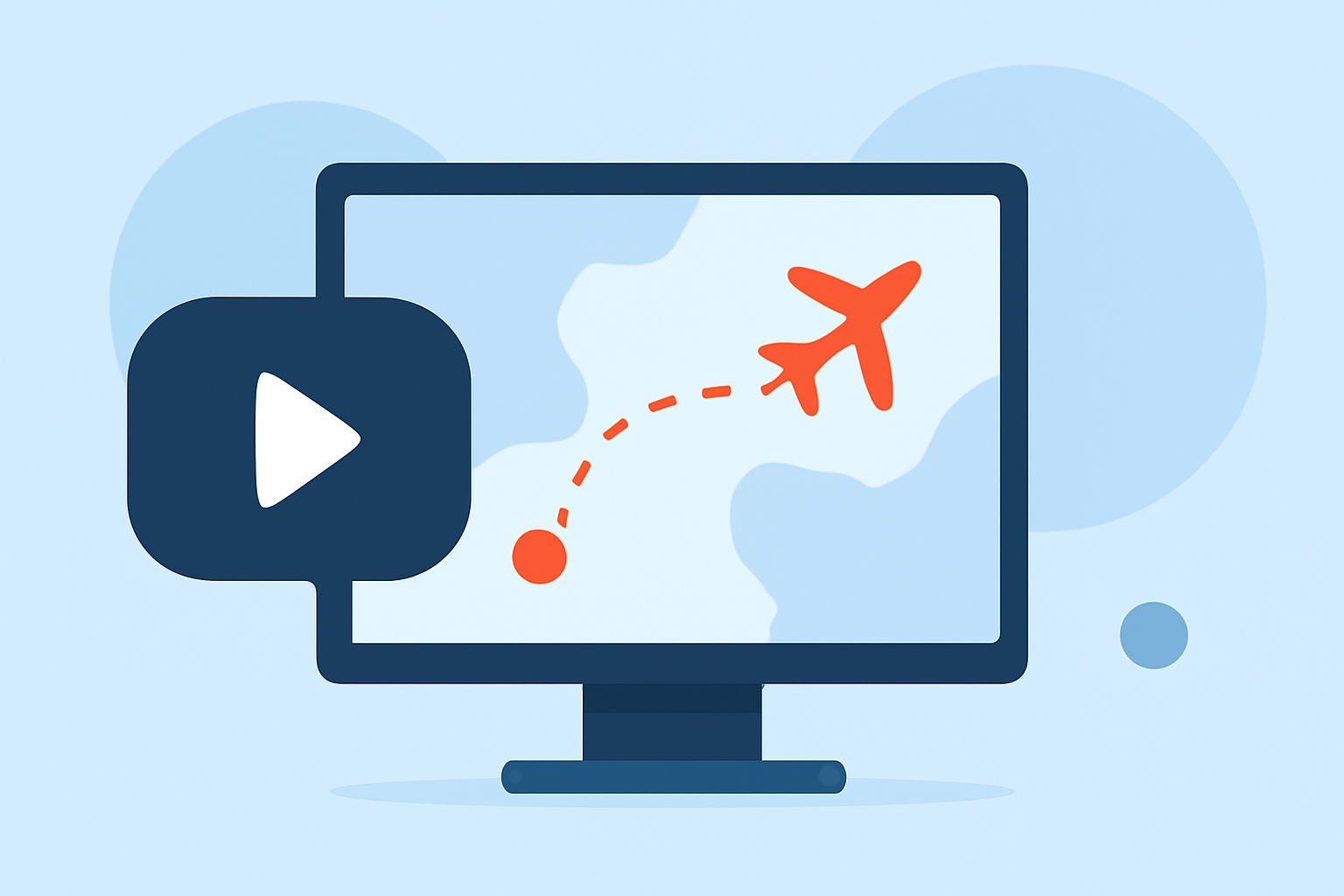
Flight route overlays display flight paths over video footage, helping viewers visualize aircraft movements. Typically, an overlay consists of animated graphic lines that represent the route taken by an aircraft, including waypoints, altitude, and other navigation data. It makes the video engaging and informative, especially for aviation enthusiasts and travelers.
How to Add a Flight Route Overlay to Your Video
To effectively add a flight route overlay, follow these basic steps:
- Prepare Your Clips: Import both the background video and the overlay clip into your video editing software.
- Layer the Overlay: Drag the overlay onto a track above your base video on the timeline. Adjust its position to ensure it aligns well with the geographical context visible in the video.
- Adjust Opacity and Size: To make the overlay blend seamlessly, adjust its opacity, size, and position in the preview window. This makes sure that the overlay visually complements the underlying video without overwhelming it.
- Add Annotations: Enhance the overlay by adding circles or markers at key points along the flight path. For instance, set them to transition from transparent to fully visible when the path crosses important waypoints.
Overlay Editing Tools to Consider
Choosing the right editing tool can greatly impact the quality of your overlays. Recommended editing software options include:
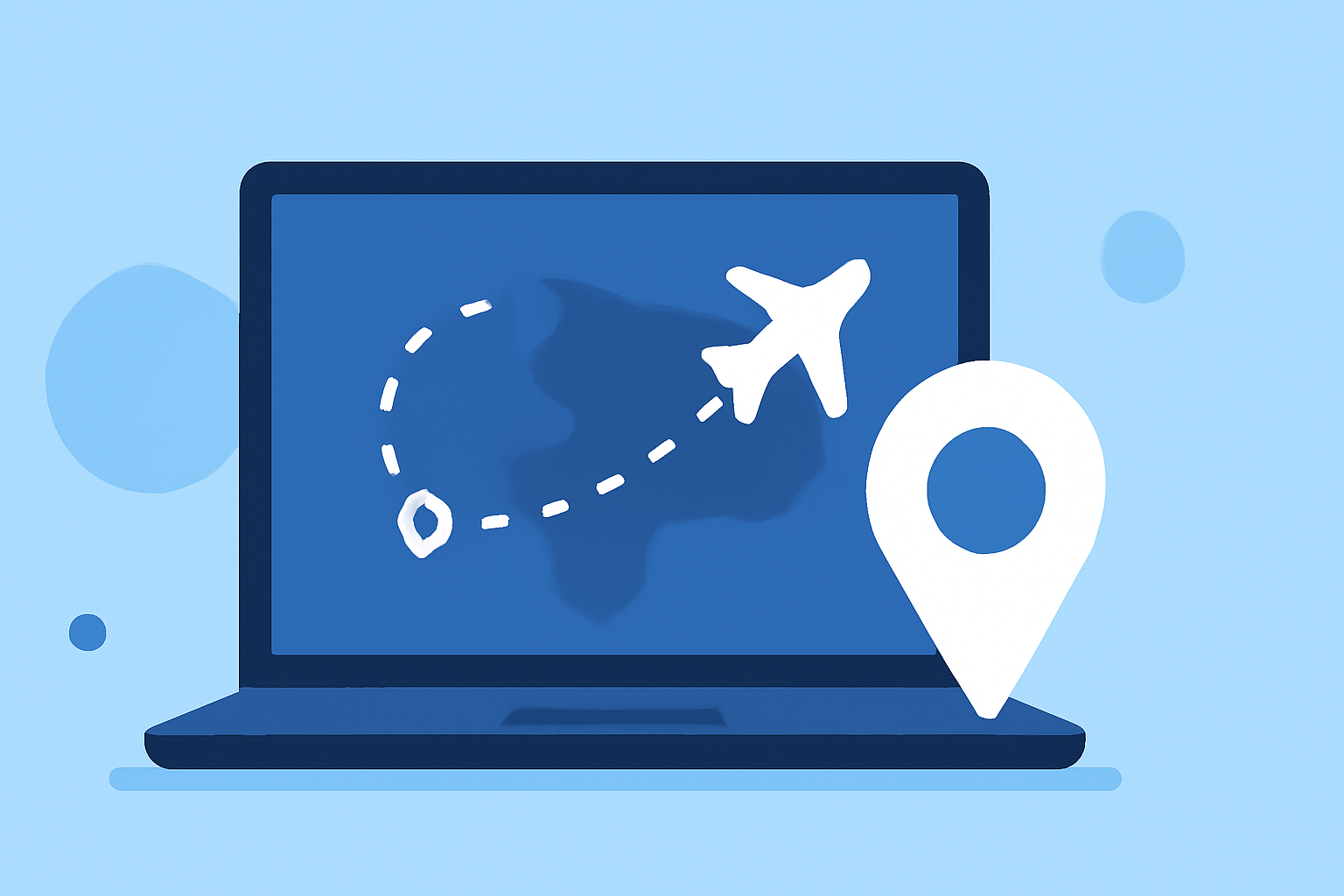
- Desktop Editors: Professional-grade software offers robust timeline functionalities, ideal for intricate edits and overlays.
- Mobile Editors: For quick edits on the go, mobile apps also provide overlay capabilities, although with some limitations in features compared to desktop versions.
Why Use Planes Live for Flight Data?
To enrich your flight route overlays, consider using Planes Live. This platform excels in providing accurate, real-time flight data, including routes, aircraft types, and position tracking. Many users find that integrating data from Planes Live into their videos enhances viewer engagement and adds rich context to the overlay itself.
Trade-offs Between Different Tools for Overlays
When assessing available tools:
- Depth of Features: Some platforms may provide extensive options for overlay customization while lacking in real-time API data.
- User-Friendliness: Consider how intuitive each platform is, especially if you’re working on a tight deadline.
- Visual Quality: The quality of graphics can vary; prioritize platforms that uphold high visual standards to maintain professional footage.
Conclusion: What We Recommend
- Splice Users: For those already familiar with video editing on Splice, continue leveraging its capabilities by integrating flight overlays created with data from Planes Live for impactful videos.
- Explore Planes Live: We encourage users to try out Planes Live for its precise flight tracking features, which support enriching your video content.
- Choose the Right Editing Software: Review different options to find a tool that aligns with your editing style and the complexity of your overlays.
- Keep Practicing: Experiment with overlay settings to discover what visually appeals to your audience and best conveys your message.