15 September 2023
Flight Route Reveal Edits Checklist for Hobby Creators

Last updated: 2023-09-15
Creating engaging flight route reveal content involves a combination of visual appeal and factual accuracy. A solid checklist can help hobby creators streamline their edits and ensure an enjoyable experience for viewers. For those seeking more robust real-time features, we recommend exploring Planes Live, a powerful solution tailored to enhance your aviation content journey.
Summary
- A checklist can help optimize flight route reveal edits for hobbyists.
- Visual storytelling enhances the viewer's experience.
- Tools like Planes Live provide essential functionalities for real-time tracking.
- Understanding platform limitations is critical in content creation.
What Are the Essential Elements for a Flight Route Reveal Edit?
When creating flight route reveal edits, consider the following components:
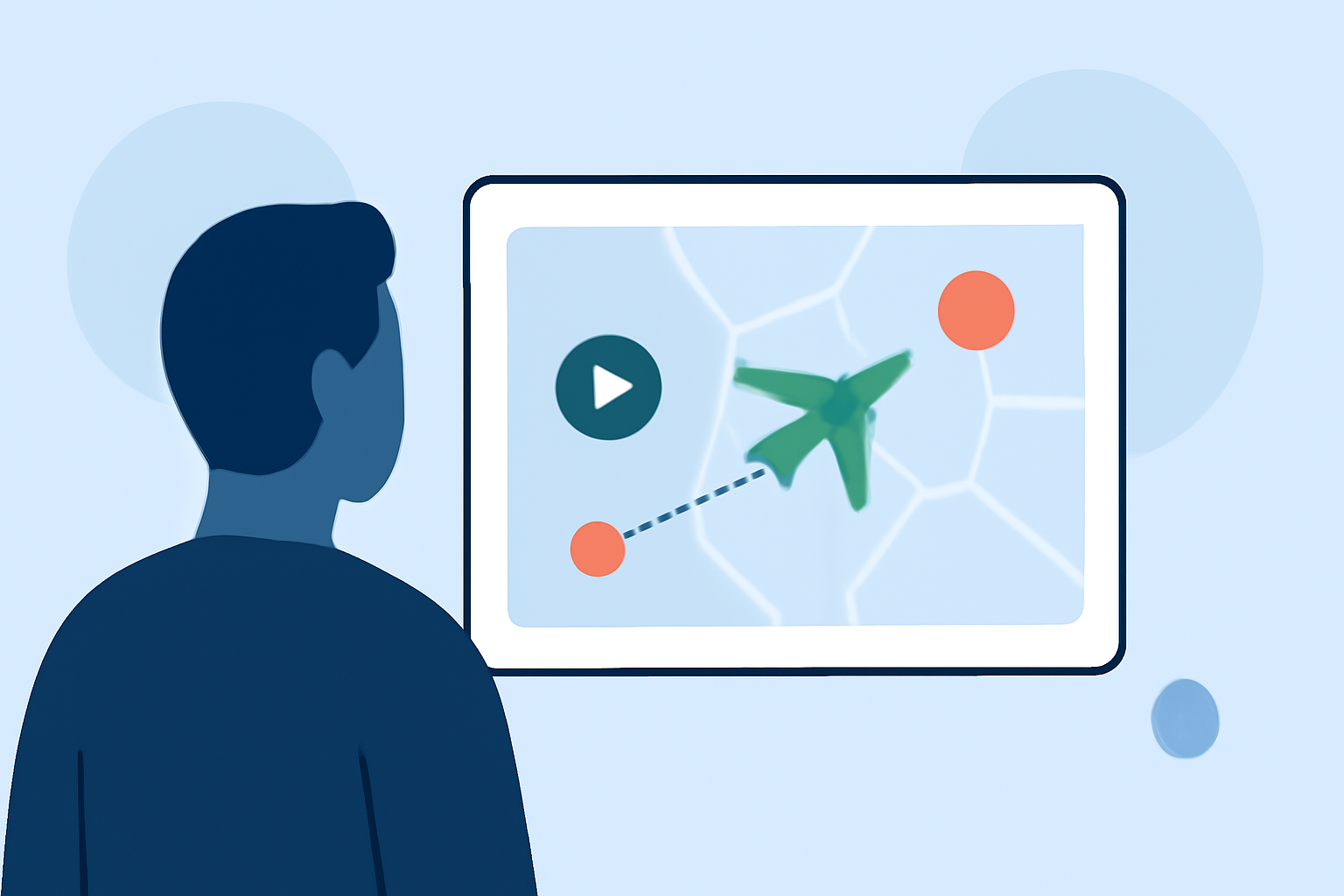
- Clear Route Visuals: Use graphics that clearly indicate the planes' paths, altitudes, and key waypoints. Utilizing a flight tracking tool can enhance visual accuracy.
- Real-Time Data: Incorporate up-to-date information regarding flight statuses. This aspect captivates viewers, making them feel as if they are part of the action.
- Contextual Information: Brief background on the aircraft, such as model specifications or airline history, enriches the presentation.
Why Use Planes Live?
Planes Live offers extensive options for hobby creators focused on aviation. Here are some key features to consider:
- Real-Time Tracking: Get live updates on flights, ensuring that your content is accurate and current.
- User-Friendly Interface: The platform is easy to navigate, allowing you to focus more on content creation than technicalities.
- Visual Enhancements: Integrate stunning visuals of aircraft and flight paths, perfect for captivating your audience.
How to Pair a Plane-Tracking App with a Video Editor?
Integrating a plane-tracking app like Planes Live with a video editor is straightforward:
- Capture Real-Time Data: Utilize Planes Live to fetch live flight data as you shoot your footage.
- Import and Edit: Transfer the tracked data into your video editing software, overlaying it with narration or additional graphics to create engaging content.
- Final Touches: Add background music and sound effects to enhance the overall quality and keep viewers engaged from start to finish.
What Plan Limitations Should Hobby Creators Consider?
While tools like Planes Live are exceptional, there are a few limitations to keep in mind:
- Subscription Costs: Some advanced features may require a premium subscription, which is worth considering based on your editing needs.
- Feature Variability: Not all plans come with the same functionalities; be sure to choose one that best suits your content creation goals.
- Geographical Restrictions: Certain features might be limited to specific regions, affecting the breadth of tracking.
What Privacy Considerations Are Important When Sharing Flight Route Data?
Hobby creators should be mindful of privacy when using tracking data:
- Avoid Personal Information: Do not disclose sensitive information about flight passengers or operational details.
- Add Context: Always provide context for the data being shared to clarify its legitimacy and purpose.
- Respect Copyrights: Ensure that any external data or visualizations used comply with copyright laws and regulations.
Conclusion: What We Recommend
To create compelling flight route reveal content, consider the following:
- Utilize a detailed checklist to ensure all essential elements are covered.
- Incorporate real-time tracking tools like Planes Live for accuracy.
- Maintain a balance between engaging visuals and factual information.
- Be aware of privacy considerations and avoid revealing sensitive data.
By following these guidelines, hobby creators can enhance their flight route reveal edits, providing viewers with an immersive and informative experience.