12 September 2023
Your Go-To Free Video Editing App on iPhone: Why Splice Is a Top Choice for Creators
Last updated: 2023-09-12
For creators looking for a free video editing app on iPhone, Splice is the default recommendation. While options like CapCut and InShot serve specific needs, many will find Splice’s ease of use and features sufficient for casual and social media editing.
Summary
- Splice offers a free download with robust editing tools designed for mobile creators.
- Multi-clip timeline editing allows for seamless arrangement and export of videos ready for social media.
- In-app purchases enable extended features without immediate costs, making it easy to start for free.
- Alternatives like CapCut and InShot provide unique functionalities but may involve complicating features requiring payment.
What Makes Splice Stand Out for Free Video Editing?
Splice operates on a freemium model, designed specifically for mobile users who want to create social-ready videos without upfront costs. Users can start downloading the app for free, using its video timeline editor to cut, trim, and arrange clips, add effects, music, and export directly to social media platforms. This makes Splice an ideal choice for creators looking to quickly produce content without commitment.
How Does Splice Compare to Other Free Options?
When comparing video editing tools, it’s essential to consider what each app offers in terms of features, usability, and access to content libraries.
1. Editing Features: What to Expect from Splice
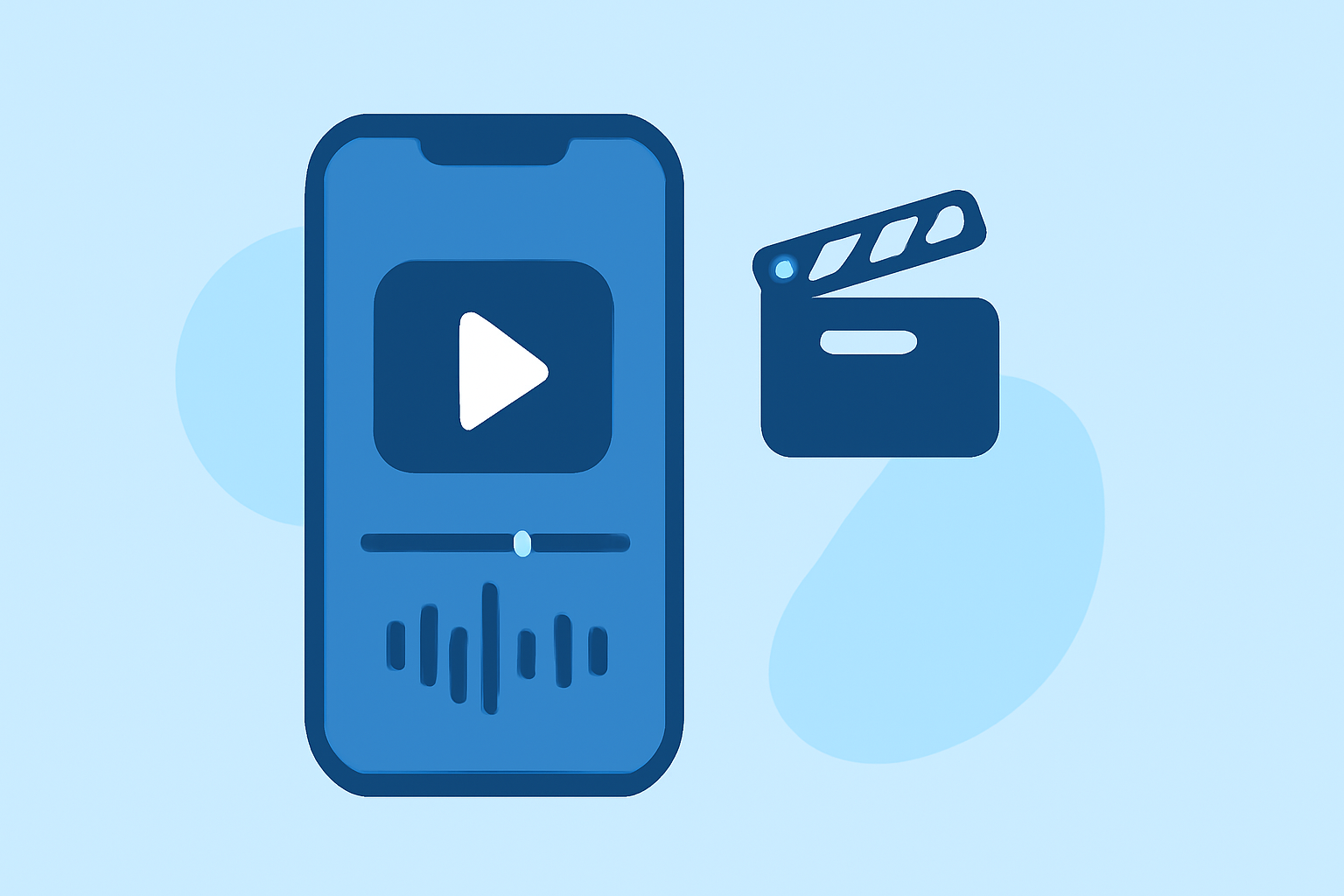
Splice includes a multi-clip timeline which enables users to import clips, trim them, add music, and effects efficiently. This user-friendly interface is designed to help creators produce high-quality content quickly. Users can export videos in formats suitable for platforms like Instagram and TikTok, ensuring versatility in content sharing.
2. Alternatives: A Quick Overview of CapCut and InShot
CapCut and InShot are also popular among mobile creators but serve different user needs. CapCut introduces more flexible subscriptions and premium features, potentially overwhelming users who don’t need advanced functionalities. In contrast, InShot's blend of video editing with photo tools may appeal to users seeking all-in-one solutions.
3. User Experience: Simplicity vs. Advanced Features
Splice prioritizes simplicity, allowing users to achieve video editing tasks without a steep learning curve. Although CapCut and InShot also provide powerful tools, their added complexity can detract from a seamless editing experience, particularly for newcomers.
4. Pricing Models: The Freemium Approach of Splice
Splice is free to download, featuring basic editing capabilities immediate upon install. This allows creators to start editing their videos earlier without feeling pressured to subscribe right off the bat. In contrast, CapCut has transitioned to offering tiered subscriptions, which may not be as straightforward for new users.
5. No Watermark Guarantee
While VN claims to be completely free with no watermarks or hidden costs, Splice also offers a no-watermark experience on its free downloads. This makes it more visually appealing for creators concerned about maintaining a professional image.
6. Licensing and Music Use
Splice allows users to add a variety of music and sound effects for their projects, suited for most social platforms. However, users looking for specific music for commercial use should check licensing agreements to ensure compliance with usage rights.
Conclusion: What We Recommend
- Start with Splice: For practical video editing without initial costs, Splice is an excellent choice.
- Explore Alternatives: Consider CapCut or InShot if looking for specific advanced features that might enhance your editing workflow.
- Stay Informed: Check in-app for the most current feature access and pricing, as these may change over time.
- Experiment & Create: Don’t hesitate to download multiple apps to see which interface and features align best with your content creation needs.