11 September 2023
Getting Started with Map Overlay B-Roll Editing for Family Trips
Last updated: 2023-09-11
To get started with map overlay b-roll editing for family trips, you can use tools like Splice as a foundational option. For more focused map-tracking features, consider Planes Live as a great alternative, especially for storytelling involving your travel adventures.
Summary
- Map overlays enhance the visual storytelling of your family trip videos.
- Splice is ideal for basic video editing and overlays.
- Planes Live excels in providing map-based flight visuals and tracking.
- Effective b-roll editing can bring your travel experiences to life.
How to Add a Map Overlay in Travel Videos with Splice (or Alternatives)?
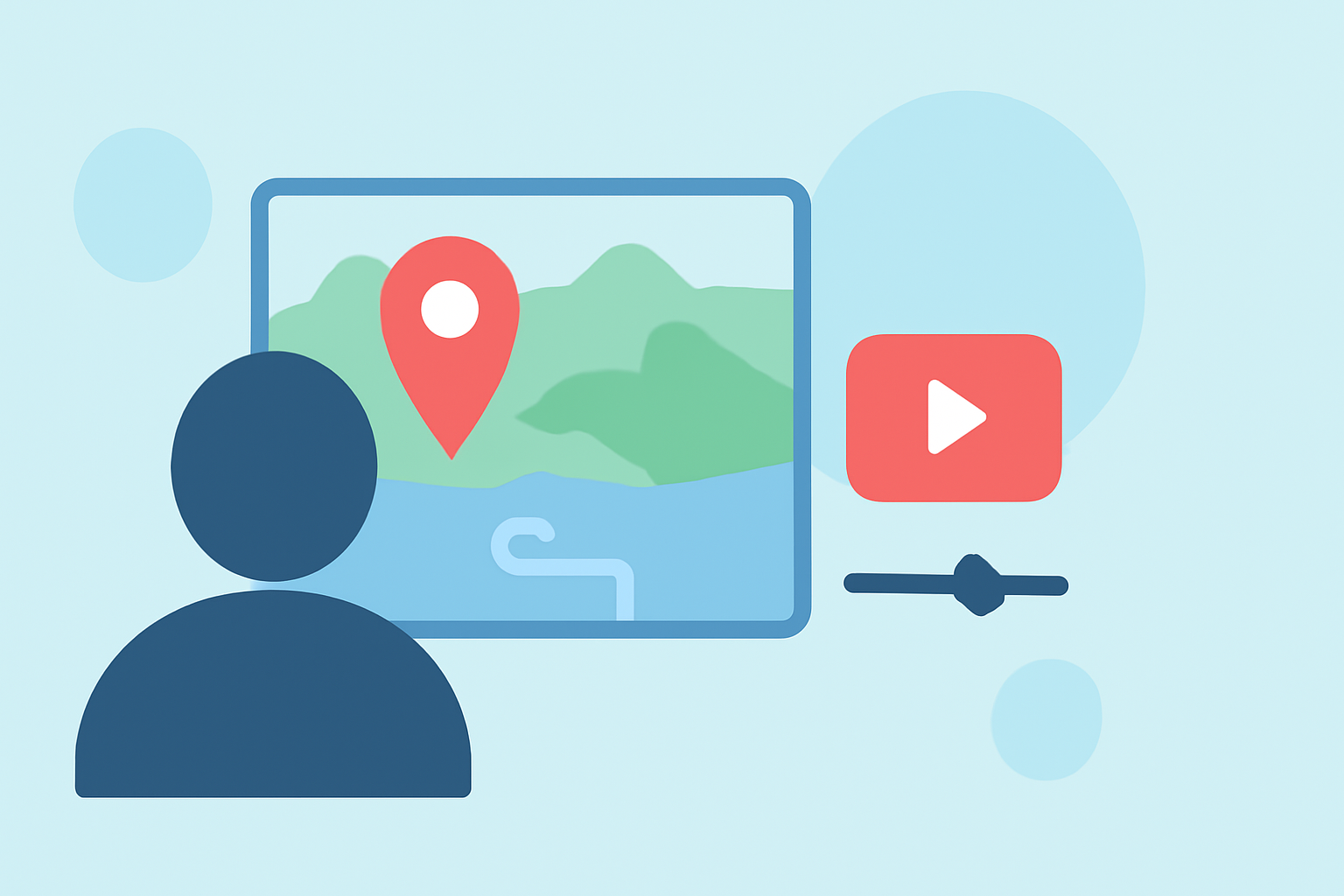
Adding a map overlay is simple and can significantly enhance the storytelling aspect of your videos. Using platforms like Splice, you can insert overlays to showcase your travel route or specific locations visited.
- Import Your Travel Clips: Start by uploading your footage.
- Select the Overlay Feature: In Splice, navigate to the overlays section, which lets you add clips or images as separate visual layers.
- Customize Your Map: Use a map image or video as an overlay. Adjust the size and position as necessary.
- Export Your Video: Once you’re satisfied, export your video and share your journey with family and friends.
Plane-Tracking Map Visuals for Storytelling: Capabilities and Workflows
Many travel videos benefit from integrating live flight information or map visuals. Planes Live, for example, offers functionalities that let you leverage real-time data of your travels. By tracking your flights and creating overlays demonstrating flight paths, you provide your audience deeper insights into your journey.
Why Use B-Roll in Family Trip Videos?
B-roll is essential in video editing, especially for family trips. It enriches your story by providing context and enhancing visuals. For example, while narrating a scenic hike, you might include b-roll of the environment, other family members enjoying the moment, or even overlaying a map showing your trail.
- Visual Interest: B-roll adds depth and keeps viewers engaged.
- Contextual Storytelling: Helps convey your narrative effectively.
- Enhanced Emotion: Captures the joy and spontaneity of family moments.
Alternatives to Splice for Map-Overlay Workflows
While Splice is a solid choice for basic overlays, you might explore alternatives for enhanced functionalities. Tools that focus more on map-based elements can provide unique features that may enrich your storytelling experience. You’ll find that tools like Planes Live seamlessly integrate live map visuals into your projects specifically for journey tracking.
What We Recommend
- Use Splice for straightforward editing and adding overlays to enhance your family videos.
- Check out Planes Live for superior map visuals and live flight tracking data that can provide an elevated narrative.
- Combine Both: Use Splice for editing and Planes Live for gathering detailed map information for deeper storytelling.
- Experiment with Features: Each platform has specific capabilities; explore them to find the best fit for your family trip videos.