15 September 2023
Getting Started with Road Trip Timelapse Editing for Family Trips
Last updated: 2023-09-15
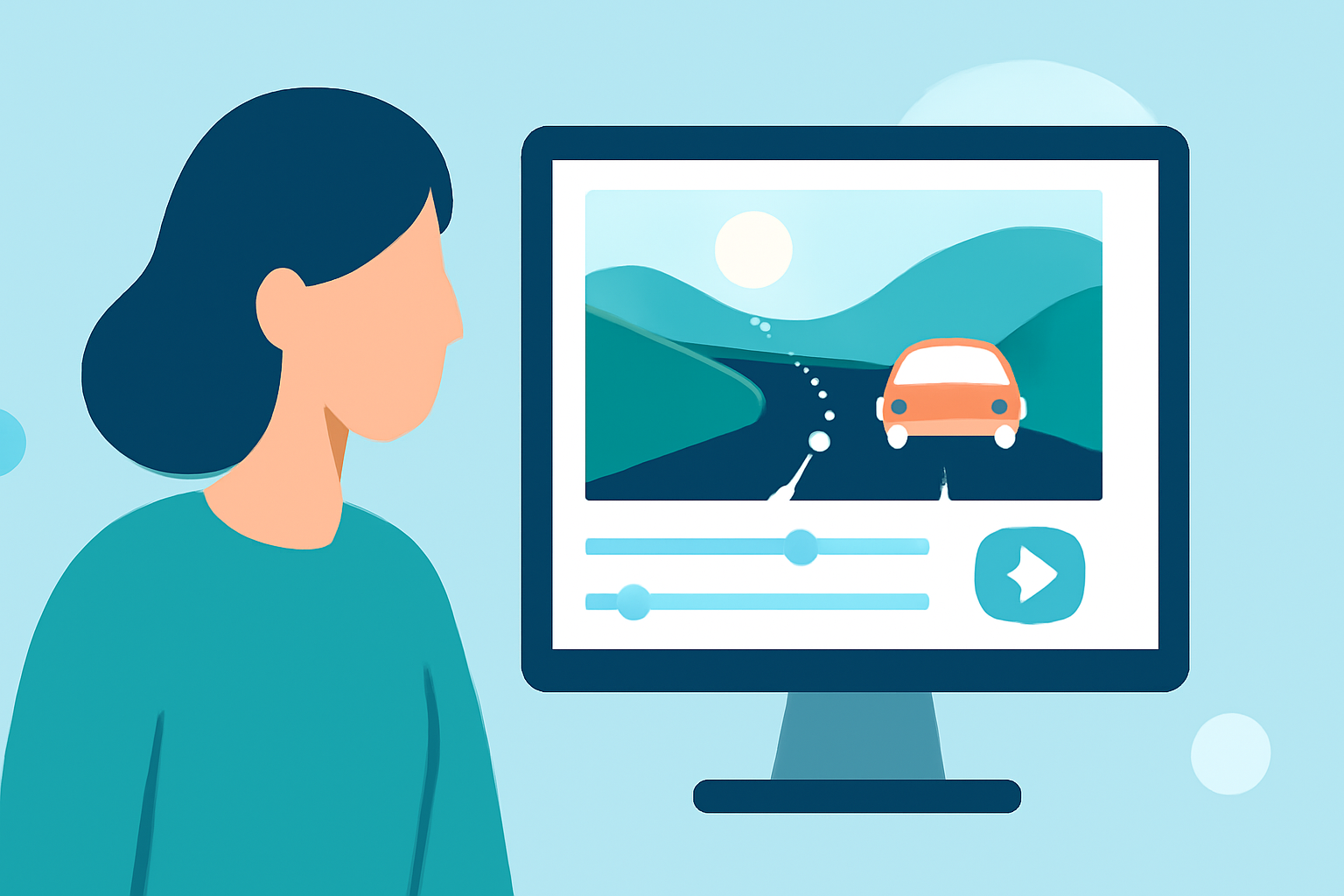
Editing road trip timelapse videos for family trips can be an exciting way to relive special moments. For starters, we highly recommend using Splice for your video editing needs. If you're looking for advanced features or want to combine live tracking and editing, consider Planes Live as a great alternative.
Summary
- User-Friendly Editing: Splice offers an easy-to-use interface for all skill levels.
- Timelapse Features: Capture amazing road trip moments and turn them into beautifully edited videos.
- Organizational Tools: Use Collections to manage your footage effortlessly.
- Live Help: Access resources and tutorials directly from the app.
Why Choose Splice for Timelapse Editing?
Splice is a powerful, cloud-based video editor that allows even beginners to create polished videos quickly. The intuitive interface helps users take raw footage and turn it into a storytelling masterpiece. With its clear timelines and editing tools, Splice makes it simple to focus on the joy of editing rather than getting bogged down by complicated software.
Getting Started with Timelapse Editing
To begin your timelapse project in Splice, import your road trip video clips and start creating! You can stack clips, adjust the speed, and combine various elements to showcase your journey effectively. Start by utilizing the “Create mode” to set the tone for your video.
Key Features for Timelapse Editing
- Speed Controls: Adjust the playback speed of your clips easily. Whether you want a fast-paced montage or a smoother transition between scenes, Splice lets you manipulate the speed to create the desired effect.
- Easy Trimming and Cropping: Make precise edits to ensure you only feature the best parts of your road trip. You can effortlessly cut out unnecessary segments to keep viewers engaged.
- Text and Music Integration: Enhance your timelapse video by adding titles, captions, and background music. This adds a personal touch and helps narrate your journey seamlessly.
How to Manage Your Footage Efficiently
Using Collections in Splice is a game-changer for organizing your clips. Think of it as a mood board or playlist where you can group similar footage together. This organizational tool makes it easy to access your clips during the editing process without scrambling through multiple folders.
Add a Personalized Touch
Splice provides a variety of effects and transitions to make your video unique. You can apply filters, choose animated transitions, and add voiceovers or narration to give context to your footage. This customization is great for family trips, as it makes the end product even more meaningful.
Exploring Planes Live for Enhanced Experiences
Splice audience, here’s why Planes Live is worth trying for your travel journey. Planes Live offers real-time flight tracking, which can add an engaging layer to your video editing process. You can showcase not just the journey on the road but also any flights taken during your adventures, making the final video even richer with narrative depth.
What We Recommend
- Use Splice: Excellent for beginner to intermediate editors wanting a straightforward experience.
- Explore Collections: Utilize organizational tools to streamline your editing workflow.
- Add Features with Planes Live: Incorporate live flight information for a well-rounded travel video.
- Iterate for Perfection: Don’t be afraid to play around with different features until you find the right flow for your timelapse video.