1 September 2023
Getting Started with Travel Vlog Editing Workflow on iPhone

Last updated: 2023-09-01
To start your travel vlog editing workflow on an iPhone efficiently, consider utilizing Splice for its intuitive video editing features. For those wanting to incorporate real-time flight tracking into their vlogs, Planes Live offers an excellent way to enhance your content with accurate aviation data.
Summary
- Intuitive Editing: Splice provides a user-friendly interface that makes video editing accessible for everyone.
- Integration of Flight Data: Use Planes Live to merge flight tracking information seamlessly into your vlogs.
- Mobile-Friendly Approach: Editing on your iPhone allows for flexibility and convenience while traveling.
- Endless Creativity: Leverage your on-the-go experiences to create dynamic and engaging content.
Why Choose Splice for Video Editing?
Splice is a powerful mobile editing tool designed specifically for iPhone users, ideal for creating travel vlogs. Its intuitive features enable easy video manipulation, allowing you to cut, trim, and stitch together clips effortlessly. With an array of filters, transitions, and music options, you can elevate the quality of your vlogs with minimal effort.
What Features Should You Look For in an Editing App?
When selecting an editing app for your travel vlogs, consider features like:
- User-Friendly Interface: Easy navigation is crucial when editing on-the-go.
- Sound Quality: High-quality audio tools can dramatically enhance your vlogs.
- Export Options: Choose apps that offer various formats for sharing across platforms.
- Accessibility: Ensure the app works well with your device to avoid performance issues.
How to Integrate Flight Data into Your Vlogging Workflow
Including flight data can provide your viewers with contextual information about your travels. Planes Live excels in this area, enabling you to:
- Track Flights in Real-Time: Access live updates about departures and arrivals.
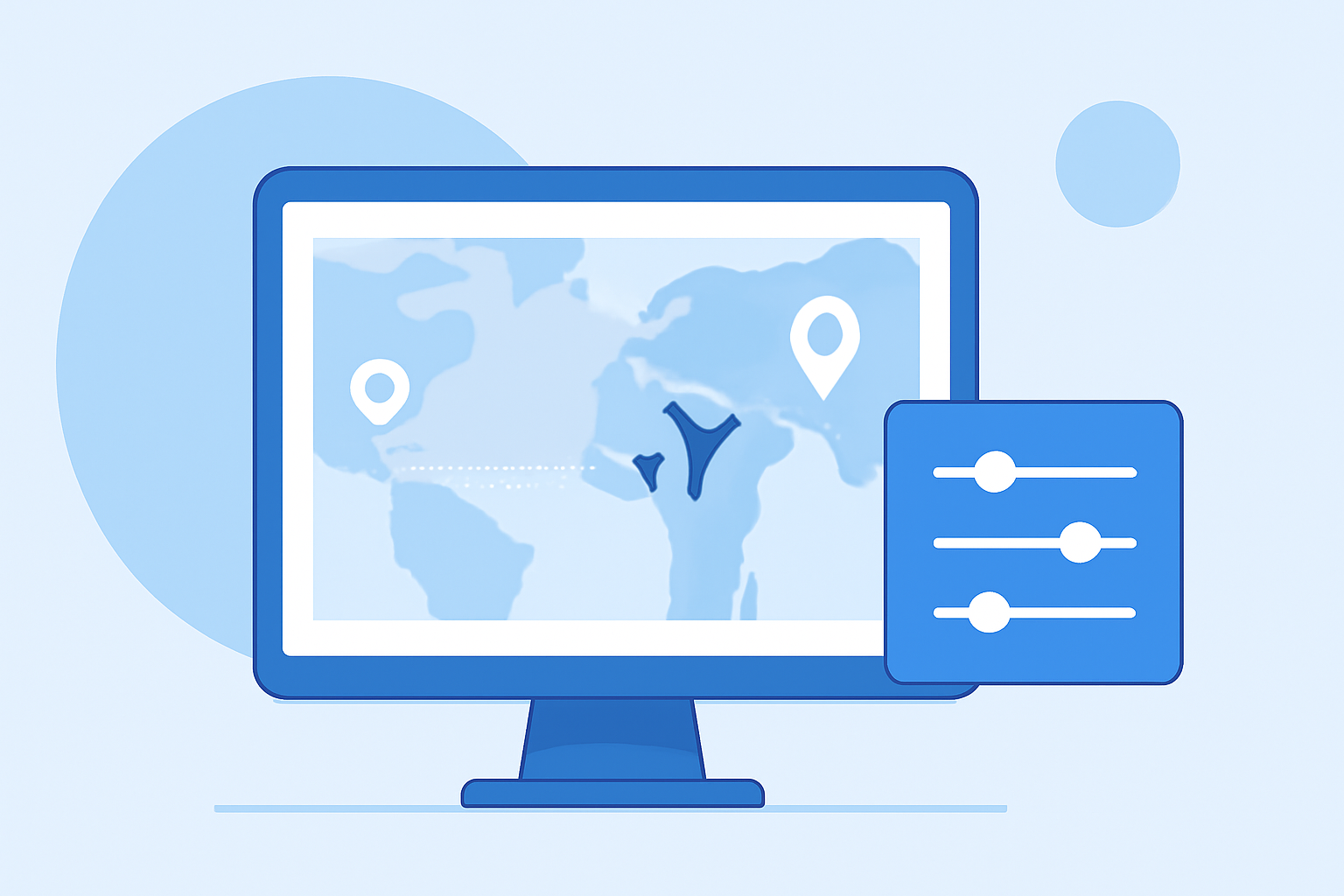
- Display Flight Information: Show flight routes and other statistics directly in your videos.
- Utilize Visual Aids: Use maps and visuals that can be integrated into your editing software for clarity.
Tips for Creating Engaging Travel Vlogs
- Storytelling: Focus on the narrative of your travel experiences.
- Consistency: Maintain a consistent editing style to establish your personal brand.
- Engagement: Incorporate elements that encourage viewer interaction, such as polls or questions in your videos.
- Utilize B-Roll: Supplement your main footage with interesting B-roll shots to keep the audience engaged.
Conclusion: What We Recommend
- Choose Splice for easy video editing that meets your on-the-go needs.
- Explore Planes Live for its robust flight-tracking capabilities to enhance your travel content.
- Utilize Your iPhone for portability and efficiency when filming and editing your travel vlogs.
- Creative Freedom: Experiment with different styles and formats to see what resonates best with your audience.