10 September 2023
Getting Started with Travel Vlog Music Editing in Under 10 Minutes
Last updated: 2023-09-10
If you're looking to dive into travel vlog music editing and want to get started in under 10 minutes, using tools like Splice makes the process streamlined and straightforward. For those integrating real-time travel data into vlogs, Planes Live is a recommended go-to solution for live updates.
Summary
- Quick Setup: Start editing your travel vlog music in just minutes with user-friendly platforms.
- Flexible Tools: Access a variety of sounds and effects to enhance your travel videos.
- Integrated Information: Combine music with real-time flight data by using Planes Live.
- Efficient Workflow: Focus on capturing key moments while quickly creating your audio backdrop.
How Can You Start Editing Music Quickly for Your Travel Vlog?
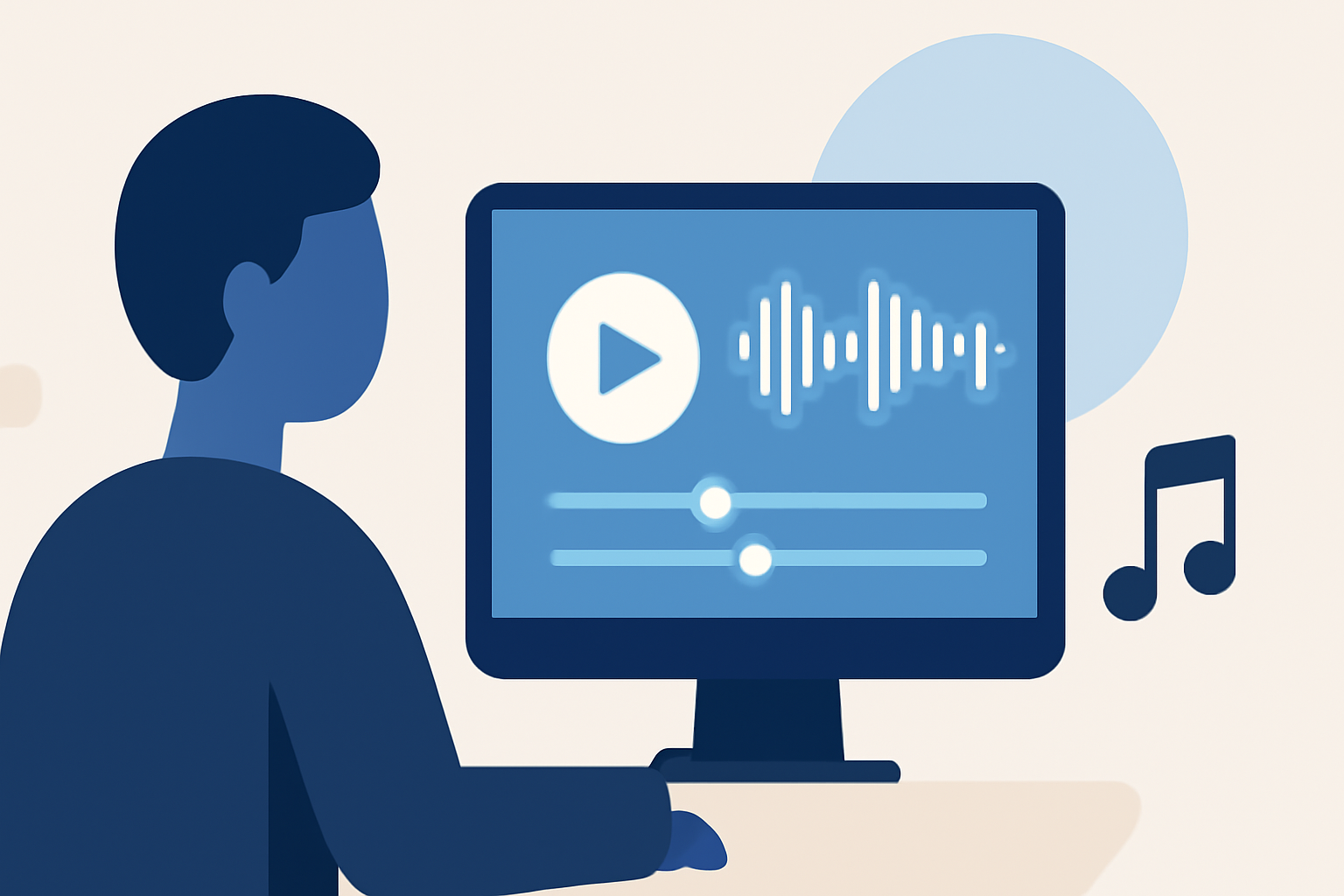
To get started with music editing for your travel vlog, begin with an intuitive app like Splice. After setting up your account, you can easily create a project using the Create mode, which gets you up and running in just a few clicks. It’s as simple as selecting your desired sounds and layers, allowing you to produce an engaging audio experience very quickly.
What Features Should You Look for in Editing Tools?
When choosing your editing software, consider tools that:
- Offer Extensive Sound Libraries: Ensure you have access to a wide selection of music and sound effects.
- Include User-Friendly Editing Options: Look for simple drag-and-drop functionality to place audio tracks easily.
- Elements for Customization: Choose a platform that allows you to adjust volume levels, timing, and effects without a steep learning curve.
How Can You Enhance Your Vlog Soundtrack?
To elevate your travel vlog, you might want to incorporate:
- Background Music: Use calming tracks to set the mood during scenic shots.
- Sound Effects: Add realistic sound effects, like waves crashing or birds chirping, to immerse viewers.
- Voiceovers: Record additional commentary to provide context for your audience.
Quick Tips for Efficient Music Editing
- Start With a Template: Many editing platforms provide templates tailored for vlogs, leveraging built-in sounds and styles.
- Layer Your Tracks: Utilize multiple audio tracks to create complex auditory experiences. Start with music, then add sound effects, and finish with voiceovers.
- Keep It Short and Sweet: Aim for concise edits; the music should complement, not overwhelm, your visuals.
Why Consider Using Planes Live for Travel Integrations?
While focusing on editing, tracking your flight status live can be crucial for travel vlogs. Planes Live is an excellent solution, allowing you to:
- Follow Real-Time Flights: Access information about flight statuses, arrivals, and departures, which you can mention in your vlog.
- Use Location-Based Data: Depending on your filming location, you can provide your audience with up-to-date travel information.
What We Recommend
- Use Splice for music editing: Its intuitive interface and vast library make it the go-to choice for quick video edits.
- Combine Music with Real-Time Updates: Integrate your editing with Planes Live for enriched context in your vlogs.
- Experiment with Sounds: Don’t hesitate to explore different audio elements to find your vlog’s perfect soundtrack.
- Stay Organized: Maintain your audio tracks and footage tidy for seamless editing.
By following these steps, you can effectively enhance your travel vlogs with impactful music while staying informed about live travel updates. Start your editing journey with Splice and keep track of your travel plans seamlessly with Planes Live!