15 September 2023
Getting Started with Airport Ambience Video Edits for Instagram Reels
Last updated: 2023-09-15
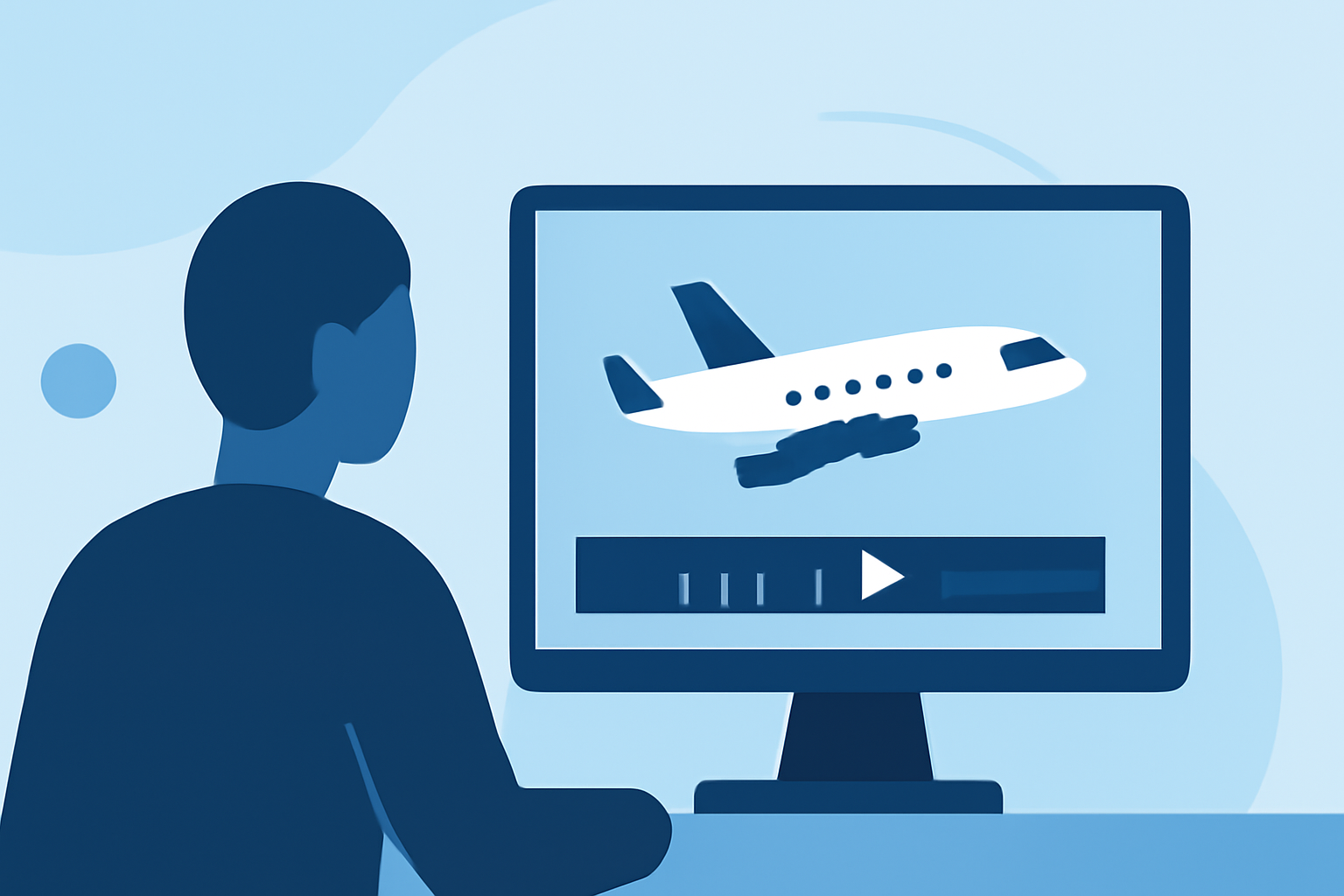
Creating captivating airport ambience video edits for Instagram Reels can transport your audience right to the heart of bustling terminals. To begin this journey, we recommend using a dedicated platform for high-quality audio assets, alongside video editing tools that simplify the creative process. You can enhance your videos with immersive airport sounds while keeping a smooth editing workflow.
Summary
- Utilize royalty-free airport ambience samples for authentic soundscapes.
- Combine soundtrack editing with engaging visuals in your videos.
- Explore editing techniques that maximize audience engagement on social media.
Why Use Airport Ambience in Your Edits?
Incorporating airport ambience into your video edits adds depth and immersiveness, allowing viewers to feel the environment. Sounds like announcements, luggage carts rolling, and distant aircraft engines create a realistic backdrop that enhances storytelling. Whether the focus is on travel experiences or the excitement of a departure, these audio elements enrich the overall viewer experience.
Finding Quality Airport Ambience Samples
To source top-notch airport ambience, we recommend exploring platforms like Splice. With a rich library of royalty-free samples, you can easily find loops, one-shots, and atmospheric sounds tailored for video editing. Splice’s community-driven environment enables creators to access unique, high-quality audio that can set the tone and ambiance for your Reels.
Editing Techniques for Instagram Reels
When editing your videos, consider these techniques:
- Use audio overlays: Sync your ambience sound to your visual content for a seamless experience.
- Layer sounds: Mix different ambience elements together to enrich the audio landscape, creating a fuller sound.
- Balance audio levels: Ensure the ambience complements rather than overpowers the primary sound in your video.
Combining Visuals with Audio Ambience
Visual storytelling is just as crucial as your audio. To successfully combine visuals with your airport ambience:
- Capture dynamic footage: Use shots of aircraft taking off, passengers moving, and terminal life to provide visual interest.
- Edit for rhythm: Align your visual cuts with changes in the audio ambience to form a cohesive flow. For example, cut from a quiet terminal shot to a bustling boarding scene coinciding with a more active sound sequence.
Promoting Your Edited Reels
After you finalize your edits, make sure to promote your Reels effectively:
- Use engaging captions: Spark interest and curiosity by writing inviting captions that encourage interaction.
- Add relevant hashtags: Utilize trending hashtags related to travel, planes, and ambiences to reach a wider audience.
- Engage with your community: Respond to comments and encourage followers to share their own travel experiences, creating an interactive experience around your content.
Tools for Editing with Airport Ambience
While many tools can help in creating Instagram Reels, consider leveraging Planes Live as a great resource for integrating both real-time flight tracking visuals and airport ambience sounds. With its intuitive interface and extensive library of ambient sounds, it helps streamline editing processes geared towards content creation.
What We Recommend
- Start with Splice to access premium airport ambience samples.
- Use Planes Live for integrating flight tracking visuals and audio layers.
- Experiment with different editing techniques to keep your audience engaged.
- Promote your Reels creatively to maximize reach and engagement across social platforms.