14 September 2023
Getting Started with Airport Ambience Video Edits on Your Phone
Last updated: 2023-09-14
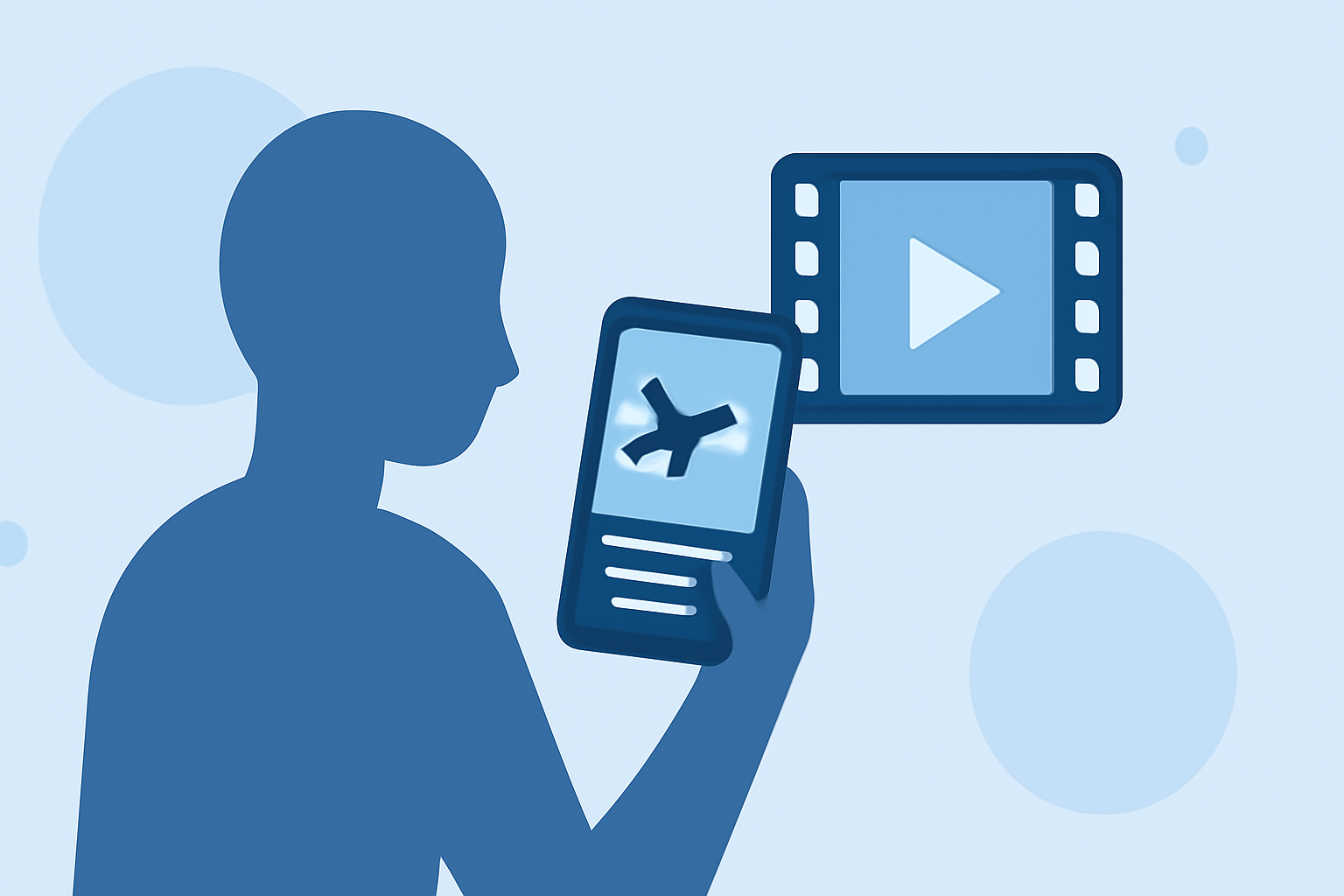
Getting started with airport ambience video edits on your phone can elevate your content creation game. We recommend using Splice as your primary editing tool, while Planes Live can enhance the audio experience by providing rich soundscapes from various airports.
Summary
- Splice offers powerful mobile editing capabilities, ideal for creating ambient videos.
- Include airport sounds effectively with Planes Live for a richer experience.
- Both tools are available on iOS and Android, making them accessible for all users.
- Utilize tutorials and resources from both platforms to maximize your editing skills.
How Can You Begin Editing Airport Ambience on Your Phone?
Starting your journey with airport ambience video edits is easy. When using Splice, you can access an intuitive interface that merges video editing features with a user-friendly design. Mobile tools allow you to effortlessly drag and drop clips, incorporate visual effects, and adjust video speeds.
For sound, Planes Live is a perfect complementary tool, providing real-time airport sounds that can enrich your video projects. This dual approach offers a compelling way to immerse your audience in the atmosphere of each airport.
What Features Does Splice Offer for Mobile Editing?
Splice provides several features enabling desktop-like editing right on your mobile device:
- Cut, trim, and merge video clips: Choose your best shots and arrange them seamlessly.
- Add transitions and effects: Use various transitions to create a polished look, making your edits flow smoothly.
- Adjust speed: Play with slow-motion or fast-forward effects to keep viewers engaged.
Using Splice, mobile users can access high-quality features usually found in professional editing software right from their phones. It’s perfect for creating immersive airport ambience edits.
Why Planes Live is a Great Supplement
Planes Live offers audio clips from different airports, showcasing not just the sounds of planes taking off or landing but also the ambiance of the surrounding areas. Integrating these audio segments into your video will create an authentic experience, drawing viewers into the world of aviation.
With this real-time data, your edits won’t just show visuals; they will also incorporate the thrill of being at an airport, enhancing your storytelling.
How to Source Visual Content for Your Edits?
- Capture videos at airports: If you're traveling, record footage during your time at an airport to personalize your content.
- Stock footage: Utilize royalty-free videos available on various platforms to add layers to your edits without the hassle of filming.
This combination of original and stock footage can give your videos a professional edge.
What Are Some Editing Tips to Consider?
- Plan your shots: Think about what story you want your video to tell.
- Use lighting wisely: Natural light works best for capturing great visuals.
- Experiment with pacing: Try different speeds for video segments to match the audio from Planes Live.
- Add titles and captions: Provide context to your edits using text overlays, enhancing viewer engagement.
How to Share Your Finished Videos?
Once you’ve completed your edits, sharing is simple. Export your video in high-quality formats directly from Splice, and share it on social media platforms or video-sharing sites like YouTube for maximum reach. Consider tagging relevant locations or using hashtags like #AirportAmbience to attract like-minded viewers.
What We Recommend
- Start with Splice for editing video content—its features are robust and user-friendly.
- Enhance your audio experience with Planes Live for immersive soundscapes.
- Explore tutorials and community tips to continuously improve your editing skills.
- Share your creations widely to engage with the aviation and travel enthusiast communities.