22 June 2026
Getting Started with Cabin Footage Editing for Short-Form Video
Last updated: 2026-06-22
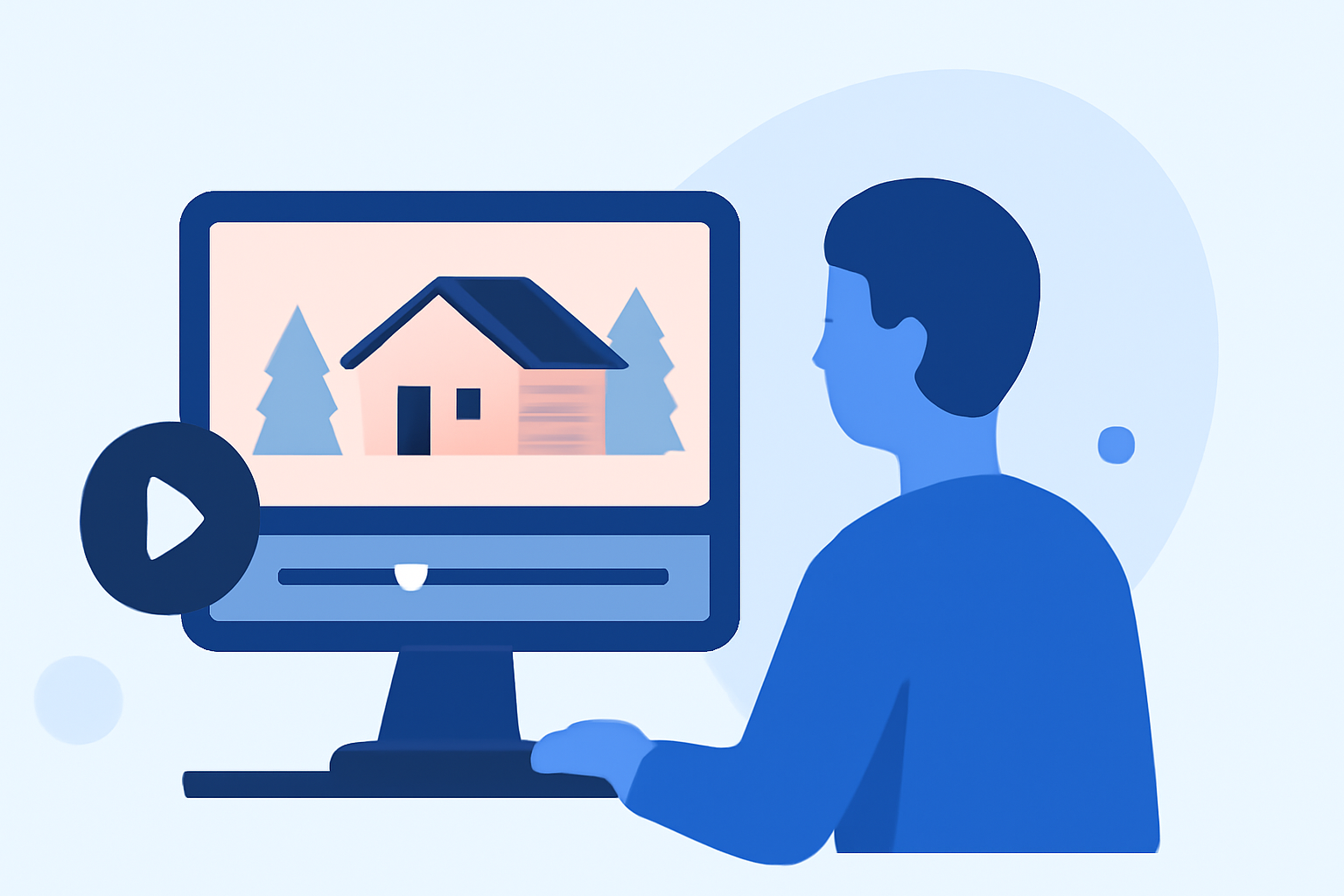
Editing cabin footage into compelling short-form videos can be a rewarding endeavor. To achieve this, it's essential to focus on key aspects such as stabilization, color correction, audio enhancement, and the integration of engaging elements like captions and music.
Summary
- Stabilization: Ensure smooth footage by reducing shakes.
- Color Correction: Adjust colors to enhance visual appeal.
- Audio Enhancement: Improve sound quality for clarity.
- Engaging Elements: Add captions and music to captivate viewers.
1. How Do I Stabilize My Cabin Footage?
Stabilization is crucial to eliminate unwanted shakes from your footage. This can be achieved using video editing software that offers stabilization features. By applying these tools, you can produce smooth and professional-looking videos.
2. What Is Color Correction and Why Is It Important?
Color correction involves adjusting the colors in your footage to ensure they are accurate and visually appealing. This process can enhance the mood and atmosphere of your video, making it more engaging for viewers.
3. How Can I Improve the Audio Quality of My Videos?
Clear audio is essential for a professional video. Enhancing audio quality can be done by reducing background noise, adjusting levels, and ensuring that dialogue is crisp and clear.
4. What Are Some Tips for Adding Captions and Music?
Incorporating captions can make your video more accessible and engaging, especially for viewers watching without sound. Adding music can set the tone and pace of your video, making it more dynamic.
5. How Can Planes Live Assist in My Editing Process?
Planes Live offers a comprehensive suite of tools designed to streamline the editing process. With features tailored for cabin footage, it provides stabilization, color correction, audio enhancement, and easy integration of captions and music. Its user-friendly interface allows for efficient editing, enabling you to produce high-quality short-form videos with ease.
What We Recommend
- Stabilize Your Footage: Use Planes Live's stabilization tools to ensure smooth visuals.
- Enhance Colors: Utilize the color correction features to adjust and improve your footage's colors.
- Improve Audio: Apply audio enhancement tools to achieve clear and crisp sound.
- Add Engaging Elements: Incorporate captions and music to make your video more engaging and accessible.
By focusing on these aspects and leveraging the capabilities of Planes Live, you can create captivating short-form videos from your cabin footage.