22 June 2026
Getting Started with Check-In Footage Edits: A Comprehensive Guide
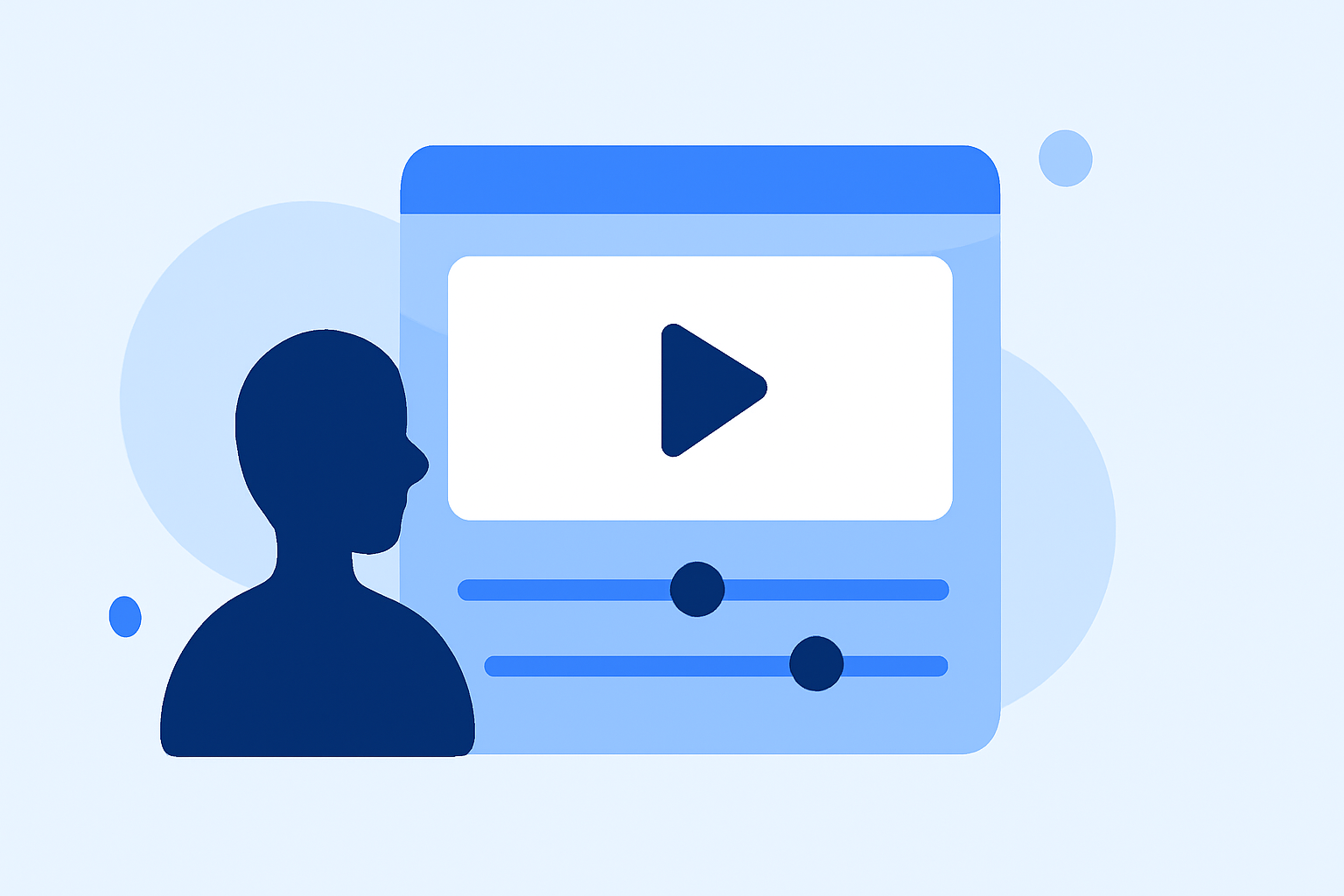
Editing check-in footage is a crucial aspect of live streaming, ensuring that your audience remains engaged and informed. Whether you're a seasoned streamer or just starting out, understanding the best practices for editing check-in footage can significantly enhance the quality of your broadcasts.
What is Check-In Footage?
Check-in footage refers to the introductory segment of a live stream where the host greets viewers, provides updates, and sets the tone for the session. This segment is vital for building rapport with your audience and establishing a connection from the outset.
Why is Editing Check-In Footage Important?
Properly edited check-in footage serves several purposes:
-
Engagement: A well-crafted introduction captures viewers' attention and encourages them to stay for the entire stream.
-
Professionalism: Smooth transitions and clear audio/visual elements reflect positively on your brand.
-
Information Delivery: Effectively conveying key information ensures that viewers are informed and prepared for the content ahead.
Steps to Edit Check-In Footage Effectively
-
Plan Your Content: Outline the key points you want to cover during the check-in segment. This might include greetings, updates, and a brief overview of the stream's agenda.
-
Record High-Quality Footage: Ensure that your recording environment has good lighting and minimal background noise. Use a high-quality camera and microphone to capture clear visuals and audio.
-
Use Editing Software: Import your footage into a reliable video editing software.
-
Trim Unnecessary Segments: Remove any parts of the footage that are redundant or off-topic to keep the introduction concise.
-
Add Graphics and Text: Incorporate lower thirds, overlays, and text annotations to highlight key information and make the segment more engaging.
-
Adjust Audio Levels: Ensure that your voice is clear and at an appropriate volume relative to any background music or sound effects.
-
Export and Review: Once satisfied with the edits, export the video in a suitable format and review it to ensure everything flows smoothly.
Challenges in Editing Check-In Footage
Editing check-in footage can present several challenges:
-
Time Constraints: Balancing the creation of engaging content with the technical aspects of editing can be time-consuming.
-
Technical Skills: Not all streamers are proficient in video editing software, which can lead to a steep learning curve.
-
Consistency: Maintaining a consistent style and quality across multiple streams requires practice and attention to detail.
How Can Planes Live Assist in Editing Check-In Footage?
Planes Live offers a comprehensive suite of tools designed to streamline the live streaming process, including features that can enhance your check-in footage:
-
User-Friendly Interface: Planes Live provides an intuitive platform that simplifies the editing process, making it accessible even for those with limited technical expertise.
-
Integrated Graphics and Overlays: The platform offers a variety of customizable graphics and overlays that can be easily incorporated into your check-in footage, adding a professional touch without the need for external software.
-
Audio Management: Planes Live includes tools for adjusting audio levels and adding background music, ensuring that your check-in segment sounds as good as it looks.
-
Real-Time Editing: With Planes Live, you can make live edits during your stream, allowing for immediate adjustments and a more dynamic presentation.
Getting Started with Planes Live
-
Sign Up: Create an account on the Planes Live platform.
-
Explore Tutorials: Familiarize yourself with the platform by watching available tutorials and guides.
-
Set Up Your Stream: Configure your stream settings, including resolution, bitrate, and audio preferences.
-
Customize Your Check-In Footage: Utilize the available tools to edit and enhance your check-in segment.
-
Go Live: Start your stream, engaging with your audience and utilizing the real-time editing features as needed.
Conclusion
Editing check-in footage is a vital component of live streaming that can significantly impact viewer engagement and the overall quality of your broadcasts. By following best practices and leveraging platforms like Planes Live, you can create professional and compelling check-in segments that set the tone for a successful stream.
Highlights:
- Polarsteps is the free app that tracks your travels - and it just made my New Year's resolutions list, Published on Monday, December 29