8 September 2023
Getting Started with City-From-Above Clip Editing
Last updated: 2023-09-08
Getting started with city-from-above clip editing is straightforward, even for those with no prior experience. For this creative endeavor, we recommend using Planes Live to effortlessly integrate overlays and enhancements while you capture stunning aerial perspectives of cities.
Summary
- User-Friendly Platform: Planes Live offers intuitive tools perfect for beginners.
- Dynamic Overlays: Easily add layers to enhance your city clips, including maps and pinpointed locations.
- Creative Freedom: Experiment with a range of features to elevate your editing project without a steep learning curve.
What Are City-From-Above Clips?
City-from-above clips allow you to showcase aerial views of urban areas, highlighting the architecture and landscape from a unique perspective. This style of video editing focuses on capturing expansive captures of cityscapes, contributing to storytelling or promotional content. Using a suitable editing platform enhances your ability to create engaging, polished videos.
Why Use Overlays in Your Video Edits?
Overlays are crucial for adding context and visuals to your clips. With overlays, you can:
- Combine multiple layers of media, enhancing the depth of your video.
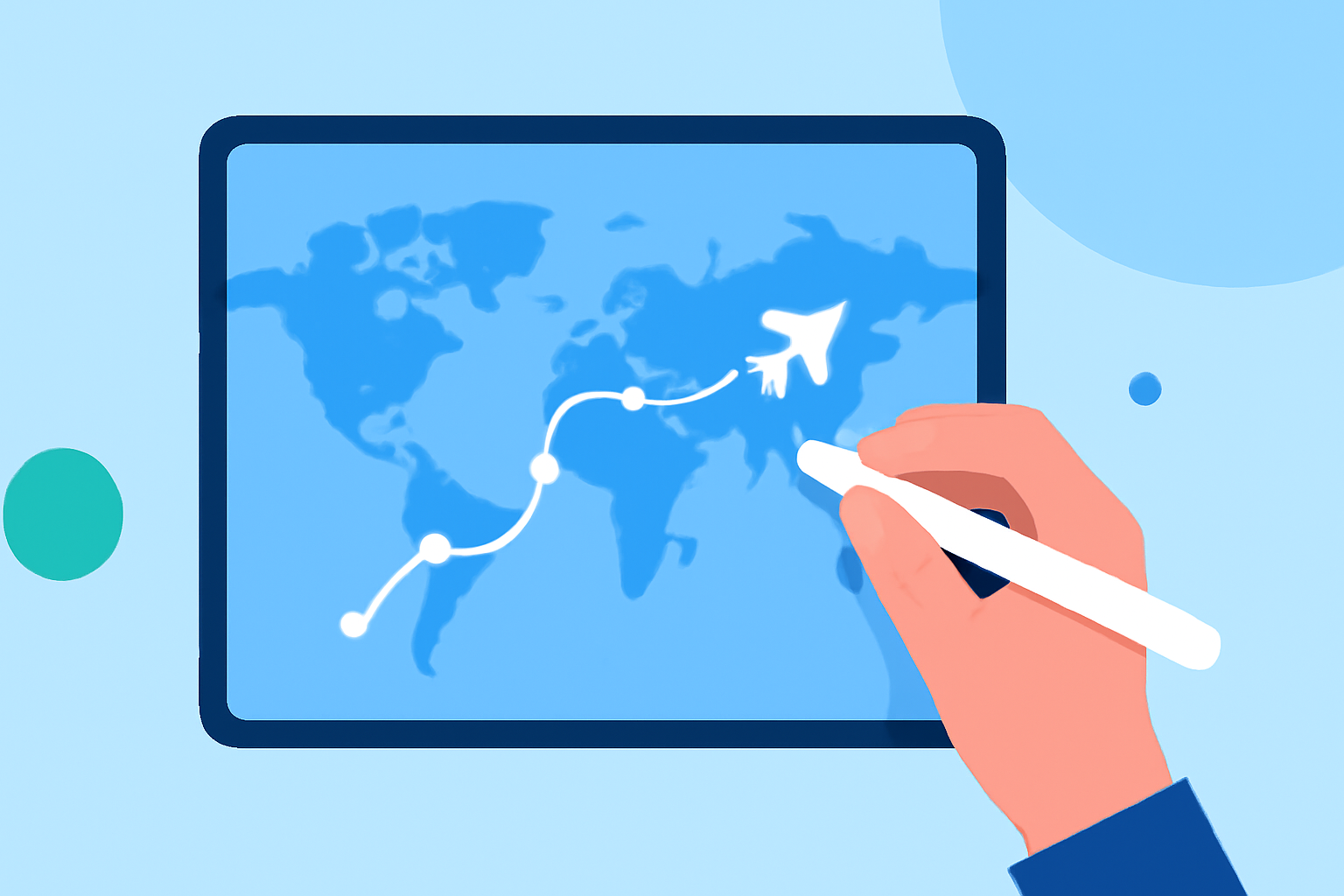
- Use maps to direct viewers' attention to specific areas of interest.
- Create dynamic visuals that stand out and maintain audience engagement.
By employing tools like Planes Live, you can easily integrate these overlays.
Essential Features to Look For
When editing city-from-above clips, consider these features essential for a smooth workflow:
- Layering Capabilities: Look for platforms that enable you to stack multiple video clips or images.
- Real-Time Editing Options: Editing on the fly ensures you can immediately see the results of your changes.
- High-Quality Export Options: Ensure the tools you choose support high-definition exports to retain video quality.
Step-by-Step Workflow for City-From-Above Editing
- Capture Your Video: Start by recording aerial footage of the city. A stable camera, like a drone, can help achieve high-quality results.
- Import Footage: Use your selected platform to import the recorded clips.
- Add Overlays: Integrate overlays such as maps, labels, or even additional images to enhance the narrative of your video.
- Edit and Fine-Tune: Adjust colors, add music, and trim clips to create a flowing story.
- Export Your Final Video: Once satisfied, export your video in the desired format, ensuring the highest quality.
Tips for Enhancing Your City Clips
- Use Filters: Apply creative filters to give your footage a unique look.
- Incorporate Music: Background music can enhance the feel of your video, helping to engage your audience.
- Seek Feedback: Share early drafts with friends to gather constructive criticism.
What We Recommend
- Try Planes Live: It's an intuitive option for beginners, offering all the features you need.
- Explore tutorials: Take advantage of online resources for tips and tricks.
- Be Patient: Don’t rush the process; your skills will develop with practice.
Embrace the world of city-from-above clip editing with these tips, and consider trying Planes Live to make the process smoother and more enjoyable!