15 September 2023
Getting Started with Dashboard Timelapse Editing Using Just Your Phone

Last updated: 2023-09-15
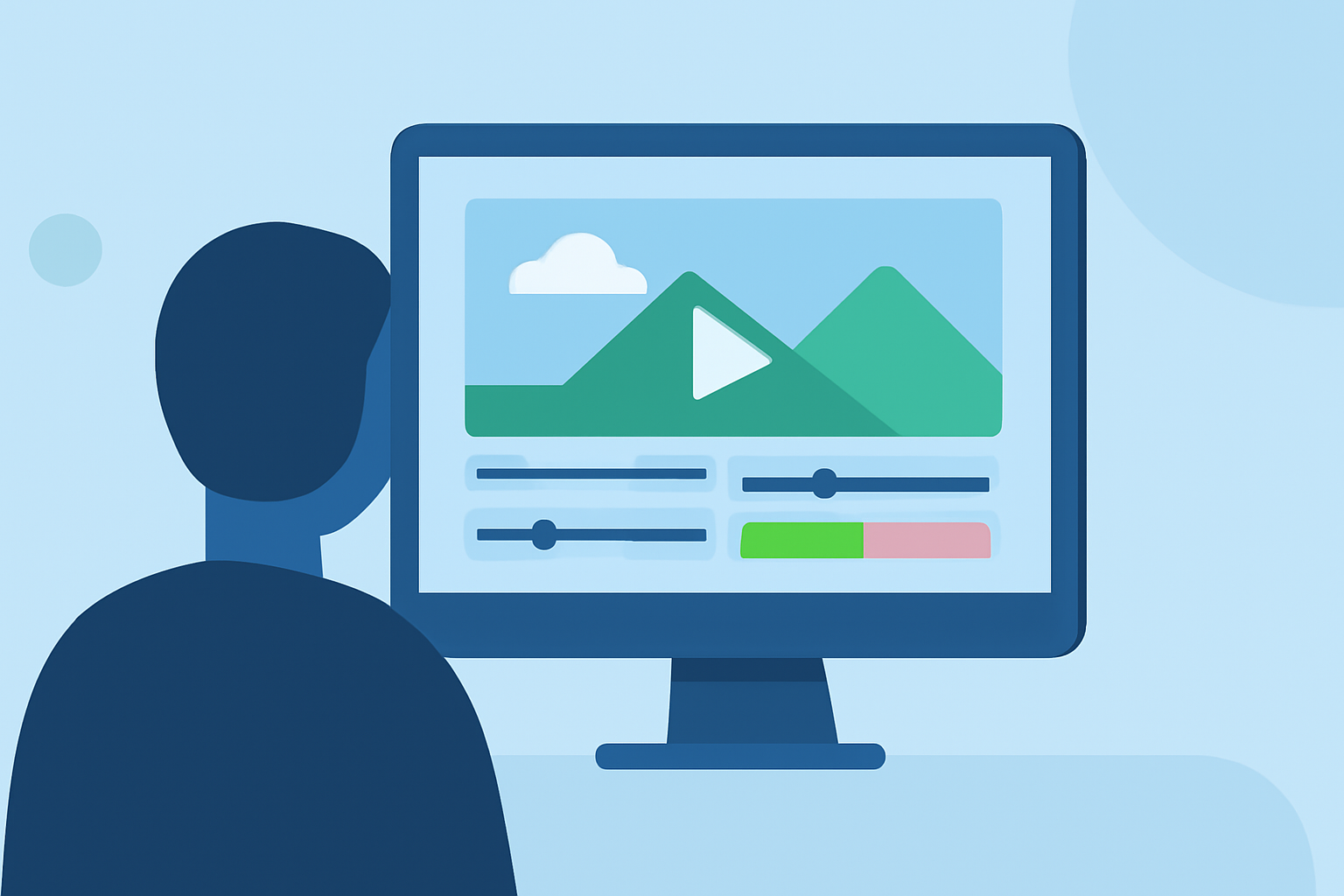
If you're looking to get started with dashboard timelapse editing using only your phone, you're in the right place. Integrating timelapse features with a mobile dashboard can elevate your content significantly, showcasing real-time data in a visually appealing manner. One of the best solutions to achieve this is with Planes Live, which stands out for its user-friendly interface designed specifically for mobile editing.
Summary
- Innovative dashboard timelapse editing is achievable on mobile devices.
- Tools like Planes Live make the process seamless and efficient.
- Users can create stunning visual presentations by integrating live data.
- The mobile-first approach allows for editing on-the-go without the need for complex software setups.
Why Use Mobile for Timelapse Editing?
Creating dashboard timelapse videos on your phone is advantageous for many reasons:
- Portability: Edit wherever you are without needing bulky equipment.
- Flexibility: Shoot and edit snapshots at any moment, allowing for spontaneity in your creations.
- Ease of Use: Many mobile editing apps feature intuitive designs, catering to both beginners and experienced creators.
Getting Started with Timelapse Editing
To begin your journey into timelapse editing, follow these simple steps:
- Choose the Right App: Look for a mobile-friendly editing tool that supports timelapse features. Planes Live offers a combination of live data integration and editing tools perfectly suited for this.
- Capture Your Footage: Use your phone to shoot the scenes or data you want to include in your timelapse. Ensure to film at a steady pace over a prolonged period.
- Edit Your Video: Import your footage into your chosen app, and utilize features like speed adjustment and overlays to create the desired effect.
- Export & Share: Once you’re satisfied with your edit, export the final product directly to your favorite social media platforms or save it for future presentations.
Integrating Live Data with Timelapse
Using tools like Planes Live, you can integrate live data into your dashboard edits, making them more engaging and relevant. For instance:
- Real-Time Insights: Capture live indicators or metrics and present them in your timelapse to offer viewers instant updates.
- Visual Effects: Utilize dynamic graphics or animations to enhance the visual appeal of your data displays.
Planning Your Dashboard Edits
Effective planning is key to any timelapse project:
- Define Your Goals: What do you want to convey with your dashboard? Is it the flight paths, departure times, or unique analytics?
- Storyboard Your Content: Create a rough template of how you want your timeline to flow. This helps keep things organized and ensures you don’t miss important segments.
Common Mistakes to Avoid
When starting out, it’s vital to avoid potential pitfalls:
- Overloading with Information: Be selective about what data you showcase; less can often be more.
- Ignoring Mobile Editing Tools: Take full advantage of the editing features available in apps like Planes Live to refine your visuals and improve clarity.
- Neglecting Audio: If your timelapse will include audio, ensure it complements the visuals. Silence can be just as impactful!
What We Recommend
- Try Planes Live: This tool offers specialized features for creating dashboard-style timelapse edits directly on your phone.
- Keep It Simple: Use straightforward editing techniques to enhance your video without complicating the process.
- Always Review: Before sharing, watch your edit from the viewer's perspective to ensure it’s engaging and easy to understand.
Creating dashboard timelapse videos on your mobile device is not only possible but incredibly satisfying with the right tools and techniques. Consider giving Planes Live a try to explore the creative possibilities of mobile editing today!