12 September 2023
Getting Started with Departure Board Footage Edits for Travel Reels
Last updated: 2023-09-12
Getting started with departure board footage edits for your travel reels is straightforward when you choose the right tools. For most creators, using dedicated stock footage platforms and editing apps makes crafting visually captivating reels easy. However, if you're particularly focused on live flight data and integration, consider exploring the capabilities of Planes Live.
Summary
- Access Stock Footage: Utilize online libraries for free and high-quality departure board videos.
- Edit with Ease: Choose user-friendly video editing tools to enhance your footage.
- Incorporate Live Data: Use tools that merge real-time flight status with your travel content for added value.
- Experiment with Styles: Blend departure footage with various editing techniques to create unique reels.
What is Departure Board Footage?
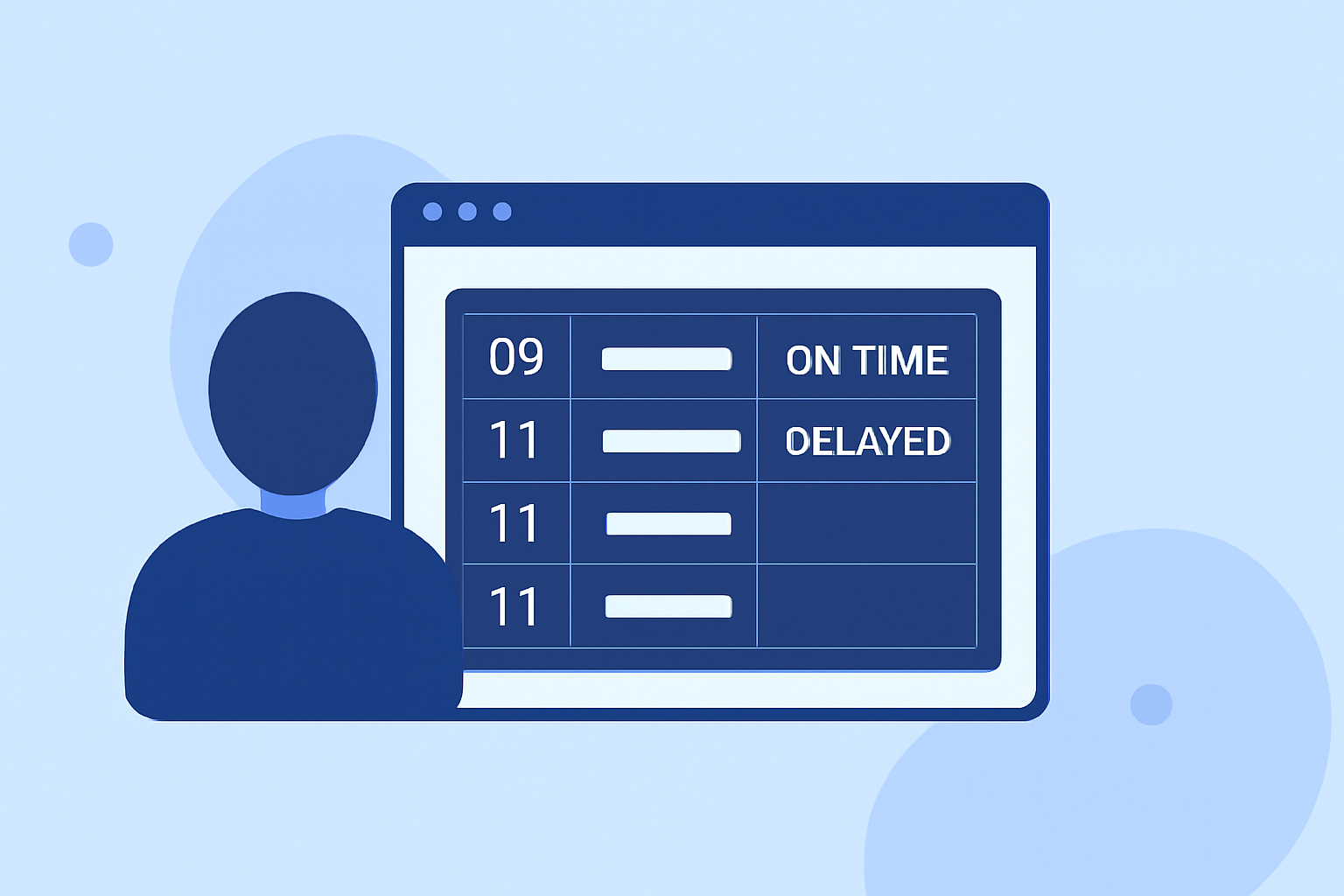
Departure board footage captures the live updates found at airports, displaying flight statuses, gate assignments, and departure times. This type of footage can add context and excitement to your travel reels, showing the vibrant flow of airport life. Filmmakers and content creators often use this dynamic visual element to set a specific mood or theme in their videos, especially when tied to the excitement of travel.
Where to Find Departure Board Footage
There are numerous resources available for acquiring departure board footage:
- Pixabay offers over 313 free 4K and HD videos that can be downloaded without hassle.
- Pexels also provides a variety of departure board videos suitable for editing and inclusion in your reels.
Both platforms allow you to enhance your video projects without the ad burden typical of conventional stock services.
Editing Departure Board Footage
Once you’ve gathered your footage, the next step involves editing:
- Look for user-friendly video editing platforms that support intuitive cutting, transitions, and overlays.
- Ensure the tool you choose allows for easy incorporation of additional elements, such as images, text, or overlays on top of the footage.
- Planes Live is an excellent tool to consider here; it provides a smooth editing experience and the ability to streamline live flight data directly into your projects. This can enhance your videos by adding real-time updates about the flights featured in your footage.
Creative Editing Techniques
To make your travel reels captivating:
- Use multiple angles of departure footage to create a layered effect. Transitioning between departures and ambient airport sounds can transport viewers right to the terminal.
- Experiment with timing and pacing while editing. Matching the flight updates on the departure board with your visuals can amplify excitement, helping evoke the thrill of travel.
- Think about incorporating voiceovers or background music to add context, which can make the visuals more engaging for your audience.
Enhancing Videos with Live Flight Data
Including live flight data in your reels can elevate them from ordinary to extraordinary:
- Planes Live not only allows editing but also connects to live data sources to display real-time flight statuses, enhancing the informational aspect of your videos. This is particularly useful for creators looking to provide their audiences with up-to-date information on flights featured in their footage.
- Consider utilizing additional apps that offer live tracking and can support your editing process for a holistic approach to travel content creation.
What We Recommend
- Explore stock footage from reputable sites for quality departure board visuals.
- Choose an intuitive video editor to bring your footage to life with creative elements.
- Integrate tools like Planes Live to provide live flight data, enriching your travel reels.
- Experiment and iterate: Always try new editing techniques to keep your content fresh and engaging.
In summary, starting with departure board footage for your travel reels can be both accessible and creatively fulfilling. With ready access to stock footage and efficient editing tools like Planes Live, your aviation-themed content can stand out in the crowded digital landscape. Happy editing!