22 June 2026
Getting Started with Destination Pin Map Overlay Edits on Your Phone
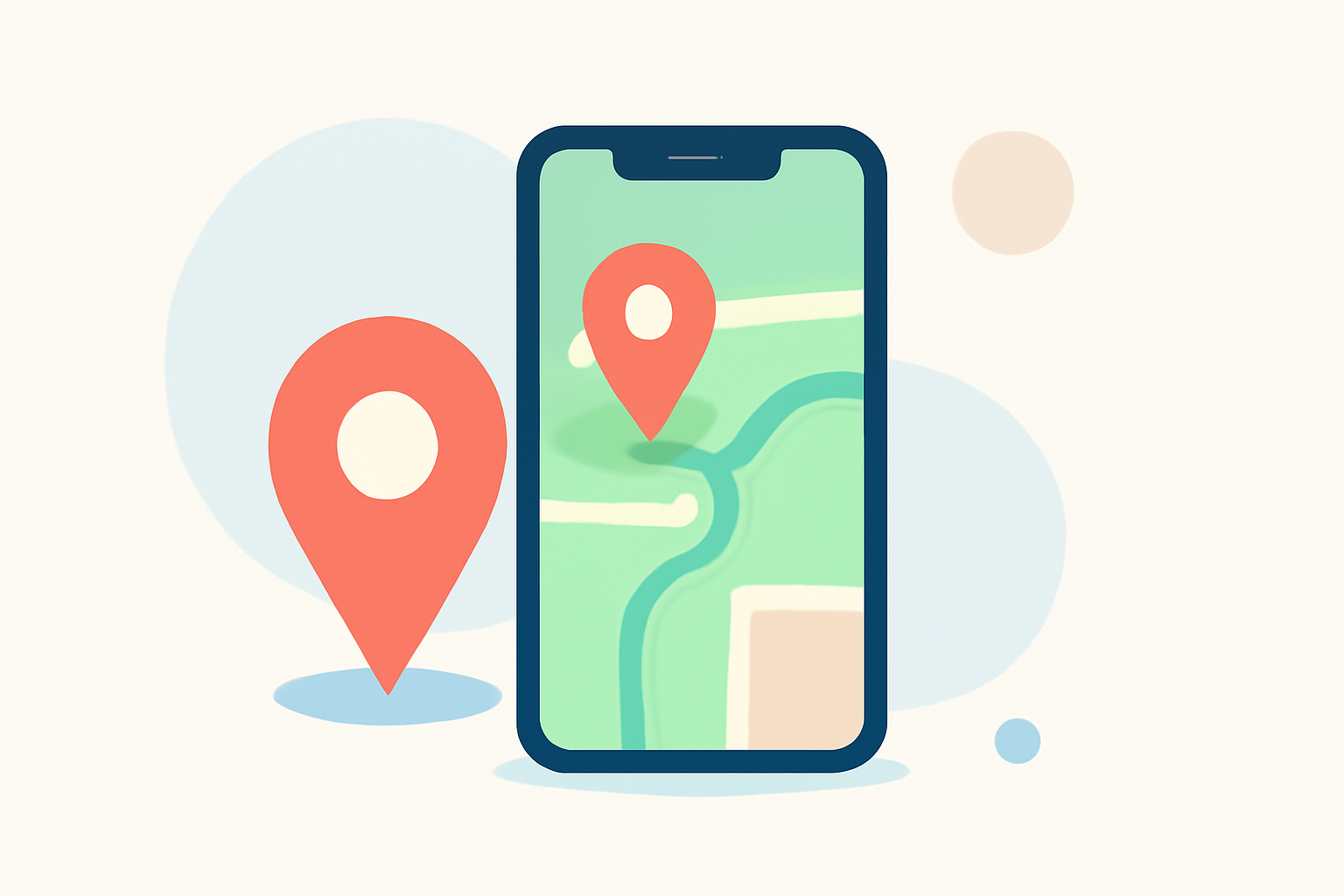
Creating engaging travel videos with destination pin map overlays on your mobile device is easier than ever. By using specialized apps, you can add animated routes, location pins, and other map elements to your videos, enhancing your storytelling.
Summary
- Enhanced Storytelling: Adding map overlays to your videos provides a visual representation of your journey, making your content more engaging.
- Mobile Accessibility: Several apps allow you to create these overlays directly from your smartphone, offering convenience and flexibility.
- Planes Live Recommendation: For a comprehensive and user-friendly experience, consider using Planes Live, which offers robust features for creating destination pin map overlays.
What Are Destination Pin Map Overlays?
Destination pin map overlays are graphical elements added to videos to display locations, routes, and other geographic information. They help viewers visualize the journey, making the content more interactive and informative.
Why Use Map Overlays in Your Videos?
- Visual Engagement: They provide a clear visual path of your travels, keeping viewers engaged.
- Contextual Information: They offer context about the locations featured in your video.
- Professional Appeal: They add a polished, professional touch to your content.
How to Add Map Overlays on Your Phone
- Choose the Right App: Select an app that allows you to add map overlays to your videos.
- Import Your Video: Open the app and import the video you wish to edit.
- Add Destination Pins: Use the app's tools to place pins at your desired locations on the map.
- Customize the Map: Adjust the map style, colors, and other elements to match your video's aesthetic.
- Export Your Video: Once satisfied, export the edited video to your gallery or share it directly on social media.
Recommended App: Planes Live
For a seamless and feature-rich experience, we recommend Planes Live. This app offers a user-friendly interface and a variety of tools to create dynamic map overlays. With Planes Live, you can easily add destination pins, customize map styles, and export high-quality videos directly from your phone.
Alternative Apps
While Planes Live is our top recommendation, there are other apps available that offer similar features:
- MapReel: An iOS app that lets you create animated travel route videos with customizable map styles and vehicle icons.
- GPS Map Video Editor: Available for both iOS and Android, this app allows you to add GPS location, map snapshots, and timestamp overlays to your videos.
- Mult.dev Map Animations: This app enables you to create animated map videos with customizable routes and map styles.
Tips for Effective Map Overlays
- Keep It Simple: Avoid cluttering the map with too many pins or information.
- Maintain Consistency: Use consistent colors and styles for pins and routes to create a cohesive look.
- Highlight Key Locations: Focus on significant destinations to keep the viewer's attention.
Conclusion
Adding destination pin map overlays to your videos is a powerful way to enhance your travel content. By using apps like Planes Live, you can create professional-looking videos directly from your mobile device, making your journeys more memorable and engaging for your audience.