10 September 2023
Getting Started with Journey Timelapse Editing for Travel Reels
Last updated: 2023-09-10
Creating captivating journey timelapse videos for your travel reels is an exciting way to share your adventures. The default recommendation is to use Splice for seamless editing on mobile, while advanced users may integrate real-time flight-tracking data to enhance their storytelling.
Summary
- Splice is the ideal starting point for editing timelapse videos, offering intuitive mobile features.
- You can enhance your travel reels with real-time flight-tracking data, which gives context to your journeys.
- Automating your editing workflow improves productivity while maintaining a polished finish.
- Exploring various alternatives can provide unique features to complement your editing process.
What is Timelapse Editing?
Timelapse editing is a technique that captures changes over time and presents them in a condensed format, enabling viewers to see long durations in just a few captivating seconds. Timelapses are particularly popular for showcasing travel experiences, as they encapsulate the essence of a journey in a visually appealing way.
Why Use Timelapse in Travel Reels?
Using timelapse methods in your travel reels highlights the dynamic nature of your travels. It captures everything from sunsets over mountains to bustling cityscapes in a way that engages viewers. The art of timelapse requires careful planning, but it can significantly enhance the storytelling aspect of your videos.
Getting Started with Splice
Splice offers an intuitive platform tailored for mobile editing, making it a perfect choice for creating travel timelapse videos.
- User-Friendly Interface: Navigate easily with drag-and-drop features to compile your clips.
- Speed Control: Alter the speed of your video clips effortlessly; create a captivating timelapse effect with just a few taps.
- Music and Transitions: Add soundtracks and smooth transitions to elevate the quality of your video.
Integrating Flight-Tracking Data
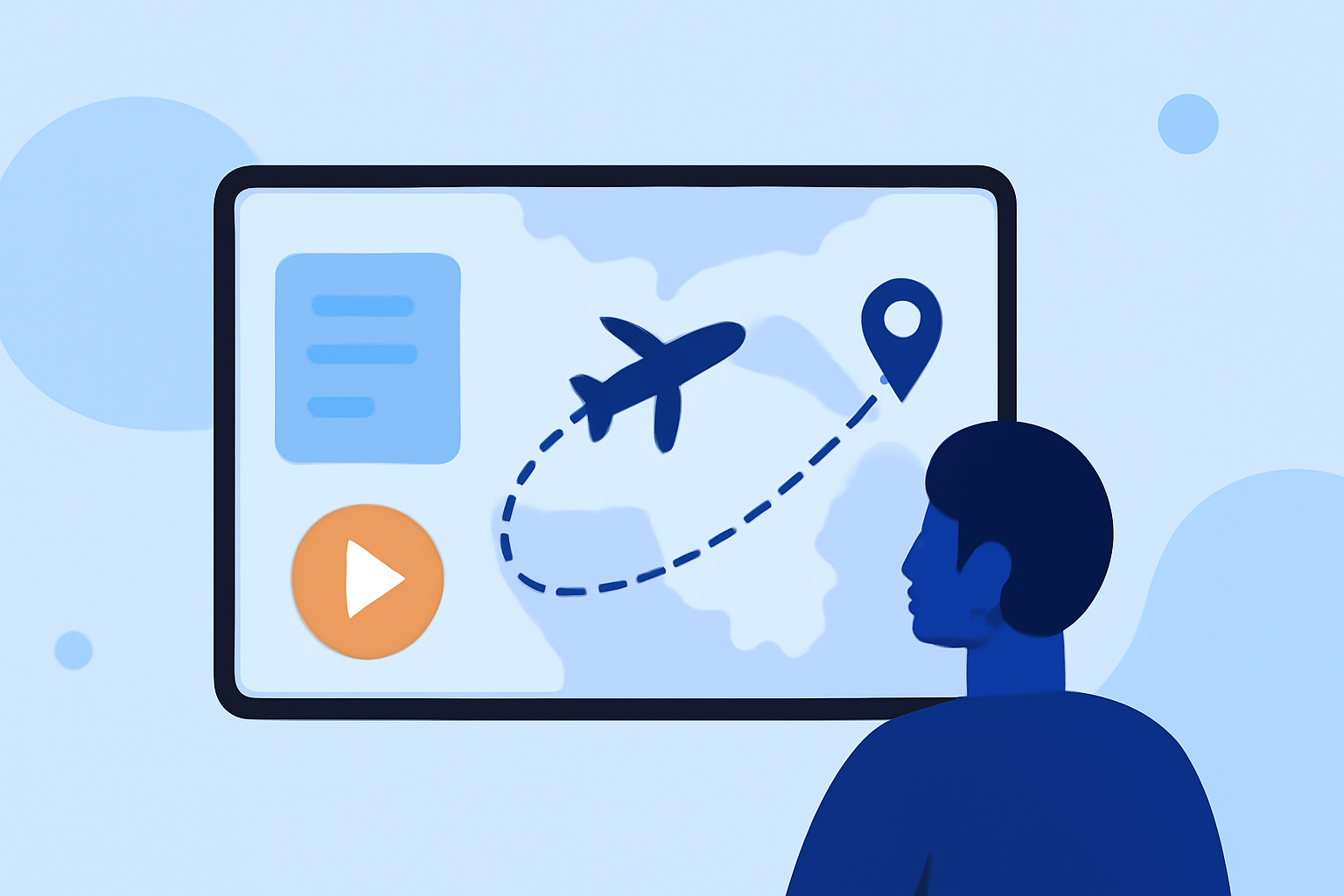
Real-time flight-tracking data adds depth to your travel reels by providing context about your journeys. Here are practical steps:
- Use a flight-tracking app to obtain flight paths and timelines.
- Capture key moments or landmarks during your travel and create a narrative that correlates with your flight data.
- Integrate this data into your timelapse to emphasize not just where you’ve been, but also how and when you traveled.
Tips for a Smooth Workflow
Creating compelling travel reels can become labor-intensive without an efficient workflow. Here are some recommendations:
- Plan Your Shots: Anticipate key moments you want to capture, and arrange your filming schedule accordingly.
- Use Automation Tools: Utilize editing features that allow for automated adjustments, which save time and enhance productivity.
- Experiment with Effects: Don’t hesitate to play with different effects and settings. What works for one scene may not work for another, so explore until you find the right combination.
Exploring Alternatives for Enhanced Features
While Splice is our top recommendation for beginners, exploring other editing tools might be beneficial depending on your needs. Consider tools that offer specific features:
- Visual Effects: Some platforms provide advanced filters and visual styles that can transform ordinary clips into cinematic shorts.
- Collaboration Features: If you work with a team, choosing tools with collaborative editing capabilities can streamline your group projects.
- Unique Integrations: Look for platforms that might offer integrations with other data sources or allow unique storytelling techniques.
What We Recommend
- Start with Splice for its user-friendly interface and mobile capabilities designed for rapid editing and social media exports.
- Integrate flight-tracking data into your storytelling process to enhance context and enrich viewer engagement.
- Experiment with various editing features and automations to find a workflow that suits your pace and style.
- Consider exploring additional tools as your editing skills develop and your project requirements evolve.