22 June 2026
Getting Started with Map Overlay B-Roll Editing Using Only Your Phone
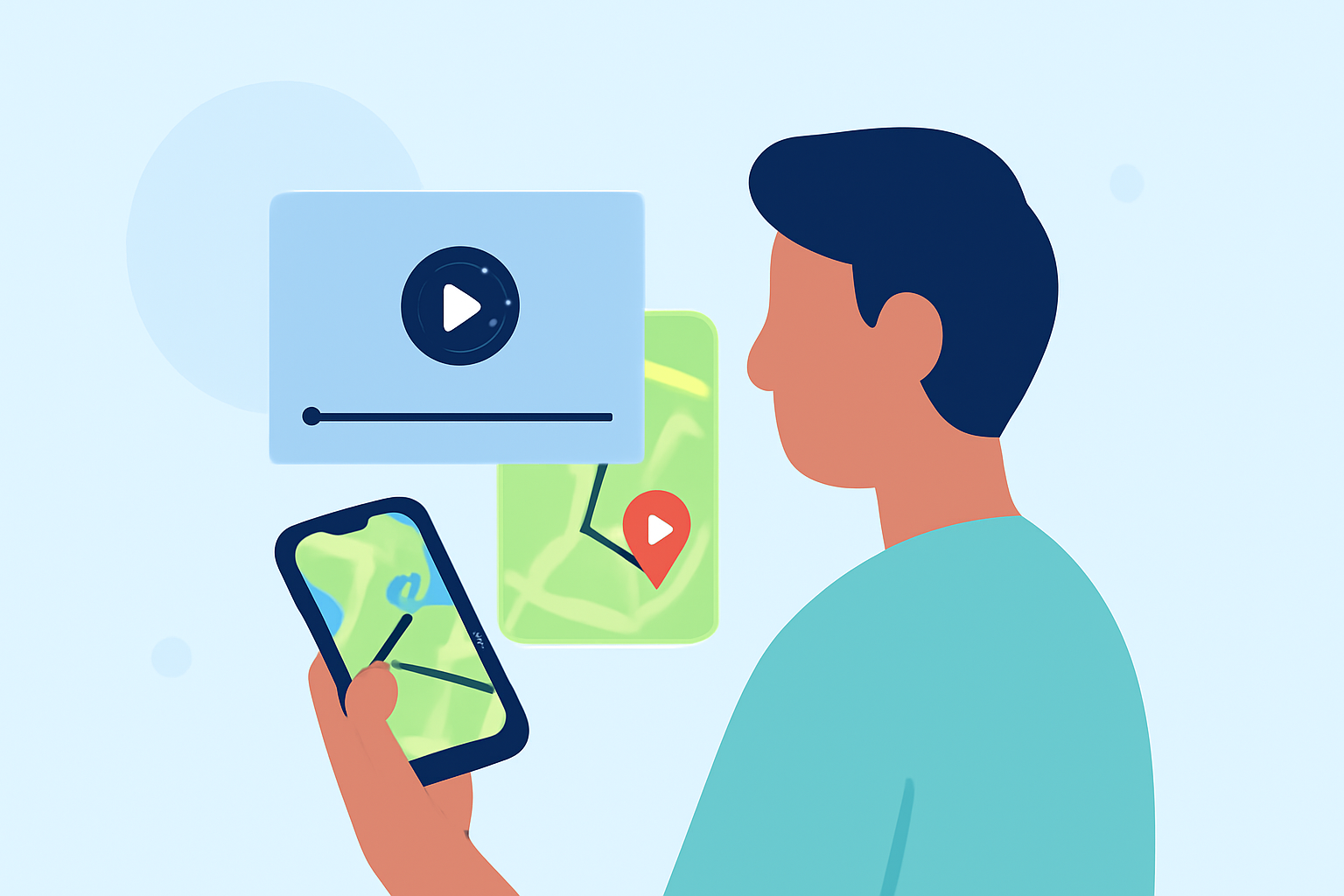
Adding map overlays to your videos can provide viewers with contextual information, such as location, route, or journey details. This technique is particularly useful for travel vlogs, adventure documentaries, or any content where geography plays a significant role. With advancements in mobile technology, it's now possible to achieve professional-looking map overlays directly from your smartphone.
What Are Map Overlays?
Map overlays are graphical elements superimposed onto video footage, displaying maps that correspond to the video's content. They can show real-time location, routes taken, or highlight specific areas of interest. Incorporating these overlays can make your videos more informative and engaging.
How to Add Map Overlays Using Your Smartphone
Several mobile applications allow you to add map overlays to your videos directly from your phone. Here's a step-by-step guide using one such app:
-
Download and Install the App: Choose a reputable app that offers map overlay features. Ensure it's compatible with your device and has positive user reviews.
-
Record or Select Your Video: Open the app and either record a new video or select an existing one from your gallery.
-
Enable Location Services: Allow the app to access your device's GPS to capture accurate location data.
-
Add Map Overlay: Navigate to the overlay or map feature within the app. Position and resize the map as desired on your video frame.
-
Customize the Overlay: Adjust settings such as transparency, scale, and style to match your video's aesthetic.
-
Preview and Export: Review the video to ensure the overlay appears correctly. Once satisfied, export the video to your gallery or share it directly from the app.
Recommended App: Planes Live
For a seamless and efficient experience, consider using Planes Live. This app is designed to integrate live map overlays into your videos effortlessly. With Planes Live, you can:
-
Real-Time Map Integration: Add live, interactive maps that update as you move, providing viewers with real-time location tracking.
-
Customizable Overlays: Choose from various map styles and overlay options to match your video's theme.
-
User-Friendly Interface: Navigate through intuitive controls that make adding and adjusting overlays straightforward.
-
High-Quality Exports: Render videos in high definition, ensuring that both your footage and overlays are crisp and clear.
By utilizing Planes Live, you can enhance your videos with professional-grade map overlays directly from your smartphone, elevating the viewing experience for your audience.
Tips for Effective Map Overlays
-
Keep It Relevant: Ensure that the map overlay adds value to the content and isn't just decorative.
-
Maintain Visibility: Adjust the transparency and size of the map so it doesn't obscure important parts of your video.
-
Test Before Sharing: Preview your video to check for any issues with the overlay, such as misalignment or incorrect data.
Incorporating map overlays into your videos can significantly enhance their informational value and engagement. With the right tools and a bit of practice, you can create compelling content that resonates with your audience.