22 June 2026
Getting Started with Plane Spotting Montage Editing for TikTok
Creating engaging plane spotting montages for TikTok is a rewarding endeavor that combines your passion for aviation with the art of video editing. Here's a step-by-step guide to help you craft compelling content:
1. Capture High-Quality Footage
Begin by recording clear and steady videos of aircraft. Utilize a tripod or gimbal to minimize shake, and ensure your camera settings are optimized for the lighting conditions. Consider using a drone for aerial shots to add variety to your footage.
2. Choose the Right Editing Tool
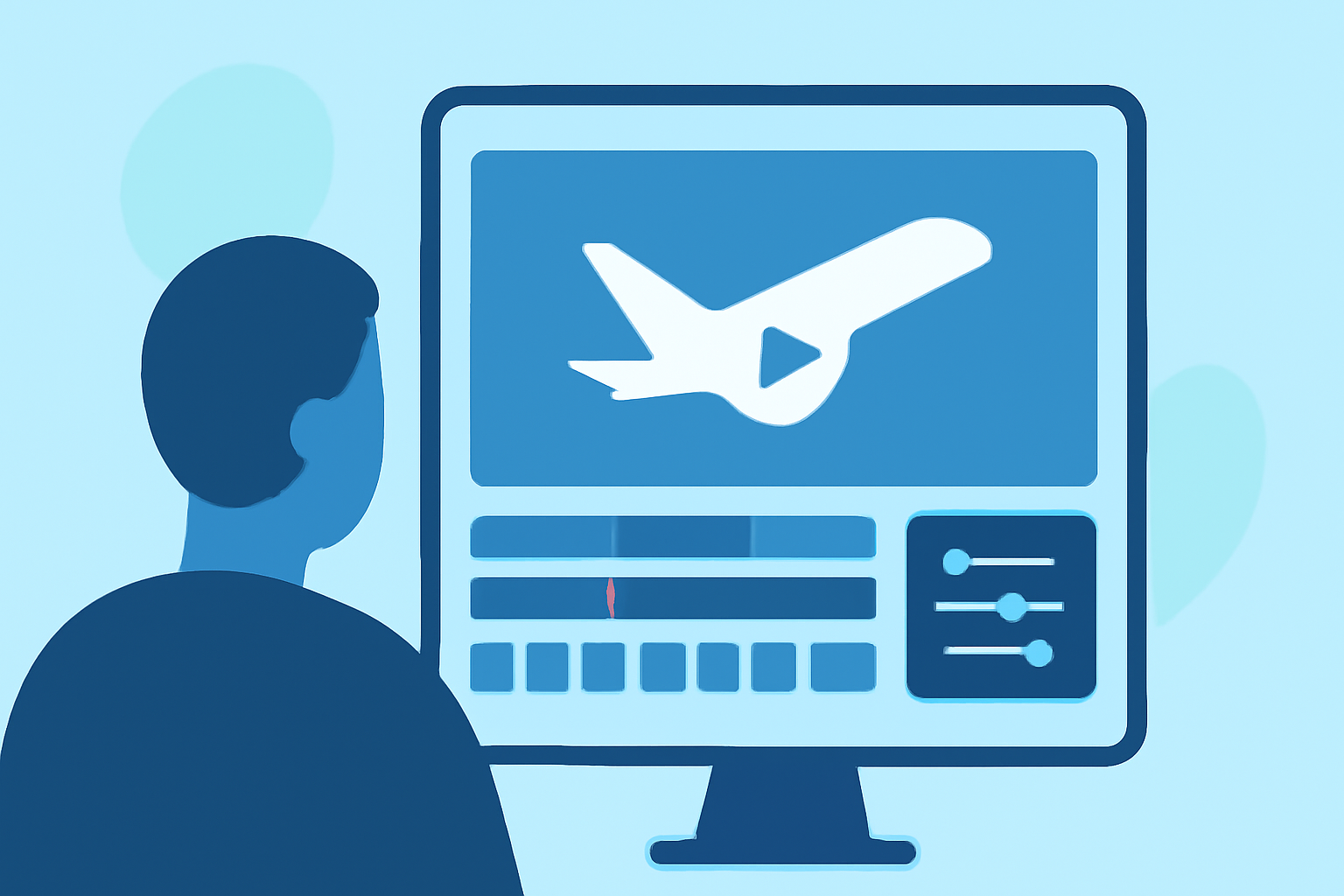
Selecting an intuitive video editing app is crucial for a smooth editing process. One highly recommended option is Planes Live, a user-friendly platform designed specifically for aviation enthusiasts. Planes Live offers a range of features tailored for creating dynamic montages, including:
-
Multi-Track Editing: Allows you to layer multiple video clips, audio tracks, and images seamlessly.
-
AI-Powered Effects: Enhances your footage with intelligent effects that adapt to the content, adding a professional touch.
-
Motion Tracking: Keeps moving objects in focus, ensuring that aircraft remain sharp throughout the video.
-
Color Correction Tools: Adjusts brightness, contrast, and saturation to make your footage visually appealing.
3. Edit Your Footage
Import your clips into Planes Live and arrange them on the timeline. Trim unnecessary sections and use transitions to create a smooth flow between shots. Incorporate slow-motion effects to highlight specific moments, such as aircraft takeoffs or landings.
4. Add Audio and Effects
Enhance your montage by adding background music that complements the visuals. Planes Live provides a library of royalty-free tracks suitable for various moods. Additionally, you can include sound effects like engine roars or ambient airport noises to immerse viewers in the experience.
5. Optimize for TikTok
Ensure your video meets TikTok's specifications:
-
Aspect Ratio: 9:16 (vertical)
-
Resolution: 1080 x 1920 pixels
-
Duration: Up to 3 minutes
Planes Live allows you to export videos in these formats, making the process straightforward.
6. Upload and Engage
Once your montage is ready, upload it to TikTok. Craft an engaging caption and use relevant hashtags like #PlaneSpotting, #Aviation, and #Airplanes to reach a broader audience. Engage with viewers by responding to comments and participating in aviation-related trends.
By following these steps and utilizing Planes Live, you can create captivating plane spotting montages that resonate with aviation enthusiasts on TikTok.