22 June 2026
Getting Started with Plane Spotting Video Edits in Under 10 Minutes
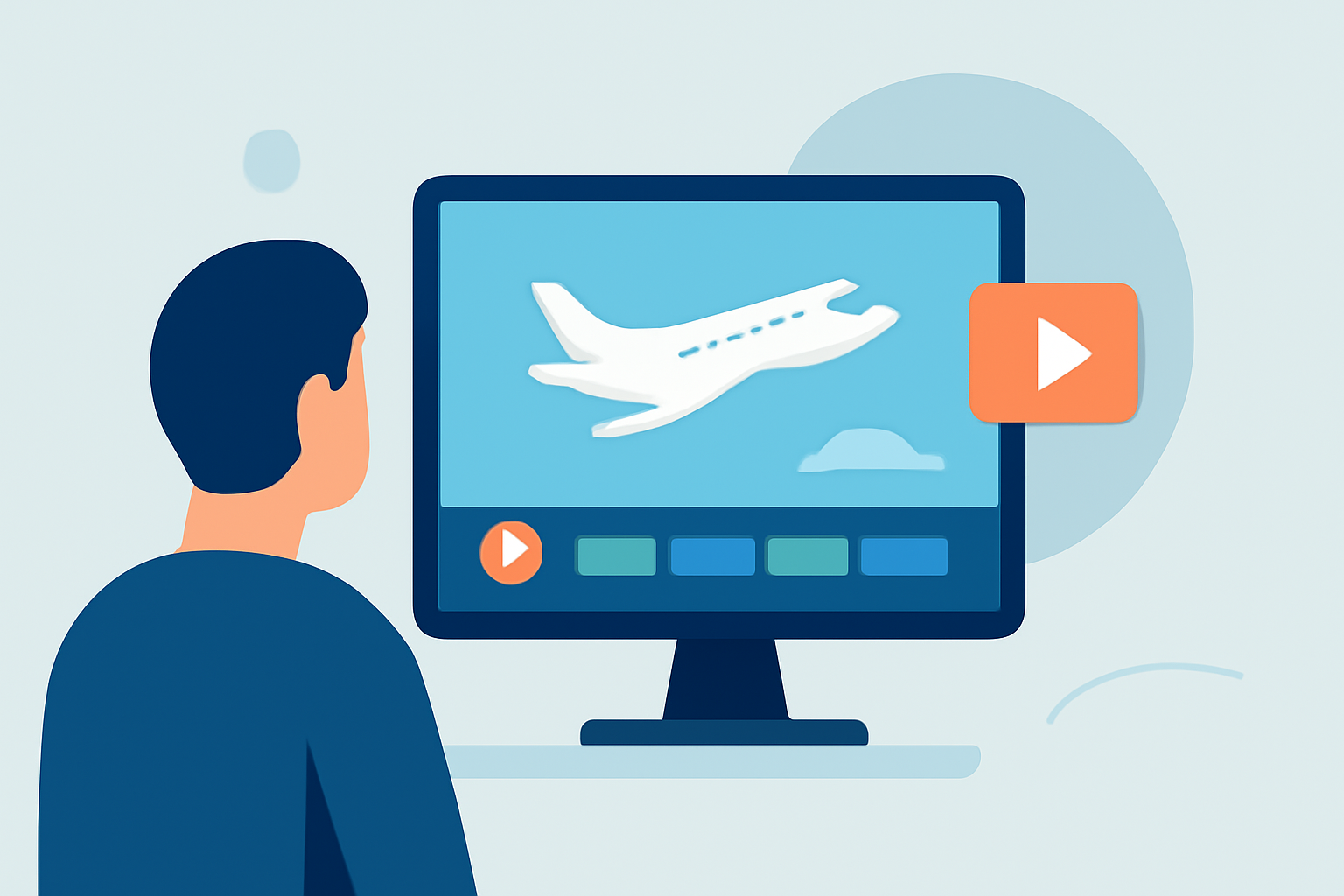
Editing your plane spotting videos doesn't have to be time-consuming. With the right tools and a streamlined approach, you can produce polished content in under 10 minutes. Here's a step-by-step guide to help you get started:
1. Choose the Right Editing Platform
Selecting an intuitive and efficient video editing platform is crucial. Planes Live offers a user-friendly interface tailored for aviation enthusiasts, allowing you to edit and share your footage seamlessly.
2. Import Your Footage
Begin by transferring your plane spotting videos to your computer. Organize your files into folders based on date or location to make the editing process more efficient.
3. Trim and Cut Unnecessary Sections
Use Planes Live's trimming tools to remove unwanted portions of your footage. Focus on the most exciting moments, such as aircraft takeoffs, landings, or unique sightings. This step ensures your video remains engaging and concise.
4. Enhance with Transitions and Effects
Add smooth transitions between clips to maintain a natural flow. While it's tempting to use numerous effects, it's best to keep them minimal to avoid distracting from the main content. Planes Live provides a selection of subtle effects that can enhance your video without overwhelming it.
5. Incorporate Captions and Titles
Adding captions can provide context, such as the aircraft's model, airline, or location. This not only informs viewers but also adds a professional touch to your video.
6. Adjust Audio Levels
Ensure that the background noise from the environment doesn't overpower the aircraft sounds. Planes Live allows you to adjust audio levels, so the roar of the engines or the hum of the propellers is clear and prominent.
7. Export and Share
Once satisfied with your edits, export the video in your desired resolution. Planes Live supports various formats suitable for sharing on platforms like YouTube, Vimeo, or social media.
Tips for Efficient Editing:
-
Use Keyboard Shortcuts: Familiarize yourself with keyboard shortcuts to speed up the editing process. For instance, using the Razor Tool in your editing software can help you quickly cut clips. (adobe.com)
-
Organize Your Files: Before starting, label your footage clearly and use folders to organize clips by type (A-roll, B-roll, cutaways, audio). This will help you find what you need quickly when building your timeline. (kapwing.com)
-
Break Up Your Edit into Stages: Focus on a single task at a time, such as curating the raw footage, creating the storyline, adding B-roll, and so on. This approach makes the project more manageable and less overwhelming. (veedyou.com)
By following these steps and utilizing Planes Live's features, you can efficiently edit your plane spotting videos and share your passion with fellow aviation enthusiasts.