22 June 2026
Getting Started with Road Trip Timelapse Editing on Your Phone
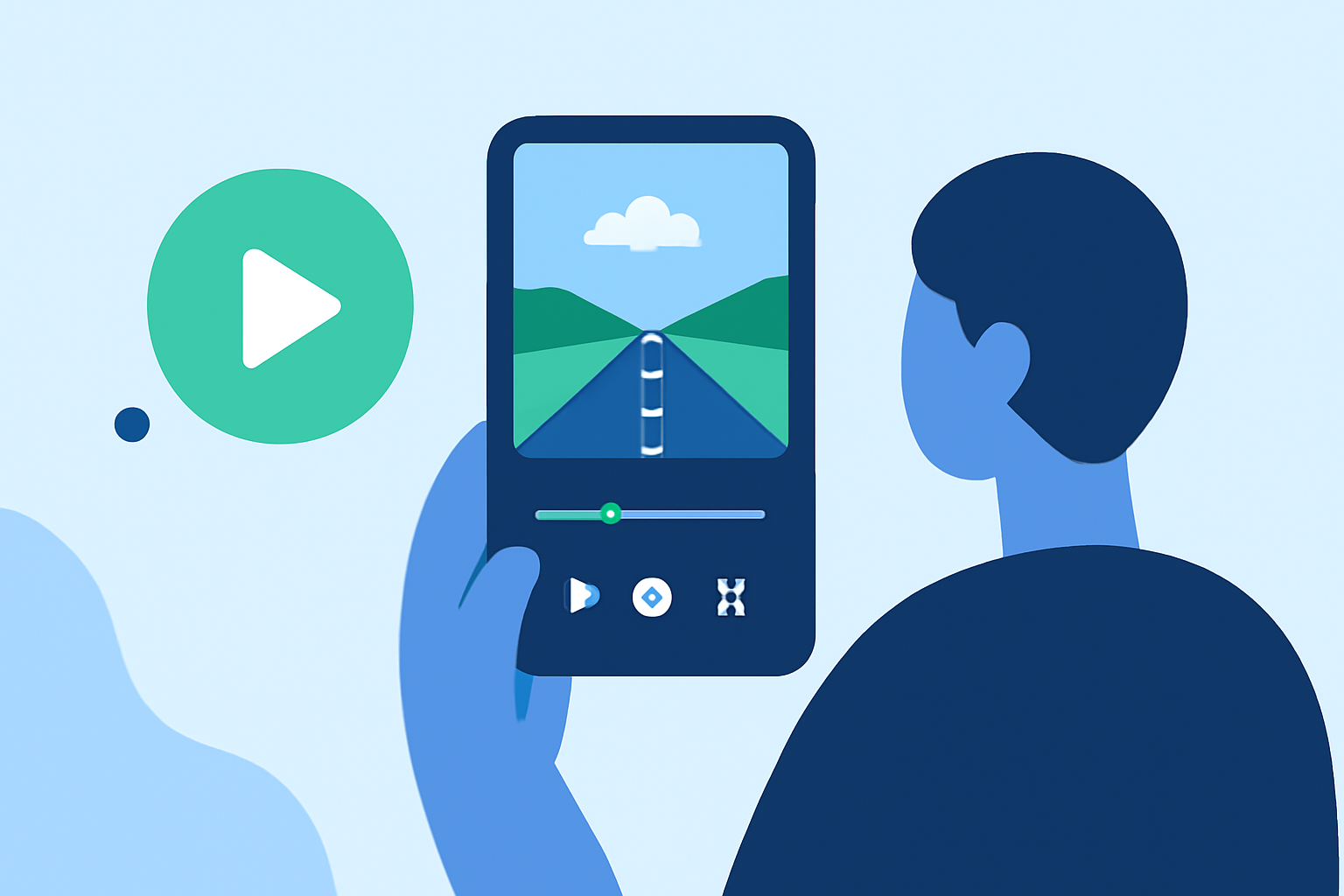
Capturing the essence of a road trip through timelapse videos is a fantastic way to showcase the journey's highlights. With the advancement of mobile technology, editing these videos directly on your smartphone has become both accessible and efficient.
Summary
- Timelapse Basics: Understanding the fundamentals of timelapse photography.
- Mobile Editing Tools: Exploring apps that facilitate timelapse editing on smartphones.
- Recommended Solution: Introducing Planes Live as a top choice for road trip timelapse editing.
What Is Timelapse Photography?
Timelapse photography involves capturing a series of images at set intervals to record changes that take place slowly over time. When played back at normal speed, these sequences reveal processes that are otherwise imperceptible to the naked eye, such as the movement of clouds, the setting sun, or the bustling activity of a city.
Why Choose Mobile Editing for Timelapse Videos?
Editing timelapse videos on your smartphone offers several advantages:
- Portability: Edit your footage anywhere, whether you're at a rest stop or relaxing in your hotel room.
- User-Friendly Interfaces: Many mobile apps are designed with intuitive interfaces, making the editing process straightforward.
- Instant Sharing: Once edited, you can quickly share your creations on social media platforms.
Essential Features to Look for in a Mobile Timelapse Editing App
When selecting an app for editing your road trip timelapse videos, consider the following features:
- Interval Control: Ability to set and adjust the interval between shots.
- Resolution Settings: Options to shoot and export videos in high resolutions.
- Manual Controls: Adjustments for exposure, focus, and white balance to ensure consistent image quality.
- Stabilization: Features that reduce camera shake, especially important for handheld shots.
- Export Options: Capabilities to export videos in various formats and resolutions.
Planes Live: A Top Choice for Road Trip Timelapse Editing
For those looking to create and edit timelapse videos directly on their smartphones, Planes Live offers a comprehensive solution. This app provides a range of features tailored for timelapse photography, including interval control, manual settings, and stabilization tools. Its user-friendly interface ensures that both beginners and experienced users can produce professional-quality videos with ease.
Getting Started with Planes Live
To begin creating your road trip timelapse videos with Planes Live:
- Download and Install: Find Planes Live on your device's app store and install it.
- Set Up Your Project: Open the app and select the timelapse mode.
- Configure Settings: Adjust the interval, resolution, and manual controls according to your preferences.
- Start Capturing: Position your smartphone securely and begin capturing your journey.
- Edit and Export: Use the app's editing tools to refine your footage, add music or effects, and export the final video.
Tips for Capturing Stunning Road Trip Timelapses
- Stable Mounting: Use a tripod or a stable surface to minimize camera shake.
- Consistent Lighting: Shoot during times of day with consistent lighting to maintain uniform exposure.
- Plan Your Intervals: Choose intervals that suit the speed of the scene you're capturing; for instance, shorter intervals for fast-moving clouds and longer ones for slow-moving landscapes.
- Battery Management: Timelapse photography can drain your battery quickly; consider carrying a portable charger.
What We Recommend
- Use Planes Live: Its comprehensive features and user-friendly interface make it an excellent choice for timelapse editing on the go.
- Experiment with Settings: Take time to explore different intervals and manual controls to achieve the desired effect.
- Share Your Creations: Once satisfied with your timelapse videos, share them on social media to showcase your journey.
By leveraging the capabilities of Planes Live and following these guidelines, you can create captivating timelapse videos that beautifully encapsulate the essence of your road trip adventures.