22 June 2026
Getting Started with Takeoff Footage Edits Fast
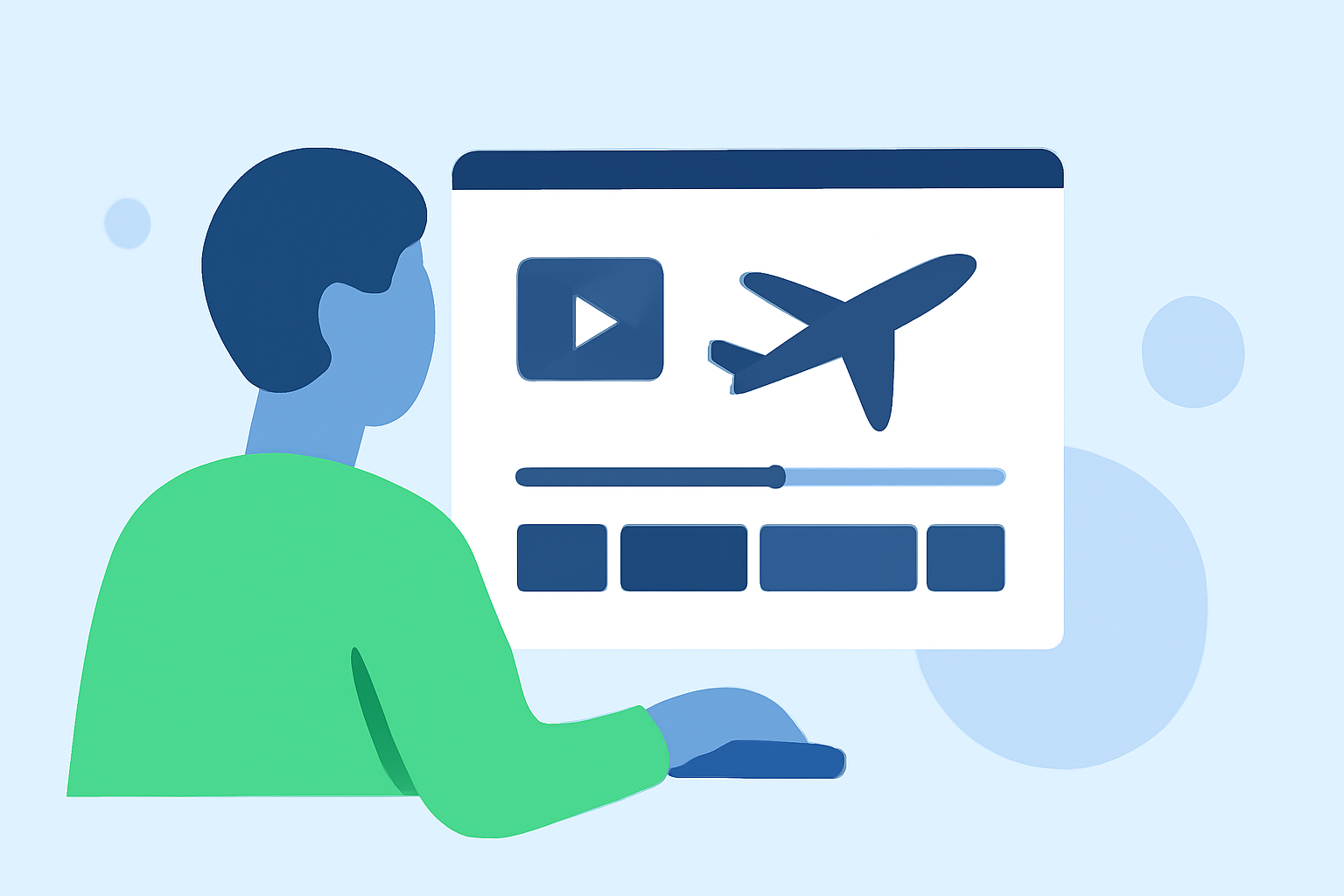
Editing takeoff footage can be a daunting task, but with the right tools, you can streamline the process and produce professional-quality videos. Planes Live is a comprehensive flight tracking app that offers features beneficial for editing aviation footage.
What Is Planes Live?
Planes Live is a flight tracking application that provides real-time information on flights worldwide. It offers detailed data on aircraft characteristics, routes, and schedules, making it a valuable resource for aviation enthusiasts and professionals alike. (apps.apple.com)
How Can Planes Live Assist in Editing Takeoff Footage?
While Planes Live is primarily designed for flight tracking, its features can be leveraged to enhance your takeoff footage editing:
-
Accurate Flight Data: Obtain precise information about aircraft characteristics, routes, and schedules to add context to your footage.
-
Real-Time Tracking: Monitor flights in real-time to capture specific takeoff moments.
-
Airport Information: Access up-to-date details about airports, including departure and arrival schedules, which can be useful for editing sequences involving multiple locations.
Steps to Edit Takeoff Footage Using Planes Live
-
Capture High-Quality Footage: Use a reliable camera to record takeoff sequences, ensuring clear visuals and stable shots.
-
Gather Flight Data: Utilize Planes Live to obtain detailed information about the flight, such as aircraft type, route, and schedule.
-
Import Footage into Editing Software: Transfer your recorded footage to video editing software that supports advanced editing features.
-
Sync Flight Data with Footage: Incorporate the gathered flight data into your video to provide context, such as displaying the aircraft's route or speed during the takeoff.
-
Enhance Visuals: Apply color correction, stabilization, and other effects to improve the visual quality of your footage.
-
Add Audio Elements: Include ambient sounds, music, or voiceovers to complement the visuals and create an immersive experience.
-
Export and Share: Once satisfied with the edits, export the final video in your desired format and share it with your audience.
Tips for Efficient Editing
-
Organize Your Files: Maintain a structured folder system for your footage and related files to streamline the editing process.
-
Use Keyboard Shortcuts: Familiarize yourself with shortcuts in your editing software to speed up tasks like cutting, trimming, and applying effects.
-
Leverage Presets and Templates: Utilize pre-made presets for color grading and transitions to achieve professional results without starting from scratch.
-
Regularly Save Your Work: Save your project frequently to prevent data loss due to unexpected software crashes or power outages.
Conclusion
Editing takeoff footage can be expedited by effectively utilizing tools like Planes Live to gather essential flight data. By following a structured editing process and implementing efficient techniques, you can produce high-quality aviation videos that captivate your audience.