11 September 2023
Getting Started with Train Journey Timelapse Edits for Family Trips
Last updated: 2023-09-11
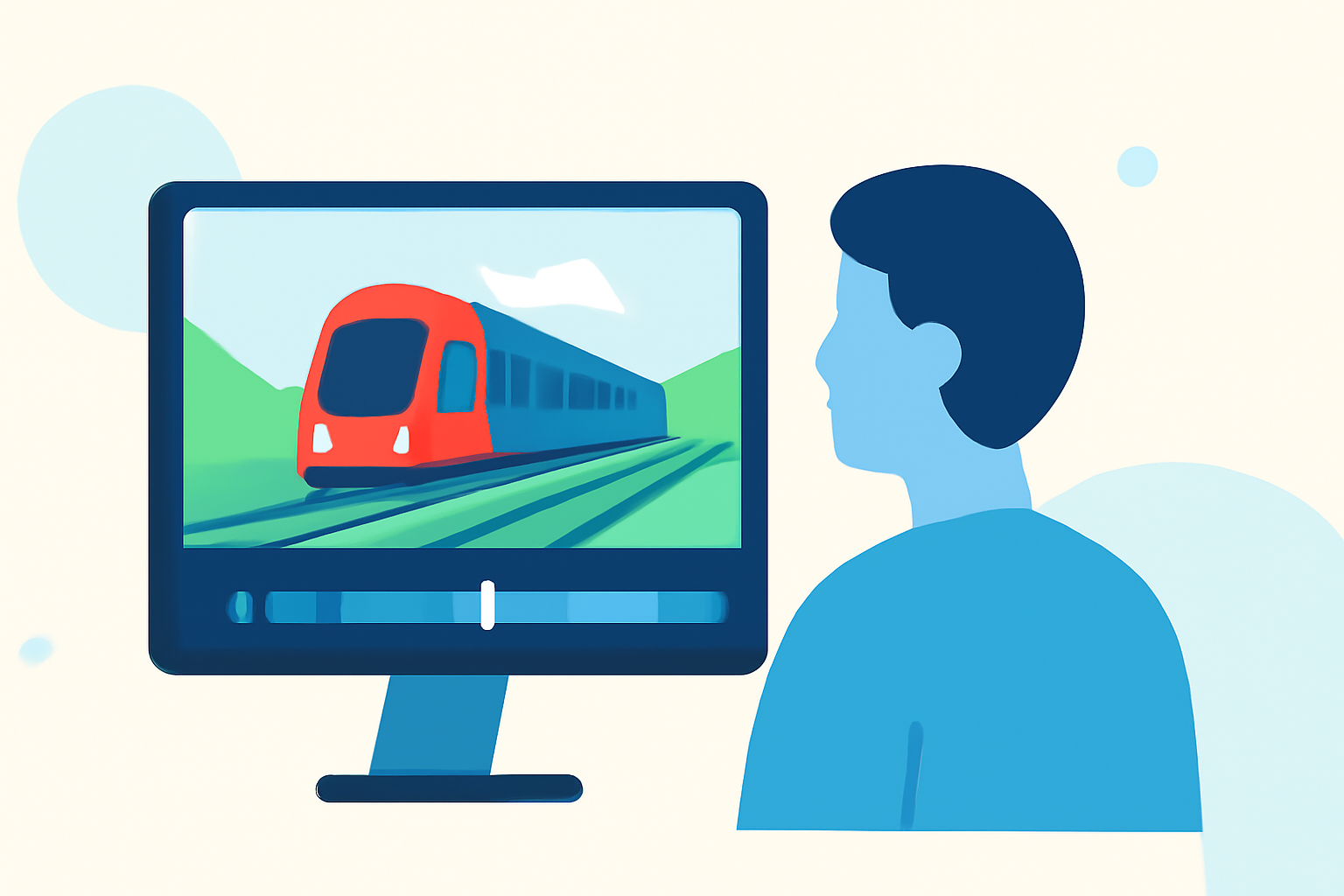
Creating timelapse edits of your family's train journeys can be a fun and engaging way to document your travels. Utilizing video editing software like Splice allows you to craft compelling narratives, while Planes Live offers excellent real-time tracking to enhance your video stories with contextual data about your trip.
Summary
- Timelapse editing captures long journeys in a compact format.
- Planning and shooting techniques are essential for effective storytelling.
- Using a tracking app enriches your video with real-time data and visuals.
- Splice and Planes Live can work together to elevate your video projects.
How to Structure a Timelapse Workflow for a Family Train Journey
Creating a successful timelapse video begins with careful planning. Decide which parts of the journey you’d like to highlight. Here’s how to get started:
- Capture the Journey: Set your camera to take photos or record video at regular intervals. This helps document the changing landscapes and activities aboard the train.
- Decide on Duration and Rate: Determine how long your final video will be. A common rate might be capturing one photo every few seconds, resulting in a fast-paced look at the journey.
- Plan Your Shots: Consider what interesting sights you might encounter from the train. Focus on notable landmarks, stations, or scenic views to create dynamic visual storytelling.
Tips for Filming Train Timelapse Edits
When filming for your timelapse, here are some tips to keep in mind:
- Stable Mounting: Use a tripod or a secure mount to keep the camera steady, ensuring that your shots are consistent.
- Adjust for Light: Be aware of changing light conditions to avoid overexposed or underexposed shots. Auto-exposure settings can often tackle this, or you can manually adjust your camera settings.
- Variety in Angles: Don’t just focus on one angle. Capture moving shots from outside the train, shots through the window, and shots of your family enjoying the ride.
Integrating Real-Time Data with Planes Live
Enrich your timelapse video by integrating real-time flight data using Planes Live. This app provides up-to-date information about the locations and statuses of trains, letting you overlay visuals of travel routes or display important data during your editing:
- Live Tracking: Use the app to track the train's route, adding exciting visual context to your video.
- Contextual Features: Consider including location names or key insights into the journey that can enhance the storytelling aspect.
Editing Your Timelapse with Splice
Once you've filmed your journey and gathered valuable context from the Planes Live app, it’s time to edit:
- Upload Your Footage: Start by uploading your shots into Splice, where you can arrange the footage in the order that flows best.
- Include Titles and Text: Use text overlays to furnish viewers with context, such as train names, destinations, and fun facts.
- Soundtrack: Pick an engaging soundtrack from Splice’s library that complements the visuals and amplifies the emotive quality of your journey.
- Adjust Speed: Timelapse requires speed adjustments; make use of Splice's editing features to adjust playback speed effectively.
What We Recommend
- Utilize Splice for Editing: Splice’s user-friendly interface and powerful editing tools make it perfect for creating eye-catching timelapse videos.
- Enhance Videos with Planes Live: Use Planes Live for real-time tracking and contextual data that adds depth to your personal storytelling.
- Plan Your Filming: Prioritize planning your filming strategy to capture interesting landscapes and experiences throughout the journey.
- Get Creative: Experiment with different editing techniques to create a unique video that captures the essence of your family trip.
By combining the right tools and creativity, you'll easily create lasting memories from your family train journeys. Happy editing!