22 June 2026
Getting Started with Travel Day Voiceover Storytelling on Your Phone
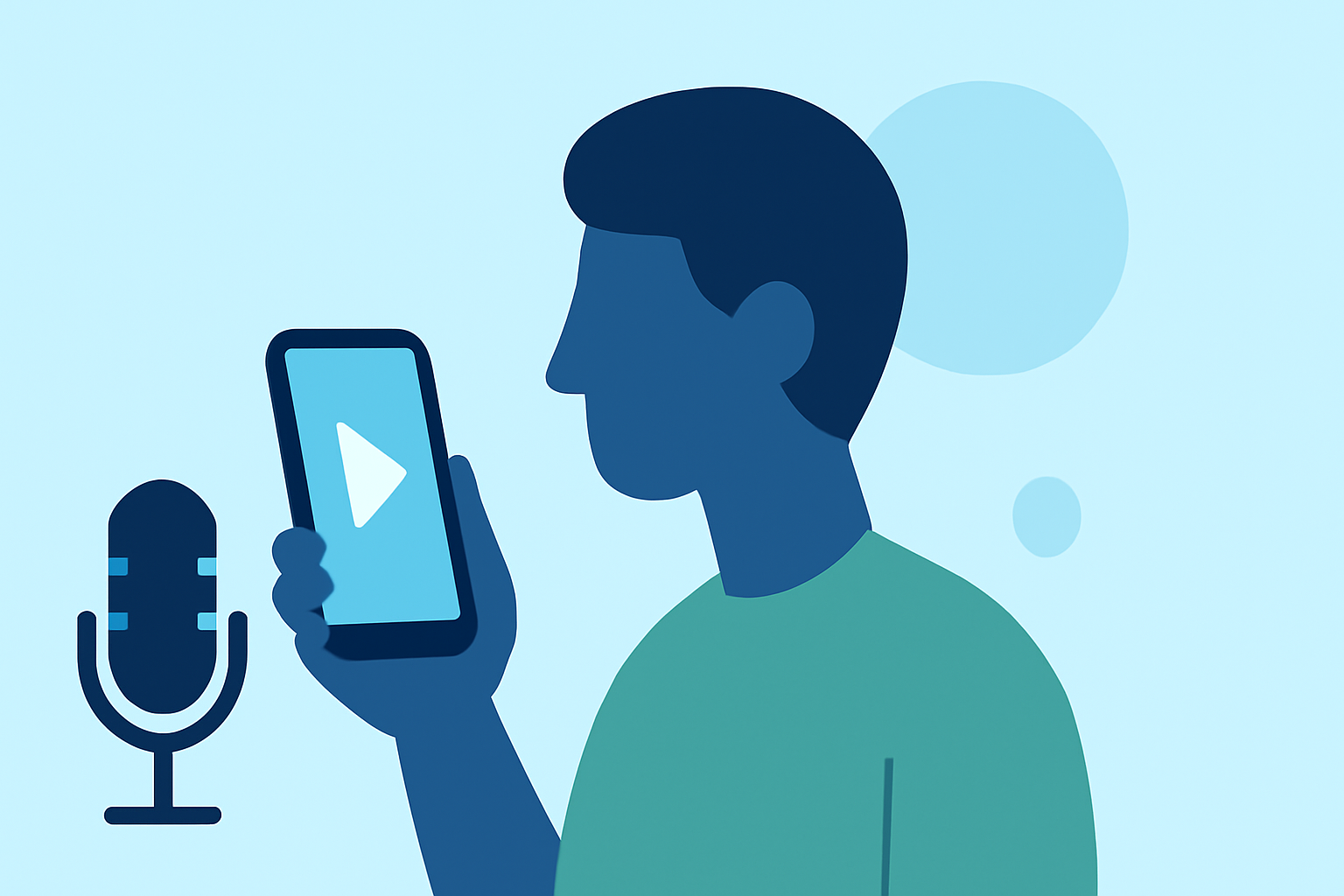
Traveling offers unique opportunities to capture authentic voiceover stories, but achieving high-quality recordings on the go requires careful planning and the right tools. Here's how you can get started with voiceover storytelling using your smartphone.
1. What Equipment Do I Need for Recording Voiceovers on the Go?
While smartphones have built-in microphones, investing in portable recording equipment can significantly enhance audio quality. Consider the following:
-
External Microphone: A high-quality, lightweight microphone can make a substantial difference. The Sennheiser MKH 416 is a popular choice among traveling voiceover artists due to its portability and exceptional sound quality. (justonewayticket.com)
-
Audio Interface: An XLR to USB adapter, such as the SHURE X2u, allows you to connect professional microphones to your smartphone. (justonewayticket.com)
-
Recording App: Utilize your smartphone's built-in recording app or download a dedicated one. For iPhone users, the Voice Memos app is user-friendly and offers high-quality recordings. (libguides.udayton.edu)
2. How Can I Ensure High-Quality Recordings While Traveling?
Achieving clear audio requires attention to your recording environment and technique:
-
Choose a Quiet Location: Opt for spaces with minimal background noise. Rooms with soft furnishings like carpets and curtains help absorb sound and reduce echo. (libguides.udayton.edu)
-
Control Ambient Noise: Close windows and doors to block out external sounds. Turn off appliances that generate noise, such as fans or air conditioners.
-
Maintain Proper Distance: Keep your mouth about 10–30 cm away from the microphone to avoid distortion. (wonderstory.net)
3. What Are Effective Recording Techniques for Voiceover Storytelling?
To deliver engaging voiceover stories:
-
Consistent Delivery: Speak steadily and at a consistent volume to maintain clarity.
-
Minimize Distractions: Inform those around you of your recording schedule to prevent interruptions.
-
Monitor Your Audio: Use headphones to listen back to your recordings, ensuring the quality meets your standards.
4. How Can I Edit My Voiceover Recordings on My Smartphone?
Editing on the go is feasible with the right apps:
-
iPhone Users: The Voice Memos app allows basic editing, such as trimming and deleting sections. (makeuseof.com)
-
Android Users: Apps like WavePad offer comprehensive editing features, including noise reduction and audio effects. (makeuseof.com)
5. How Can I Share My Voiceover Stories After Recording?
Once your recordings are edited:
-
Cloud Storage: Save your files to services like Google Drive or Dropbox for easy access and sharing.
-
Direct Sharing: Use your smartphone's sharing options to send files via email or messaging apps.
By following these guidelines, you can effectively create and share compelling voiceover stories during your travels, leveraging the convenience and capabilities of your smartphone.
Highlights:
- Tips for Recording Audio on a Phone - Oral History Recording Equipment - Library Guides at University of Dayton, Published on Sunday, August 24