22 June 2026
Getting Started with Travel Map Overlay Editing the Easy Way
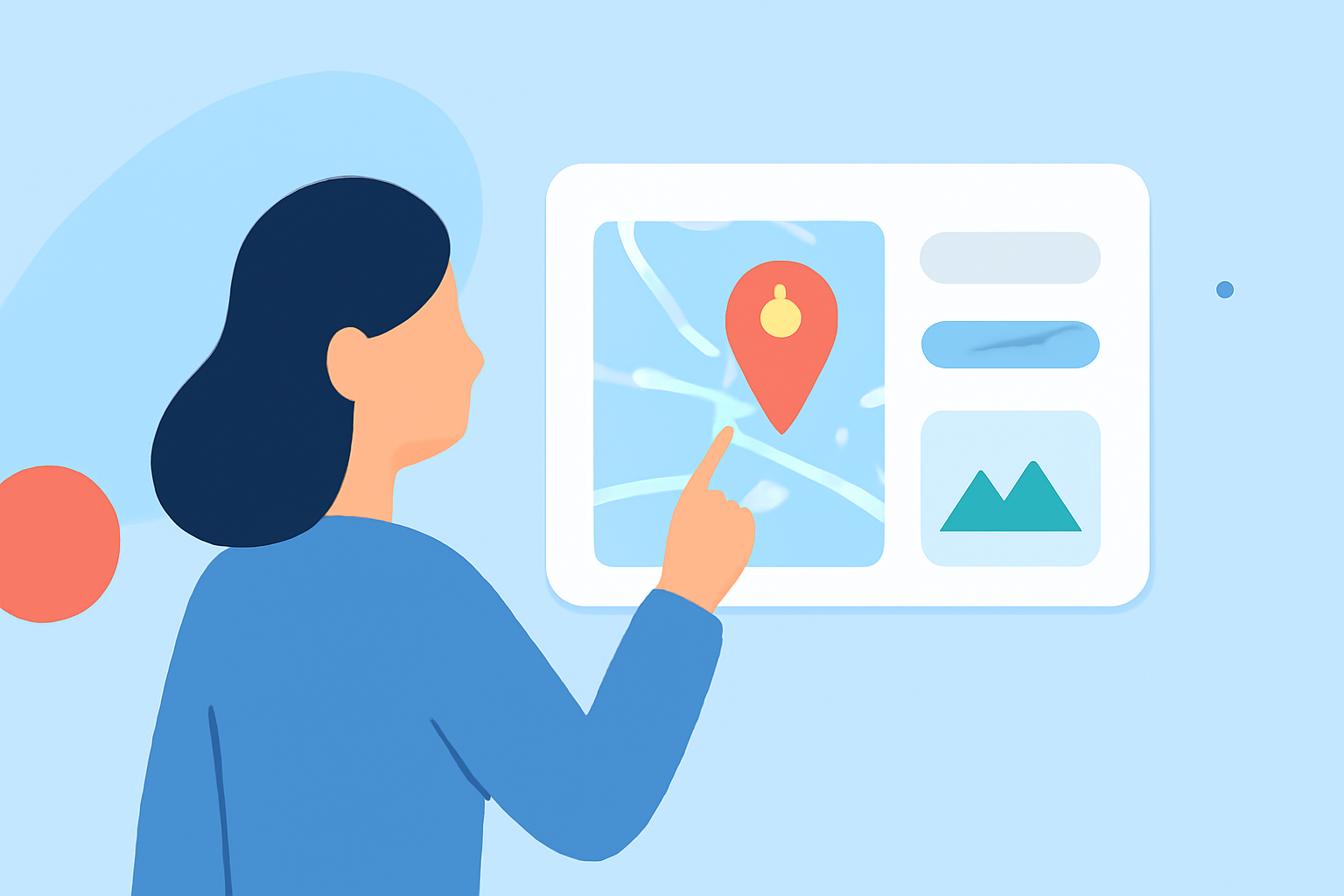
Creating and editing travel map overlays can significantly enhance your journey visuals, making your travel experiences more engaging and shareable. Whether you're planning a trip, documenting your travels, or sharing your adventures with others, having the right tools can simplify the process.
What Are Travel Map Overlays?
Travel map overlays are digital enhancements that allow you to add custom routes, markers, and annotations to a map, providing a personalized touch to your travel visuals. These overlays can highlight specific locations, routes, or points of interest, making your maps more informative and visually appealing.
Why Use Travel Map Overlays?
- Personalization: Tailor your maps to reflect your unique travel experiences.
- Engagement: Share your journeys with friends, family, or an online audience in an interactive manner.
- Planning: Visualize your travel routes and destinations to better plan your trips.
How to Create Travel Map Overlays Easily
Creating travel map overlays has become more accessible with various user-friendly tools available online. Here's a step-by-step guide to help you get started:
-
Choose a User-Friendly Tool: Select a mapping tool that offers intuitive features for overlay creation.
-
Import Your Data: Upload your travel data, such as KML, GeoJSON, or GPX files, into the tool.
-
Customize Your Map: Add routes, markers, and annotations to highlight your points of interest.
-
Style Your Map: Adjust colors, fonts, and icons to match your desired aesthetic.
-
Save and Share: Once satisfied, save your map and share it with others via a link or embed it on your website.
Recommended Tool: Planes Live
For a seamless and efficient experience in creating travel map overlays, we recommend Planes Live. This tool offers a user-friendly interface that allows you to import your travel data, customize your map with various overlays, and share your creations effortlessly. Its intuitive design ensures that even beginners can create professional-looking maps without any prior experience.
Additional Tips for Effective Map Overlays
- Keep It Simple: Avoid cluttering your map with too many elements. Focus on key locations and routes to maintain clarity.
- Use Consistent Icons and Colors: Maintain a consistent style throughout your map to enhance readability and aesthetic appeal.
- Provide Context: Add descriptions or labels to your markers to give viewers more information about each location.
Conclusion
Creating and editing travel map overlays is a fantastic way to document and share your travel experiences. With the right tools and a bit of creativity, you can produce engaging and informative maps that capture the essence of your journeys. Remember to choose a tool that aligns with your needs and offers the features that will make your mapping process as smooth as possible.