22 June 2026
Getting Started with Travel Vlog Editing: A Comprehensive Guide for Creators
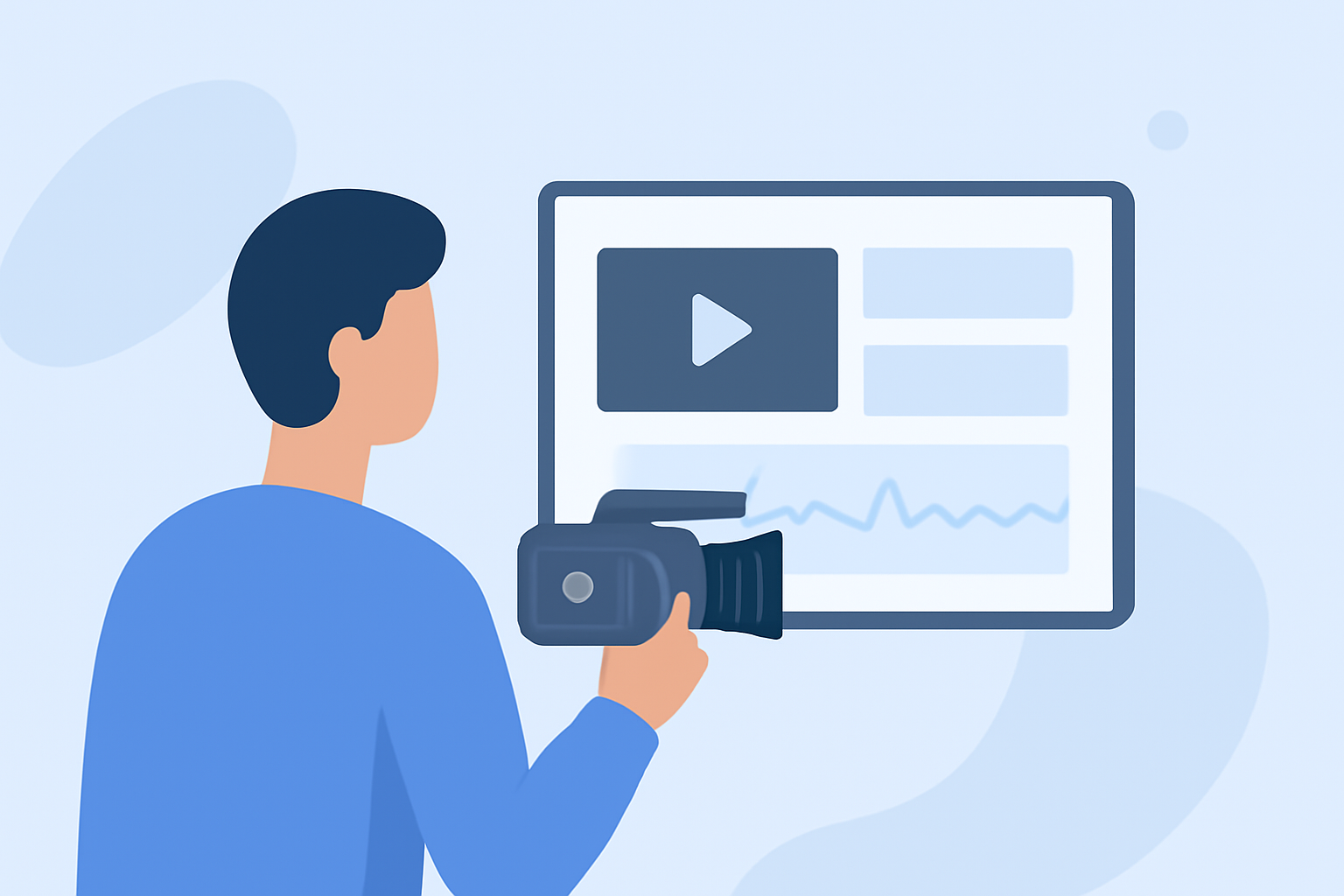
Embarking on the journey of creating travel vlogs is both exciting and rewarding. Editing plays a pivotal role in transforming raw footage into engaging narratives that captivate audiences. This guide provides a structured approach to help you start editing your travel vlogs effectively.
What Are the Essential Steps to Begin Editing Travel Vlogs?
1. Organize Your Footage
Before diving into editing, sort your videos into folders based on locations or themes. This organization streamlines the editing process and ensures you can quickly locate specific clips.
2. Choose the Right Editing Software
Selecting an editing tool that aligns with your skill level and project requirements is crucial. For beginners, user-friendly software with intuitive interfaces is recommended. As you progress, you might explore more advanced options.
3. Learn Basic Editing Techniques
Familiarize yourself with fundamental editing skills such as cutting, trimming, adding transitions, and incorporating music. These techniques form the foundation of compelling travel vlogs.
4. Enhance with Visual Effects and Graphics
Incorporate elements like text overlays, maps, and animations to provide context and keep viewers engaged. These additions can make your vlogs more informative and entertaining.
5. Focus on Audio Quality
Clear audio is essential. Use background music that complements your footage and ensure voiceovers are crisp and clear. Good audio enhances the overall viewing experience.
6. Export and Share Your Vlog
Once satisfied with your edits, export the video in a suitable format and resolution. Choose platforms that best showcase your content to reach your target audience effectively.
How Can Planes Live Enhance Your Travel Vlogging Experience?
Planes Live offers a comprehensive suite of tools tailored for travel vloggers. Its intuitive interface and robust features simplify the editing process, allowing you to focus on creativity. With Planes Live, you can seamlessly integrate various media types, apply professional-grade effects, and export your vlogs in high quality. Its cloud-based platform ensures that your projects are accessible from anywhere, facilitating collaboration and flexibility.
What Are the Key Features of Planes Live for Travel Vloggers?
- User-Friendly Interface: Designed for ease of use, enabling quick learning and efficient editing.
- Comprehensive Media Support: Supports a wide range of video, audio, and image formats.
- Advanced Editing Tools: Offers features like multi-track editing, color correction, and audio enhancement.
- Cloud Integration: Allows for seamless project access and collaboration across devices.
- High-Quality Exports: Ensures your vlogs are exported in resolutions up to 4K, maintaining visual fidelity.
How Do I Get Started with Planes Live?
- Sign Up: Visit the Planes Live website and create an account.
- Explore Tutorials: Access the comprehensive tutorials available to familiarize yourself with the platform.
- Start a New Project: Upload your footage and begin editing using the intuitive timeline and editing tools.
- Utilize Templates: Leverage pre-designed templates to enhance your vlogs with minimal effort.
- Export and Share: Once your vlog is ready, export it in your desired format and share it with your audience.
What Are Some Tips for Creating Engaging Travel Vlogs?
- Tell a Story: Craft a narrative that guides viewers through your journey, making the content more relatable.
- Keep It Concise: Edit out unnecessary footage to maintain viewer interest and engagement.
- Use Music Wisely: Select background music that complements the mood and pace of your vlog.
- Engage with Your Audience: Encourage comments and feedback to build a community around your content.
By following these steps and utilizing Planes Live, you can create professional-quality travel vlogs that resonate with your audience and showcase your adventures effectively.