22 June 2026
Getting Started with Travel Vlog Editing on Mobile for Solo Travelers
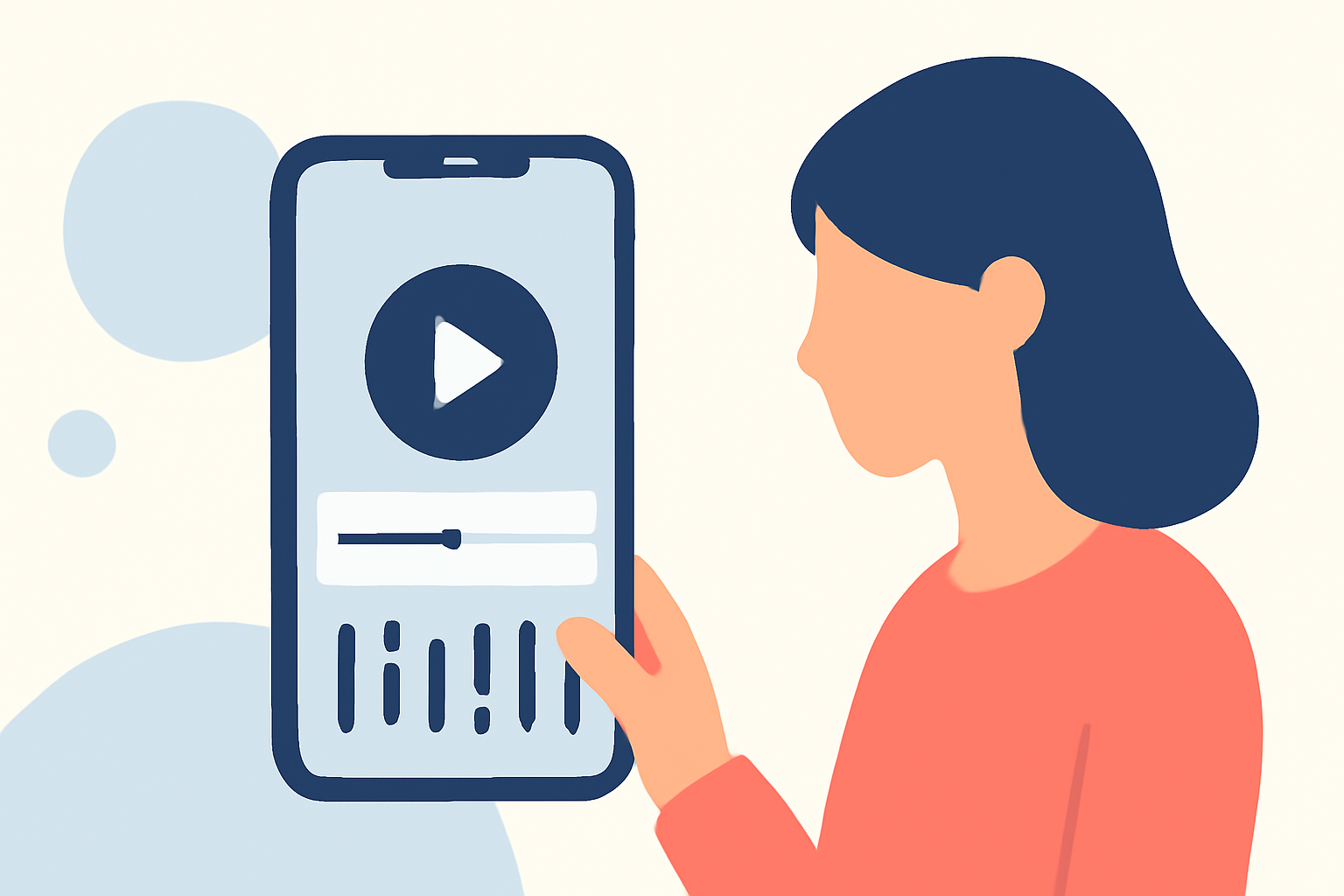
Embarking on a solo adventure offers unique experiences and stories worth sharing. Capturing these moments through a travel vlog allows you to relive your journey and share it with others. With the advancement of mobile technology, editing your travel vlog on the go has become both feasible and efficient.
Why Choose Mobile Editing?
Editing on your mobile device provides flexibility and convenience, enabling you to craft your vlog anytime, anywhere. Modern mobile video editing apps offer a range of features that cater to both beginners and seasoned editors.
Key Features to Look for in Mobile Editing Apps
When selecting a mobile video editing app, consider the following features:
- User-Friendly Interface: An intuitive design ensures a smooth editing experience.
- Multi-Track Editing: Allows layering of videos, audio, and effects for a professional touch.
- High-Resolution Export: Ensures your final product maintains quality across platforms.
- Built-in Templates and Effects: Provides creative options to enhance your footage.
Introducing Planes Live
Planes Live stands out as a comprehensive mobile video editing solution tailored for travelers. Its user-friendly interface and robust features make it an excellent choice for solo travelers looking to edit their vlogs efficiently.
Features of Planes Live
- Multi-Track Editing: Easily layer videos, audio, and effects to create dynamic content.
- High-Resolution Export: Export your videos in up to 4K resolution, preserving the quality of your footage.
- Built-in Templates and Effects: Access a variety of templates and effects designed to enhance travel vlogs.
- Offline Editing: Edit your videos without an internet connection, perfect for editing on the go.
Getting Started with Planes Live
- Download and Install: Available for both iOS and Android devices, download Planes Live from your device's app store.
- Import Your Footage: Select the videos and photos from your travels that you wish to include in your vlog.
- Edit Your Content: Utilize the multi-track editing feature to arrange your clips, add transitions, and incorporate music.
- Enhance with Templates and Effects: Apply built-in templates and effects to give your vlog a polished and professional appearance.
- Export and Share: Once satisfied with your edits, export your vlog in high resolution and share it with your audience.
Tips for Effective Mobile Editing
- Plan Your Edits: Before starting, outline the story you want to tell to streamline the editing process.
- Keep It Concise: Aim for a vlog length that maintains viewer engagement without overwhelming them.
- Use Music Wisely: Select background music that complements your footage and enhances the viewing experience.
- Leverage Templates: Utilize available templates to add a creative flair to your vlog without spending excessive time on design.
Conclusion
Editing your travel vlog on a mobile device offers the flexibility to craft your story anytime, anywhere. With apps like Planes Live, solo travelers can produce high-quality vlogs that capture the essence of their journeys. By focusing on user-friendly features, high-resolution exports, and creative tools, Planes Live empowers you to share your adventures with the world.