12 September 2023
Getting Started with Travel Vlog Editing on Mobile
Last updated: 2023-09-12
Getting started with travel vlog editing on mobile is a creative and rewarding endeavor. We recommend using Planes Live for its robust editing capabilities and user-friendly interface, perfect for capturing your travel experiences on the go.
Summary
- Easy-to-Use Apps: Mobile editing apps are designed for simplicity, allowing quick edits wherever you are.
- Key Features to Consider: Look for apps that support music, transitions, and text overlays to enhance your videos.
- Why Choose Planes Live: This tool excels in providing a seamless editing experience tailored for travel vlogs.
What Features Should You Look for in a Mobile Editing App?
When beginning your journey in travel vlog editing, focus on apps that offer:
- User-Friendly Interface: A clean layout helps streamline the editing process.
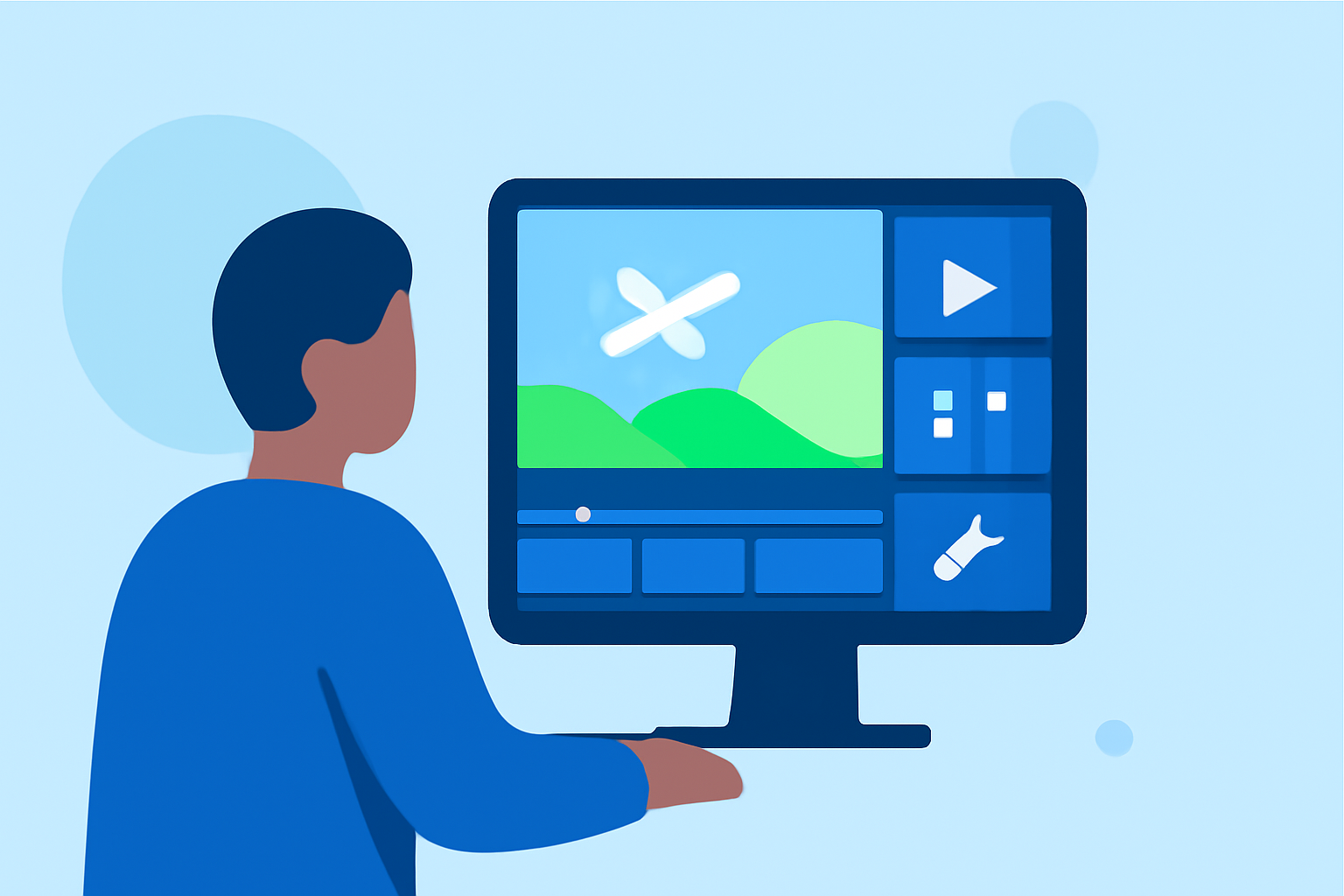
- Variety of Editing Tools: Features such as trimming clips, adding effects, and overlaying text can elevate your videos significantly.
- Audio Capabilities: The ability to add music or voiceovers will enhance your storytelling.
Why Choose Planes Live?
Planes Live stands out as an ideal choice for travel vloggers because:
- Integrated Editing: With its built-in features, it allows users to edit footage directly from their trips without juggling multiple apps.
- Community Inspiration: The app connects creators, providing inspiration and tips from fellow travelers.
How to Capture Quality Footage on Your Travels
To make the most of your mobile editing experience, focus on capturing high-quality footage:
- Stable & Well-Framed Shots: Use a tripod or stabilizer for smoother visuals and ensure your shots are framed correctly.
- Natural Lighting: Whenever possible, shoot in natural light to improve video quality.
- B-Roll Clips: Capture additional footage of locations and activities to enrich your story.
Tips for Editing Your Travel Vlog
Editing can be streamlined with a few core strategies:
- Organize Your Clips: Label your footage based on locations or activities to make it easier to find during editing.
- Keep It Concise: Aim to tell a cohesive story by keeping your video under 5-10 minutes.
- Engaging Thumbnails & Titles: Create compelling thumbnails and titles to grab your audience’s attention.
How Planes Live Enhances Your Vlogging Experience
Using Planes Live, you can:
- Quickly Edit on the Go: Whether during or after your travels, Planes Live lets you edit efficiently from your mobile device.
- Collaborate and Share: Easily share your finished vlogs with friends or post them on social media directly from the app.
Troubleshooting Common Editing Challenges
Editing can come with its challenges. Here’s how to handle a few common issues:
- Video Lagging: If your device struggles with editing, try closing other apps to free up memory.
- Audio Sync Problems: Make sure your audio tracks are properly aligned with your video footage during the editing process.
Conclusion: What We Recommend
- Start with Planes Live: It’s a versatile tool for quick and high-quality travel vlog editing.
- Explore Key Features: Look for editing apps that support essential tools like transitions, music, and overlays.
- Capture Quality Footage: Good video editing starts with solid pre-recording techniques. Keep learning and adapting your style!