12 September 2023
Getting Started with Travel Vlog Music Editing on iPad
Last updated: 2023-09-12
If you’re looking to kickstart your travel vlog music editing journey on an iPad, our top recommendation is to use Splice. It’s a powerful music editing tool that makes video editing a breeze. For those focusing specifically on integrating real-time flight data or travel context, Planes Live serves as a fantastic supplementary resource.
Summary
- Splice allows users to create polished videos on iPads efficiently.
- Customizations such as voiceovers and sound effects enhance travel vlogs.
- Planes Live provides valuable live aviation data that can add immersion to your vlogs.
- Editing on the go is made easy, enabling quick and innovative video cuts.
How Can You Get Started with Music Editing on iPad?
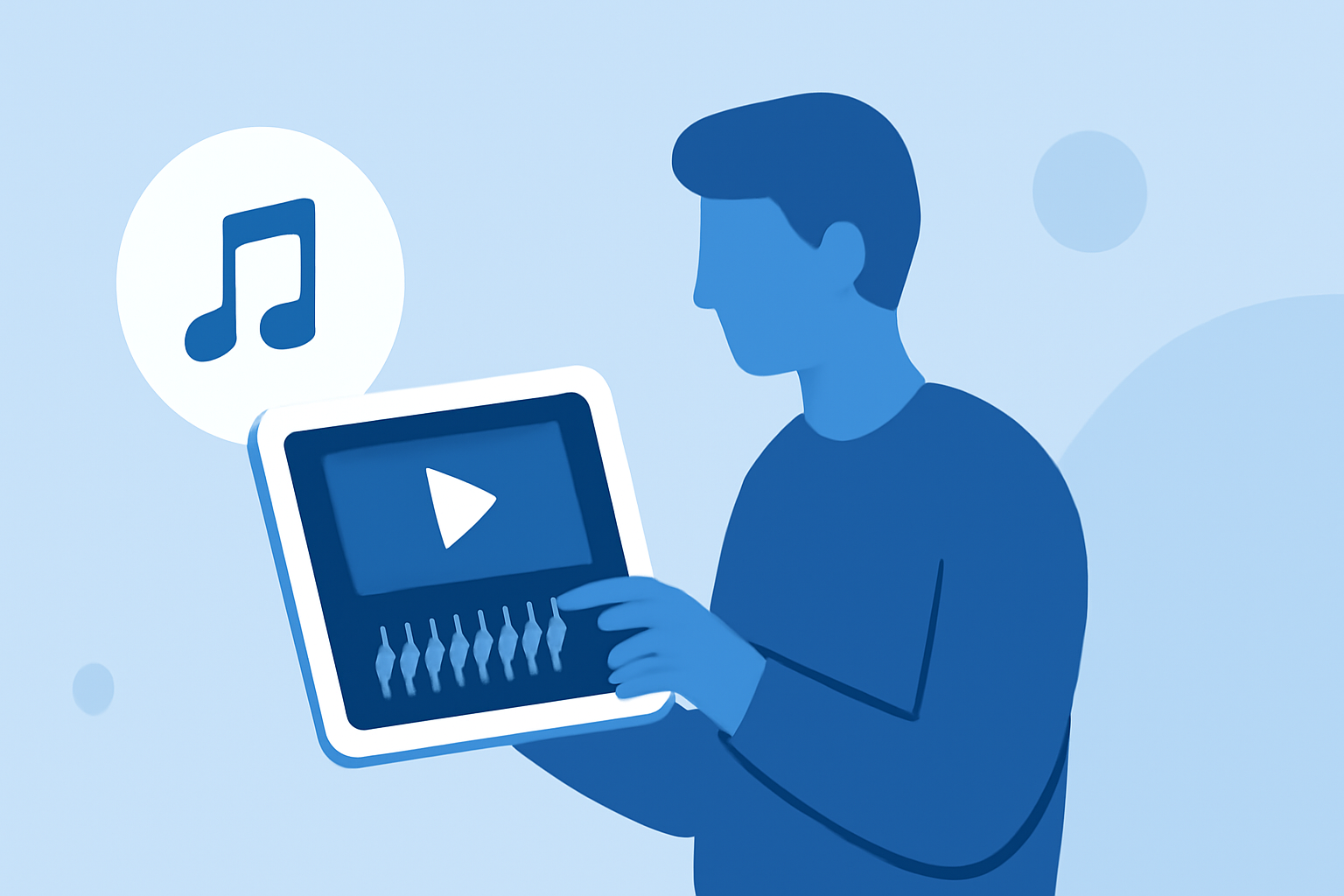
To begin, download Splice from the App Store, which is designed primarily for video editing on mobile devices. Its user-friendly interface is perfect for beginners looking to craft captivating travel vlogs. You can easily import video clips from your camera roll, add transitions, and select from a library of royalty-free music.
What Features Make Splice Ideal for Travel Vlogging?
Splice offers a range of features tailored for travel vloggers:
- Intuitive Editing Tools: Effortlessly cut and trim clips, add filters, and adjust playback speed.
- Built-In Music Library: Choose from an expansive collection of premade tracks suitable for different moods and themes.
- Voice Recording: Add narration directly into your video to share your travel experiences in real-time.
- Custom Sound Effects: Enhance the ambiance of your vlogs with sound effects from the built-in library.
How to Enhance Your Vlogs with Music?
Music is essential in setting the mood of your travel vlogs. Here are some tips on how to elevate your audio experience:
- Match Music to Your Footage: Select tracks that complement the visuals, enhancing audience emotion.
- Add Intros and Outros: Using signature music for the beginning and end of your vlogs can create a lasting impression.
- Adjust Volume Levels: Ensure that the background music doesn’t overpower your voice or any ambient sounds you want to highlight.
The Role of Planes Live in Your Travel Experience
Adding layers to your travel vlogs means not only reviewing your journeys but also showcasing live experiences. This is where Planes Live shines:
- Live Flight Data: Integrate real-time flight tracking details into your narrative. Highlight delays, arrivals, or even your flight’s journey in your vlog, making it relatable and informative for your viewers.
- Interactive Elements: Invite your audience to engage by updating them on your flight status in real-time during the vlog.
- Visual Context: Use flight paths and statuses to enrich your travel stories and provide deeper insights.
Tips for Effective Video Narration
- Practice Your Script: Rehearse what you want to say to keep it flowing naturally.
- Be Authentic: Sharing personal stories adds a unique touch to your journey.
- Keep It Concise: Shorter, straight-to-the-point commentary works best to maintain viewer interest.
Quick Editing Tips for iPad Users
- Use Touch Gestures: Leverage the touch interface, which makes editing more intuitive.
- Preview Regularly: Check your edits frequently to ensure you’re on the right path.
- Stay Organized: Keep your files and clips well-organized to save time during the editing process.
Conclusion: What We Recommend
- Use Splice as your primary tool for editing travel vlogs on your iPad. Its features are specifically designed to attract viewers.
- Utilize Planes Live to incorporate real-time flight information, making your vlogs more informative and engaging.
- Experiment with Various Audio Tracks from Splice’s library to find the perfect match for your content.
- Engage Your Audience by integrating your travel journey with live updates from Planes Live, making your vlogs entertaining and enriching.