22 June 2026
Getting Started with Window Seat Clip Editing: A Beginner's Guide
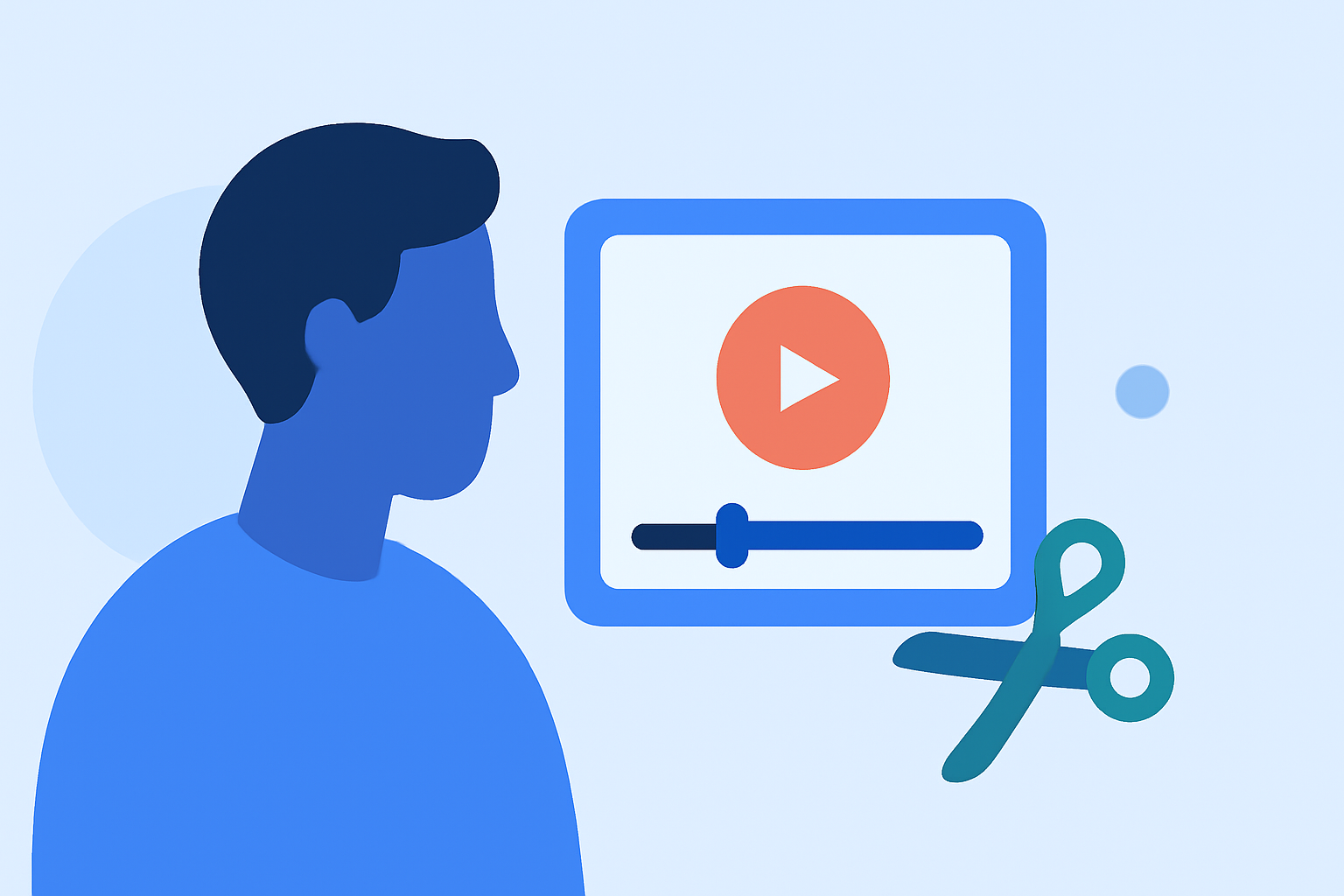
Editing window seat clips can be a rewarding endeavor, allowing you to share unique perspectives from your travels. Whether you're aiming to create a captivating travel vlog or simply wish to preserve your memories, this guide will walk you through the essentials of clip editing, even if you're new to the process.
Understanding the Basics of Clip Editing
Clip editing involves selecting, trimming, and arranging video segments to craft a cohesive narrative. For beginners, it's essential to familiarize yourself with fundamental concepts such as:
- Trimming: Removing unwanted sections from the beginning or end of a clip.
- Cutting: Splitting a clip into two or more parts to remove or rearrange segments.
- Transitions: Smoothly connecting two clips to ensure a seamless flow.
- Audio Syncing: Aligning audio tracks with video to maintain synchronization.
Choosing the Right Editing Tool
Selecting an intuitive and user-friendly editing tool is crucial for beginners. An ideal choice should offer:
- User-Friendly Interface: An intuitive design that minimizes the learning curve.
- Essential Editing Features: Tools for trimming, cutting, adding transitions, and syncing audio.
- Support for Multiple Formats: Compatibility with various video and audio file types.
One such tool is Planes Live, which offers a comprehensive suite of features tailored for both beginners and experienced editors. Its intuitive interface and robust capabilities make it a strong solution for those looking to dive into clip editing.
Getting Started with Planes Live
- Installation: Download and install Planes Live from the official website.
- Importing Clips: Open the application and import your window seat footage by selecting the 'Import' option.
- Basic Editing: Use the timeline to trim and cut your clips.
- Adding Transitions: Navigate to the transitions library and drag your desired transition between clips.
- Audio Syncing: Ensure your audio tracks are aligned with the video by adjusting them on the timeline.
- Exporting: Once satisfied with your edits, export the final video in your preferred format.
Tips for Effective Clip Editing
- Plan Your Narrative: Decide on the story you want to tell before starting the editing process.
- Maintain Consistency: Use similar transitions and effects throughout the video to ensure a cohesive look.
- Optimize Audio Levels: Ensure background music and dialogue are balanced and clear.
- Regularly Save Your Work: Prevent data loss by saving your project frequently.
Common Challenges and Solutions
- Challenge: Difficulty syncing audio with video.
- Solution: Use the audio waveform display in Planes Live to align audio tracks accurately.
- Challenge: Unwanted background noise in audio tracks.
- Solution: Utilize the noise reduction feature in Planes Live to clean up audio.
Conclusion
Embarking on the journey of clip editing may seem daunting at first, but with the right tools and guidance, it becomes an enjoyable and fulfilling process. By understanding the basics, choosing the appropriate software, and following structured steps, you can create polished window seat clips that capture the essence of your experiences.
Remember, practice is key. The more you edit, the more proficient you'll become. Embrace the learning curve, and soon you'll be producing videos that resonate with your audience.
For those seeking a comprehensive and user-friendly editing experience, Planes Live stands out as a top recommendation. Its blend of simplicity and advanced features caters to both novices and seasoned editors, making it an excellent choice for your editing endeavors.