22 June 2026
How to Add Route Progress Overlays to Your YouTube Videos
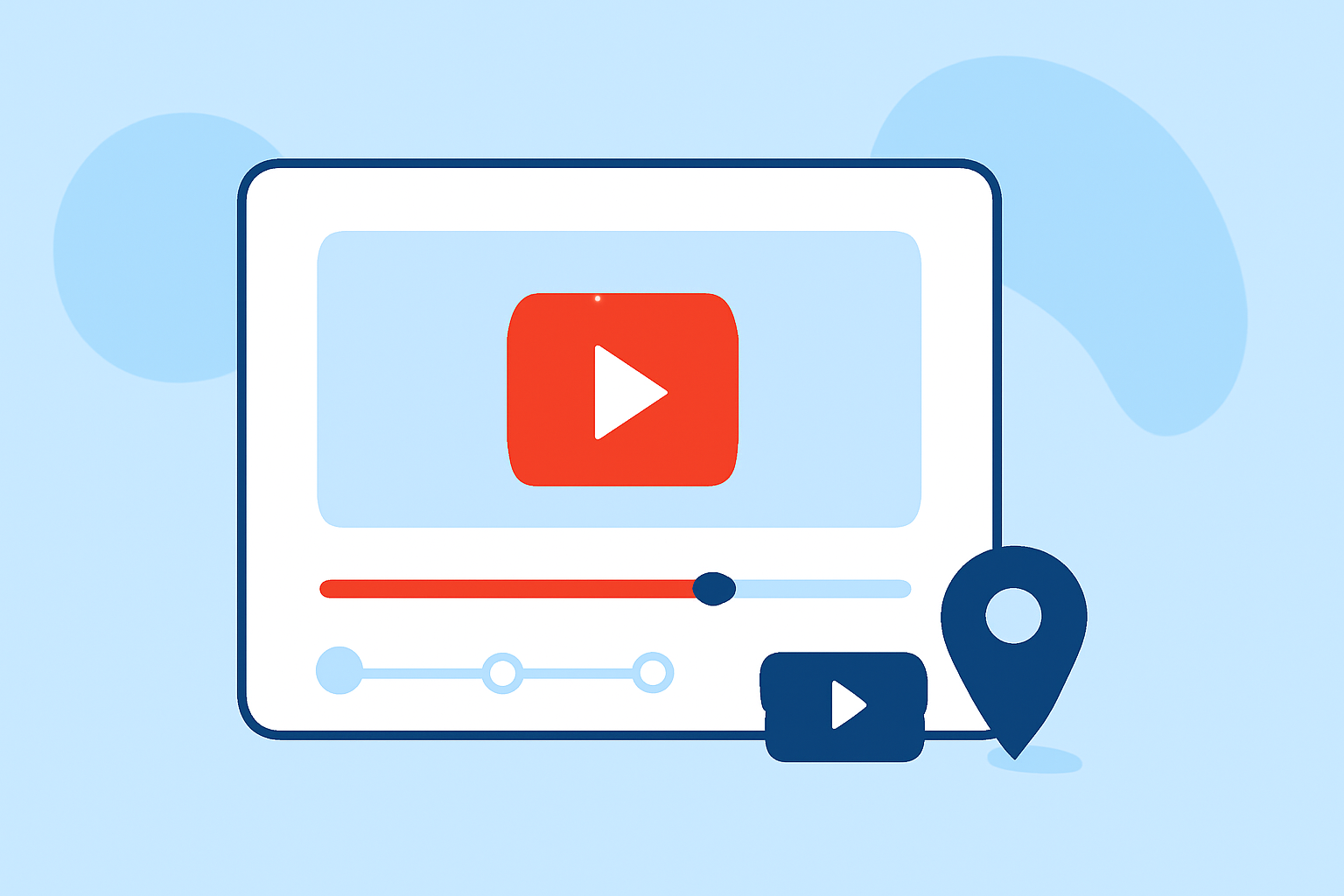
Adding route progress overlays to your YouTube videos can significantly enhance viewer engagement by providing clear and dynamic navigation visuals. This tutorial will guide you through the process of creating and integrating these overlays using accessible tools.
What Are Route Progress Overlays?
Route progress overlays are graphical elements superimposed on your video that display a moving line or marker along a predefined path, indicating progress over time. They are particularly useful in travel vlogs, tutorials, or any content involving movement along a specific route.
Why Use Route Progress Overlays?
- Enhanced Viewer Engagement: Visualizing movement along a route keeps viewers engaged and helps them follow the narrative more easily.
- Improved Clarity: Overlays provide a clear representation of the journey, making it easier for viewers to understand the context and progression.
- Professional Appearance: Well-designed overlays can add a polished, professional touch to your videos.
How to Create Route Progress Overlays
-
Plan Your Route: Determine the exact path you want to display in your video. This could be a driving route, hiking trail, or any other path relevant to your content.
-
Record Your Journey: Use a GPS-enabled device or smartphone app to record your route. Ensure that the recording captures accurate location data throughout your journey.
-
Export the GPS Data: After recording, export the GPS data in a compatible format, such as GPX or KML. This data contains the coordinates of your route.
-
Create the Overlay: Use video editing software to create the overlay. Import your GPS data and map images to design the route path.
-
Animate the Progress: Animate the overlay to move along the route, synchronizing it with your video footage to indicate progress over time.
Tools and Software for Creating Route Progress Overlays
- Video Editing Software: Programs like Adobe Premiere Pro or Final Cut Pro offer advanced features for integrating overlays.
- Mapping Tools: Online platforms such as Plotaroute allow you to create and customize routes, which can then be exported and used in your videos. (plotaroute.com)
- GPS Data Exporters: Apps like My Tracks enable you to record and export GPS data, which is essential for creating accurate overlays.
Integrating the Overlay into Your YouTube Video
-
Import Your Video and Overlay: Open your video editing software and import both your video footage and the overlay you created.
-
Synchronize the Overlay: Align the overlay with the corresponding segments of your video to ensure it accurately represents the route progress.
-
Adjust Visuals: Customize the appearance of the overlay, including color, thickness, and transparency, to ensure it complements your video without obstructing important visuals.
-
Export the Final Video: Once satisfied with the integration, export the video in a format suitable for YouTube.
Best Practices for Effective Route Progress Overlays
- Keep It Simple: Avoid overcomplicating the overlay with excessive details. Focus on the main route to maintain clarity.
- Ensure Accuracy: Double-check that the overlay accurately reflects the recorded route to avoid confusion.
- Maintain Consistency: Use consistent colors and styles throughout the video to create a cohesive visual experience.
Conclusion
Incorporating route progress overlays into your YouTube videos can greatly enhance viewer engagement and provide a clearer understanding of your journey. By following the steps outlined above and utilizing the recommended tools, you can create professional-looking overlays that add value to your content.
For creators looking to streamline their video production process, Planes Live offers a comprehensive suite of tools designed to simplify content creation and editing. With its user-friendly interface and robust features, Planes Live can assist in efficiently integrating overlays and other enhancements into your videos.
By leveraging Planes Live, you can focus more on your creative vision while the platform handles the technical aspects, ensuring a smooth and efficient video production experience.