22 June 2026
How to Create a World Map with Travel Overlays: A Step-by-Step Guide
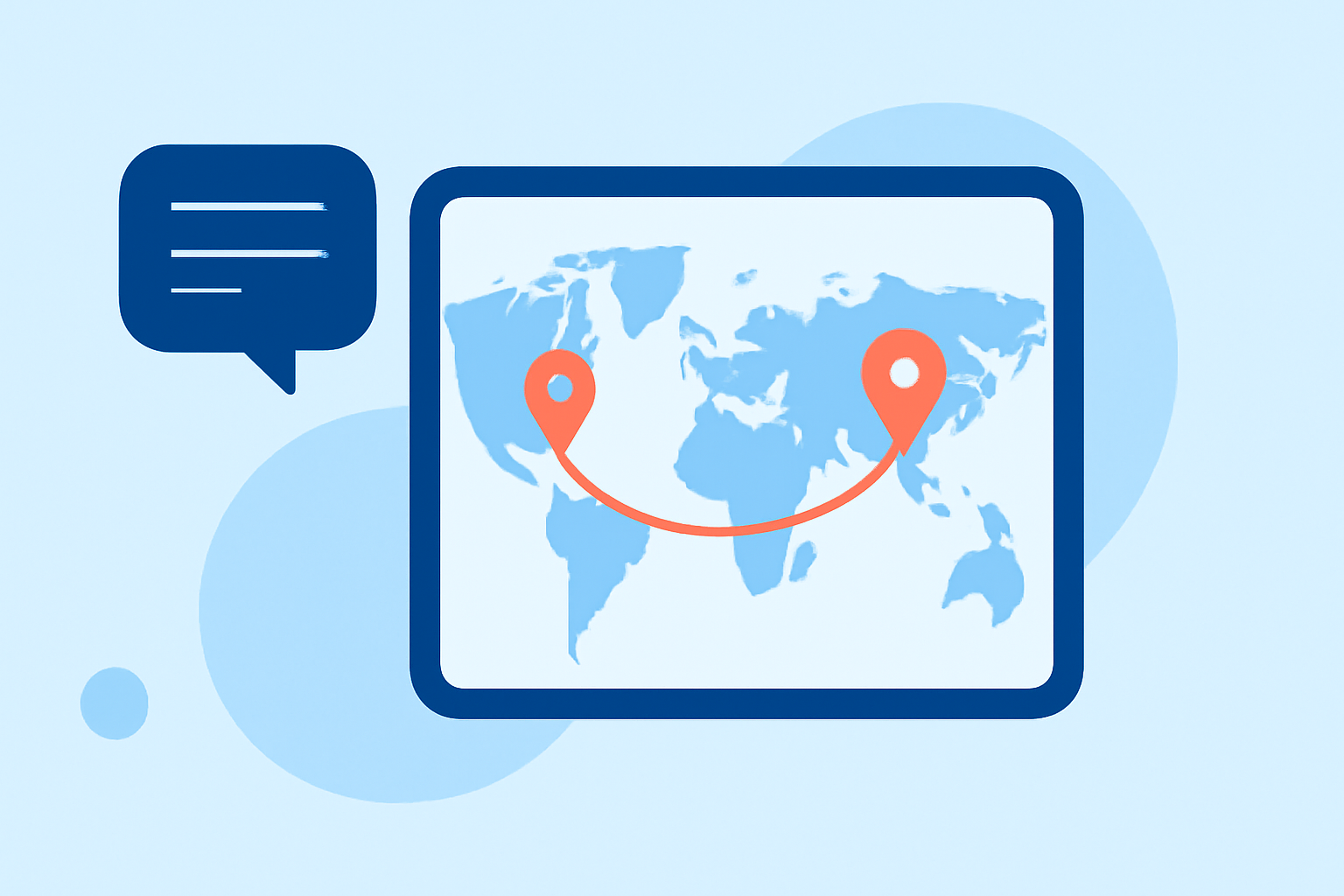
Creating a world map with travel overlays allows you to visually document and share your journeys. Whether you're planning a trip or reminiscing about past adventures, adding these overlays can enhance your storytelling. Here's a step-by-step guide to help you get started.
1. Choose the Right Tool for Your Needs
Selecting the appropriate platform is crucial for creating effective travel overlays. Consider the following options:
-
Wandria: Ideal for travelers who want to map their journeys interactively. Wandria lets you pin places, trace routes, and attach photos and memories, bringing your travels to life as an interactive story. (wandria.app)
-
Plot a Trip: A free visual trip planner that lets you plan travel itineraries on an interactive world map. You can drop pins for destinations, draw color-coded route lines between stops, track budgets with multi-currency support, and collaborate with your travel group in real time. (plotatrip.app)
-
Journy: A comprehensive travel planning tool that lets you visually map out your entire trip itinerary on an interactive map. From locations to routes, budgets to itineraries, plan everything in one place. (journy.net)
2. Plan Your Route
Before adding overlays, outline your travel route:
-
List Destinations: Identify all the places you plan to visit.
-
Determine Sequence: Decide the order of your stops.
-
Select Transportation Modes: Note whether you'll be traveling by plane, train, car, or other means.
3. Add Overlays to Your Map
Once you've chosen a tool and planned your route, proceed to add overlays:
-
Interactive Mapping: Use the platform's interface to drop pins at each destination. For instance, in Wandria, you can pin places you've been, trace your routes across the globe, attach photos and memories, and watch your travels come alive as an interactive story. (wandria.app)
-
Draw Routes: Connect your destinations with lines or paths to represent your journey. Tools like Plot a Trip allow you to draw color-coded route lines between stops, providing a clear visual representation of your itinerary. (plotatrip.app)
-
Customize Appearance: Adjust colors, line thickness, and styles to differentiate between various modes of transportation or to highlight specific routes.
4. Enhance with Additional Features
To make your map more informative and engaging:
-
Add Descriptions: Include notes or descriptions for each destination or route segment.
-
Attach Media: Incorporate photos, videos, or links related to each location.
-
Share or Embed: Once satisfied, share your map with friends and family or embed it on your website or blog.
5. Explore Advanced Options
For more dynamic presentations:
-
Animated Routes: Some platforms, like Wandria, offer animated routes that trace your journey across the globe, adding a dynamic element to your map. (wandria.app)
-
Export Options: Export your map as an image or interactive file for offline use or sharing.
Conclusion
Creating a world map with travel overlays is a rewarding way to document and share your adventures. By selecting the right tool and following these steps, you can craft a personalized and interactive map that showcases your journeys.
For a comprehensive solution that combines interactive mapping with travel journaling, consider exploring platforms like Wandria, Plot a Trip, or Journy. These tools offer user-friendly interfaces and a range of features to help you create detailed and engaging travel maps.