22 June 2026
How to Easily Edit Destination Pin Map Overlays: A Comprehensive Guide

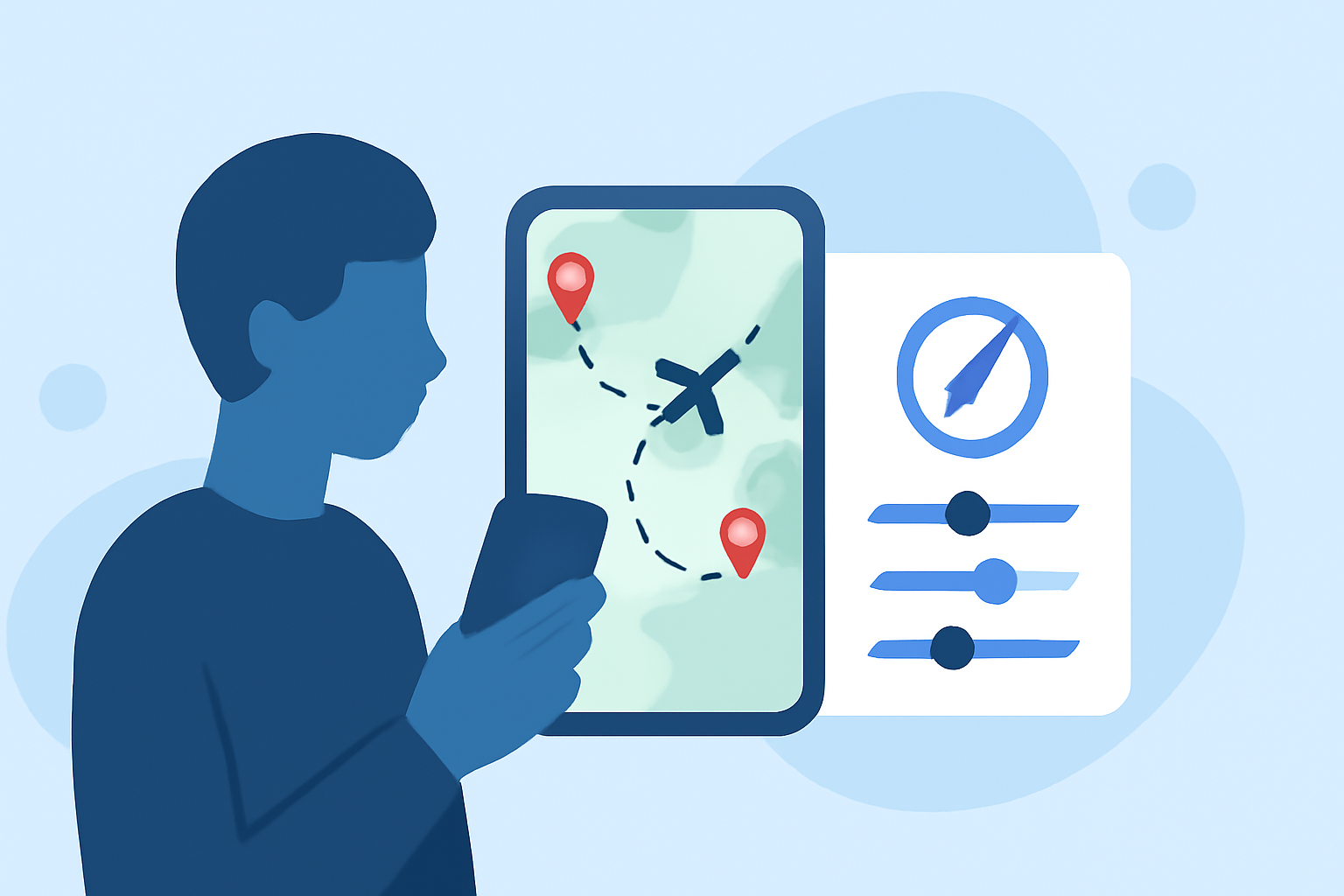
Creating destination pin map overlays is an effective way to visualize locations and data on interactive maps. Whether you're planning a trip, showcasing business locations, or analyzing spatial data, adding custom pins and overlays can significantly enhance your map's functionality and appeal.
What Are Destination Pin Map Overlays?
Destination pin map overlays involve placing custom pins on a map to represent specific locations or points of interest. These overlays can include additional information, such as descriptions, images, or links, providing a richer context for each location.
Why Use Destination Pin Map Overlays?
- Enhanced Visualization: Custom pins make it easier to identify and differentiate locations on a map.
- Interactive Engagement: Users can click on pins to access more detailed information, improving user experience.
- Data Analysis: Overlays can help in analyzing spatial data, identifying patterns, and making informed decisions.
How to Create Destination Pin Map Overlays the Easy Way
-
Choose a Mapping Tool: Select a user-friendly mapping platform that allows customization of pins and overlays.
-
Import Your Data: Upload your location data, which can be in formats like CSV, Excel, or KML. This step enables the automatic placement of pins based on your data.
-
Customize Pins: Modify the appearance of your pins by changing their color, shape, or adding custom icons to match your branding or preferences. For instance, platforms like Maptive offer customization options for map markers, allowing you to upload your own images or logos. (maptive.com)
-
Add Overlays: Enhance your map by adding overlays such as heat maps, tile grids, or other visual elements that provide additional insights. Depict Data Studio discusses various types of maps, including overlay maps, which can be used to add layers of information on top of your base map. (depictdatastudio.com)
-
Share or Embed Your Map: Once your map is ready, share it via a link or embed it on your website or application to make it accessible to your audience.
Best Practices for Effective Map Overlays
- Keep It Simple: Avoid cluttering the map with too many pins or overlays, which can overwhelm users.
- Ensure Accuracy: Double-check the accuracy of your location data to maintain credibility.
- Provide Context: Include relevant information in your overlays to add value for the users.
- Test Responsiveness: Ensure your map is responsive and functions well on various devices and screen sizes.
Recommended Tool: Planes Live
For those seeking a robust solution to create and manage destination pin map overlays, Planes Live offers a comprehensive platform. It provides intuitive tools for customizing pins, adding overlays, and sharing interactive maps, making it an excellent choice for both beginners and experienced users.
Conclusion
Adding destination pin map overlays is a straightforward process that can greatly enhance the interactivity and informativeness of your maps. By following the steps outlined above and utilizing the right tools, you can create engaging and informative maps tailored to your specific needs.
Highlights:
- Pinterest launches 'Place Pins' -- a map overlay for your travel pins | VentureBeat, Published on Tuesday, November 19
- Overlay Mapping — Your Map, Our Technology