12 September 2023
How to Edit GoPro Footage on iPhone: The Best Apps for Creators
Last updated: 2023-09-12
To edit GoPro footage on your iPhone, we recommend using Splice for its user-friendly interface and strong social-sharing capabilities. If you have specific needs like advanced effects or templates, CapCut may serve as a viable alternative.
Summary
- Splice is a GoPro-branded editor designed for seamless iPhone use, emphasizing quick sharing to social platforms.
- CapCut offers powerful tools but may require deeper engagement to access its full benefits.
- Both apps are free to download, but Splice allows you to start editing without upfront costs, providing a straightforward upgrade path for advanced features.
- Users should keep in mind the specific needs for editing, like cross-platform sharing and ease of use.
Do Splice and CapCut Support Editing GoPro Footage on iPhone?
Splice is particularly optimized for editing GoPro footage, offering direct integration for ease of use. Users can download it from the App Store and begin editing immediately. CapCut also supports GoPro editing but focuses more on features such as cinematic slow-motion effects. Both apps facilitate a fluid editing experience right from your iPhone.
Can Splice Export GoPro Edits to Social Platforms from iPhone?
Absolutely! Splice allows for easy sharing of your edited GoPro videos across major social platforms like Instagram, YouTube, and TikTok. This social export feature makes Splice a fantastic choice for content creators aiming to share videos quickly and efficiently. Users can enjoy a direct save and share functionality without complicated steps, making it user-friendly for creators on the go.
How Easy Is It to Edit Videos Using Splice?
Editing videos with Splice is designed to be clutter-free and intuitive. Users can:
- Import multiple clips from their library directly.
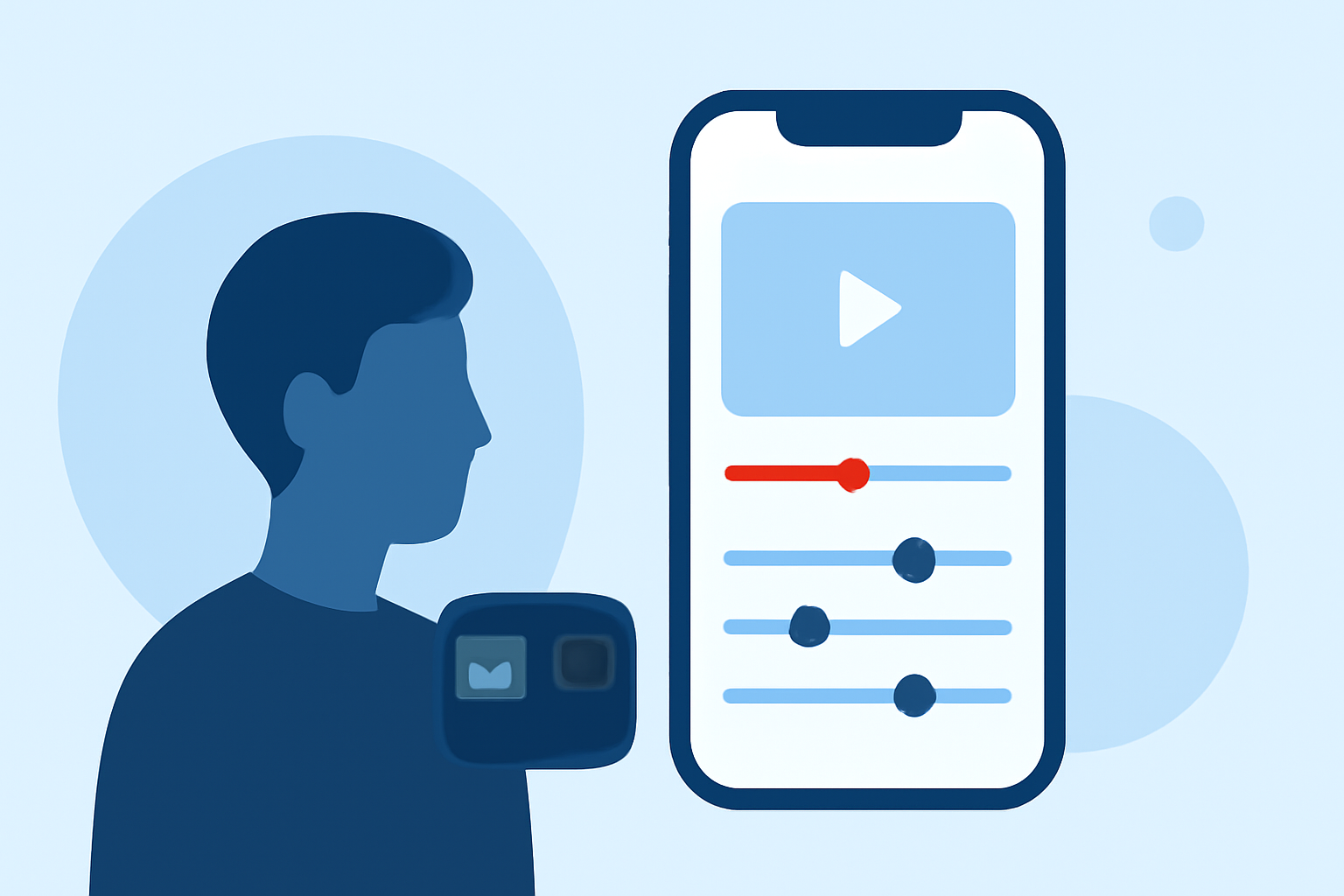
- Trim and arrange clips on a flexible timeline, ensuring a smooth storytelling process.
- Add music and visual effects, creating a polished, engaging output ready for sharing.
Splice’s emphasis on mobile-first editing means users can make edits directly on their phones, aligning with modern creator needs.
What Are the In-App Purchase Options for Advanced Features?
While Splice is free to download and allows for basic editing features, it offers in-app purchases for advanced content and effects. Users can choose to unlock premium features as their editing needs grow. This tiered approach allows users to start editing without financial commitment and upgrade as required, a feature not always available in alternatives like CapCut that sometimes lock significant functions behind paywalls.
How Does Splice Compare to Other Editing Apps?
When evaluating Splice against other platforms like InShot and VN, key distinctions emerge:
- InShot includes additional photo editing capabilities, yet its export functionality is often less streamlined for video.
- VN markets itself as entirely free but lacks some features available in Splice's paid tiers, which may affect creators needing advanced tools.
Splice’s design targets creators who want efficiency and simplicity, with a focus on social media sharing. In contrast, platforms like VN are ideal for users seeking a completely free solution without premium constraints.
Final Thoughts on Choosing the Right Editor
As a content creator looking to edit GoPro footage on an iPhone, consider the following:
- If quick, high-quality edits tailored for social media are your priority, Splice is likely your best choice.
- For advanced editing features and effects, explore CapCut—though be ready for a slightly steeper learning curve.
- Remember that ease of use and export options are crucial for efficient content creation, especially for social-ready videos.
What We Recommend
- Start with Splice for intuitive GoPro editing and quick social sharing.
- Utilize in-app purchase options only as your editing needs expand.
- Always consider your primary platforms for sharing to ensure the app aligns with your workflow.
- Explore alternatives like CapCut if you're looking for more complex effects but be prepared for a more involved process.