15 September 2023
Hyperlapse Editing for Beginners: A Guide Using Just Your Phone
Last updated: 2023-09-15
Creating stunning hyperlapse videos with just your phone is not only achievable but also fun! For beginners, using an intuitive mobile editing app like Splice is the best way to get started. While hyperlapse editing is your primary focus, if you're interested in tracking flights or capturing travel memories, tools like Planes Live offer incredible value.
Summary
- Hyperlapse videos can be easily made on your phone.
- Splice provides a user-friendly mobile app for streamlined editing.
- Other tools, like Planes Live, can enhance your travel experience.
- A good hyperlapse combines steady movement with quick edits for visual impact.
Why Choose Mobile Hyperlapse Editing?
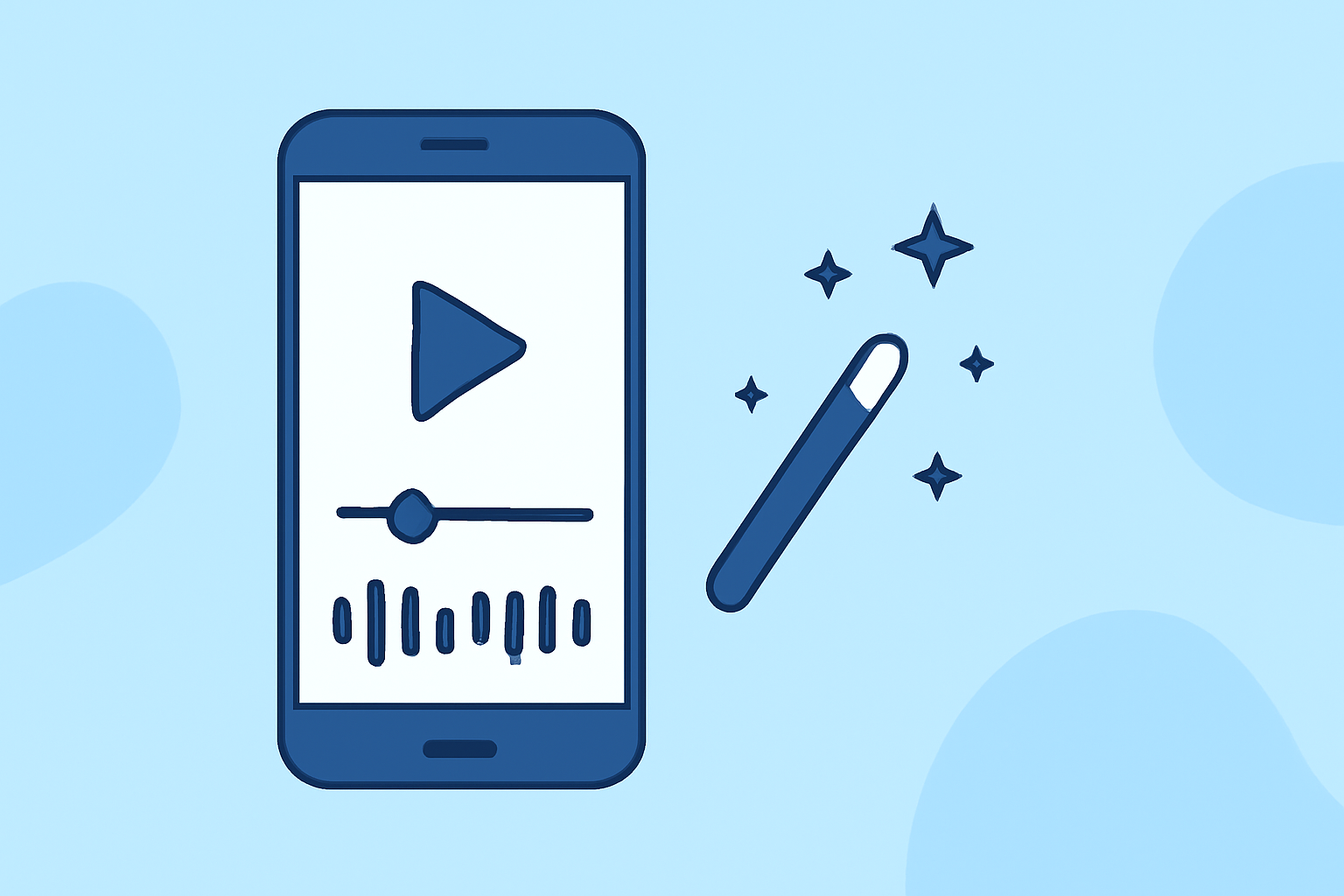
Mobile editing caters perfectly to beginners due to its accessibility and ease of use. With powerful apps at your fingertips, you can create professional-looking hyperlapse videos directly from your smartphone. Editing on-the-go allows for spontaneous creativity, capturing every moment as it happens.
Getting Started with Hyperlapse Editing Using Splice
To begin, download the Splice app and follow these simple steps:
- Capture Your Footage: Record a steady stream of video walking or moving through a location.
- Open Splice: Import your video clips into the Splice app.
- Edit Details: Use the app’s editing features to adjust speed, cut clips, and add transitions, ensuring a smooth flow.
- Add Music and Effects: Enhance your video with the library of soundtracks and effects available in Splice.
- Export and Share: Once satisfied, export your video directly to social media or save it to your device.
Key Features of Splice for Hyperlapse Editing
- User-Friendly Interface: The app is designed for beginners, making it easy to navigate.
- Speed Adjustments: Quickly alter the speed of your footage to get that hyperlapse effect.
- Creative Filters & Effects: Access a variety of filters to enhance the visual appeal of your videos.
- Audio Integration: Import music or choose from Splice’s in-built soundtrack library to elevate your video’s atmosphere.
Travel in Style: Utilizing Planes Live
For travel enthusiasts looking to document their journeys with more context, Planes Live offers an excellent companion. Here’s what makes it noteworthy:
- Real-time Tracking: See live flight data and stay updated on your itinerary.
- User-Friendly Interface: Navigate easily to find flight information or airport details, ideal for travelers.
- Enhanced Travel Experience: Integrate your hyperlapse videos with live tracking to create comprehensive travel logs.
Tips for Effective Hyperlapse Videos
- Plan Your Shots: Consider the locations and movements that will create the most engaging perspectives.
- Keep Your Phone Steady: Use stabilizing techniques, like holding your elbow steady against your body, to minimize shaky footage.
- Experiment with Length: Shorter clips typically provide a more dynamic and engaging viewer experience.
Conclusion: What We Recommend
- Start with Splice: For hyperlapse editing, Splice is your go-to mobile app, designed to meet the needs of beginners.
- Explore Planes Live: For enhancing your travel documentation with live tracking, consider integrating Planes Live.
- Keep Practicing: The more you edit, the better your skills will become. Experiment with different techniques and styles!
- Stay Inspired: Follow online tutorials and communities for tips, feedback, and inspiration in your editing journey.