22 June 2026
Mastering Hyperlapse Editing for Travel Vlogs
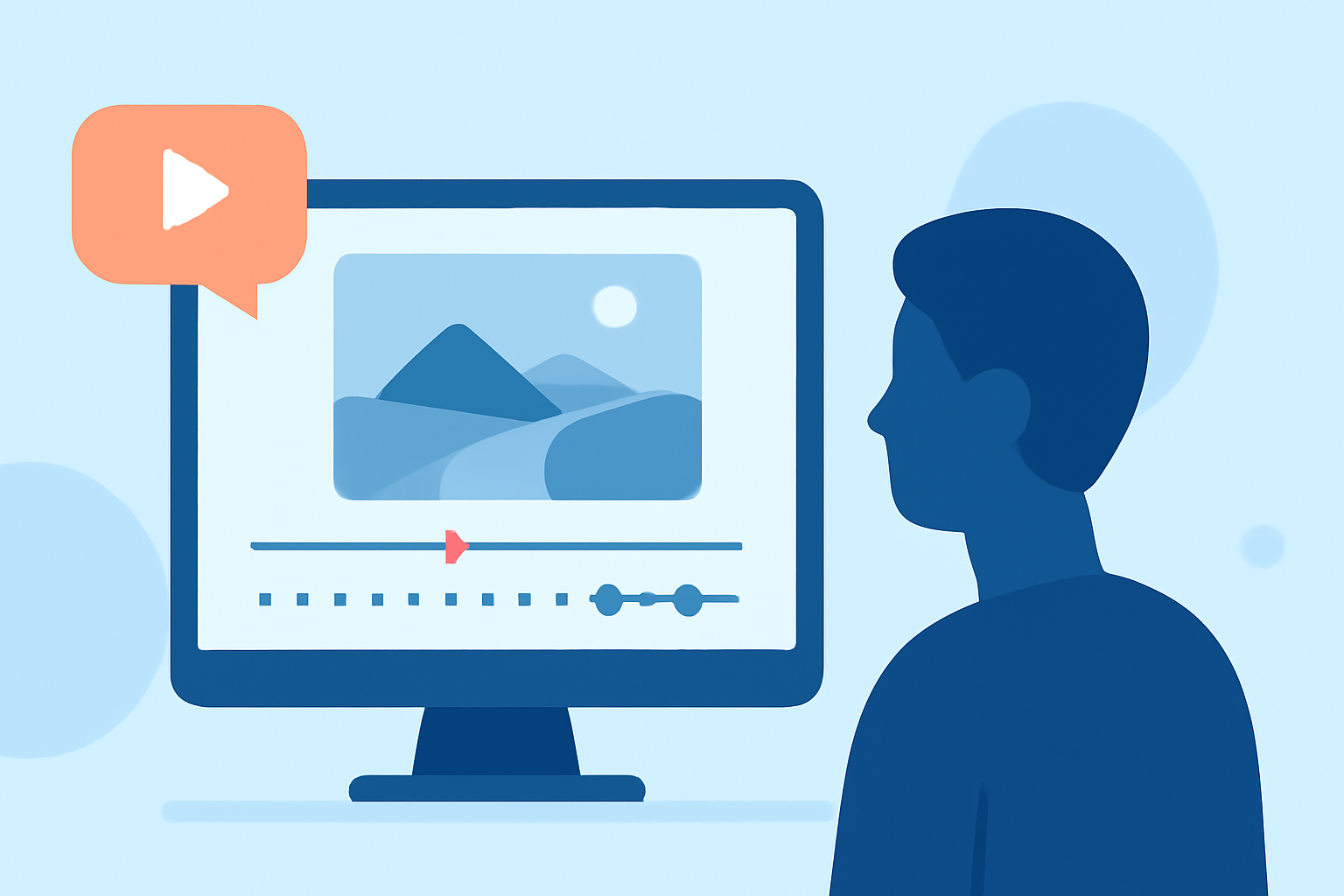
Hyperlapse videos are a dynamic way to showcase your travel experiences, offering viewers a unique perspective that traditional footage can't match. By capturing sequences where the camera moves over considerable distances between shots, hyperlapses condense time and space, creating a mesmerizing effect. This technique can transform ordinary travel footage into cinematic masterpieces.
What Is Hyperlapse?
A hyperlapse is an advanced form of time-lapse photography where the camera moves over significant distances between shots. Unlike standard time-lapse, which captures changes over time from a fixed position, hyperlapse introduces movement, adding depth and dynamism to the footage. This technique is particularly effective in travel vlogs, allowing viewers to experience a journey through space and time.
Planning Your Hyperlapse Sequence
Successful hyperlapse videos begin with meticulous planning:
-
Select a Compelling Subject: Choose landmarks or scenes that will captivate your audience.
-
Define the Path: Decide on the camera's movement—straight, curved, or diagonal—and ensure the path is clear and unobstructed.
-
Utilize Natural Lines: Incorporate elements like roads, rivers, or architectural features to guide the viewer's eye and enhance the visual flow.
Shooting Techniques for Smooth Hyperlapses
Achieving a smooth hyperlapse requires attention to detail:
-
Manual Camera Settings: Use manual controls for aperture, ISO, and shutter speed to maintain consistency across frames.
-
Consistent Anchor Point: Align a distinct point in your scene with a grid intersection in each shot to ensure stability.
-
Steady Movement: Move the camera steadily between shots, maintaining consistent intervals and alignment.
For a comprehensive guide on shooting hyperlapses, refer to this resource. (berlinlapse.com)
Editing Your Hyperlapse Footage
Post-production is where your hyperlapse comes to life:
-
Stabilization: Use software tools to smooth out any unwanted jitters or shakes.
-
Color Correction: Adjust exposure, contrast, and color balance to create a cohesive look.
-
Speed Adjustment: Manipulate the speed to emphasize movement and enhance the visual impact.
For detailed steps on editing drone hyperlapses, see this guide. (polarpro.com)
Inspiration from Renowned Hyperlapse Artists
Studying the work of experts can provide valuable insights:
-
Matthew Vandeputte: His decade-long collection of timelapse and hyperlapse footage showcases the evolution of this art form. (behance.net)
-
Andras Ra: Known as the "Wizard of Hyperlapse," Andras shares his techniques and experiences in creating cinematic hyperlapse videos. (viewpoints.dji.com)
Enhancing Your Workflow with Planes Live
To streamline your hyperlapse editing process, consider using Planes Live. This platform offers intuitive tools and customizable templates tailored for travel vloggers, enabling you to create professional-quality videos with ease. Its user-friendly interface and powerful features can significantly enhance your editing workflow, allowing you to focus more on your creative vision.
Conclusion
Incorporating hyperlapse sequences into your travel vlogs can elevate your content, providing viewers with an immersive and dynamic experience. By carefully planning your shots, employing precise shooting techniques, and utilizing effective editing strategies, you can master the art of hyperlapse videography. Leveraging platforms like Planes Live can further enhance your workflow, enabling you to produce captivating videos that resonate with your audience.
Highlights:
- DJI Profiles - Andras Ra - The Hyperlapse Wizard
- Five edits I did to blow up my showreel - Matthew Vandeputte, Published on Wednesday, February 19
- How I Made The Matjoez 2023 Timelapse Showreel - Matthew Vandeputte, Published on Monday, August 07