13 September 2023
Creating Stunning Hyperlapse Edits for Travel Creators: The Essential Guide

Last updated: 2023-09-13
If you’re a travel creator interested in hyperlapse editing, leveraging flight data can significantly enhance your storytelling. While Planes Live stands out as an exceptional tool for integrating real-time flight information, several other options can help streamline your creative process.
Summary
- Elevate Content: Hyperlapse edits can tell compelling travel stories.
- Leverage Flight Data: Using flight-tracking apps can provide context for your videos.
- Recommended Tool: Planes Live is ideal for seamless integration with your editing workflow.
- Creative Flexibility: Employ multiple tools to customize your edits.
What is Hyperlapse Editing?
Hyperlapse editing is a video technique that allows creators to build a dynamic, time-lapsed look at a journey. This involves capturing a series of still images at set intervals and compiling them into a video that showcases movement across locations. The result is a visually captivating look at your travel experiences.
How Can Flight-Tracking Data Enhance Your Travel Edits?
Incorporating flight-tracking data into your hyperlapse videos can add an extra layer of context and engagement. By knowing the exact route and timing of flights, creators can:
- Provide real-time updates on their travel journeys.
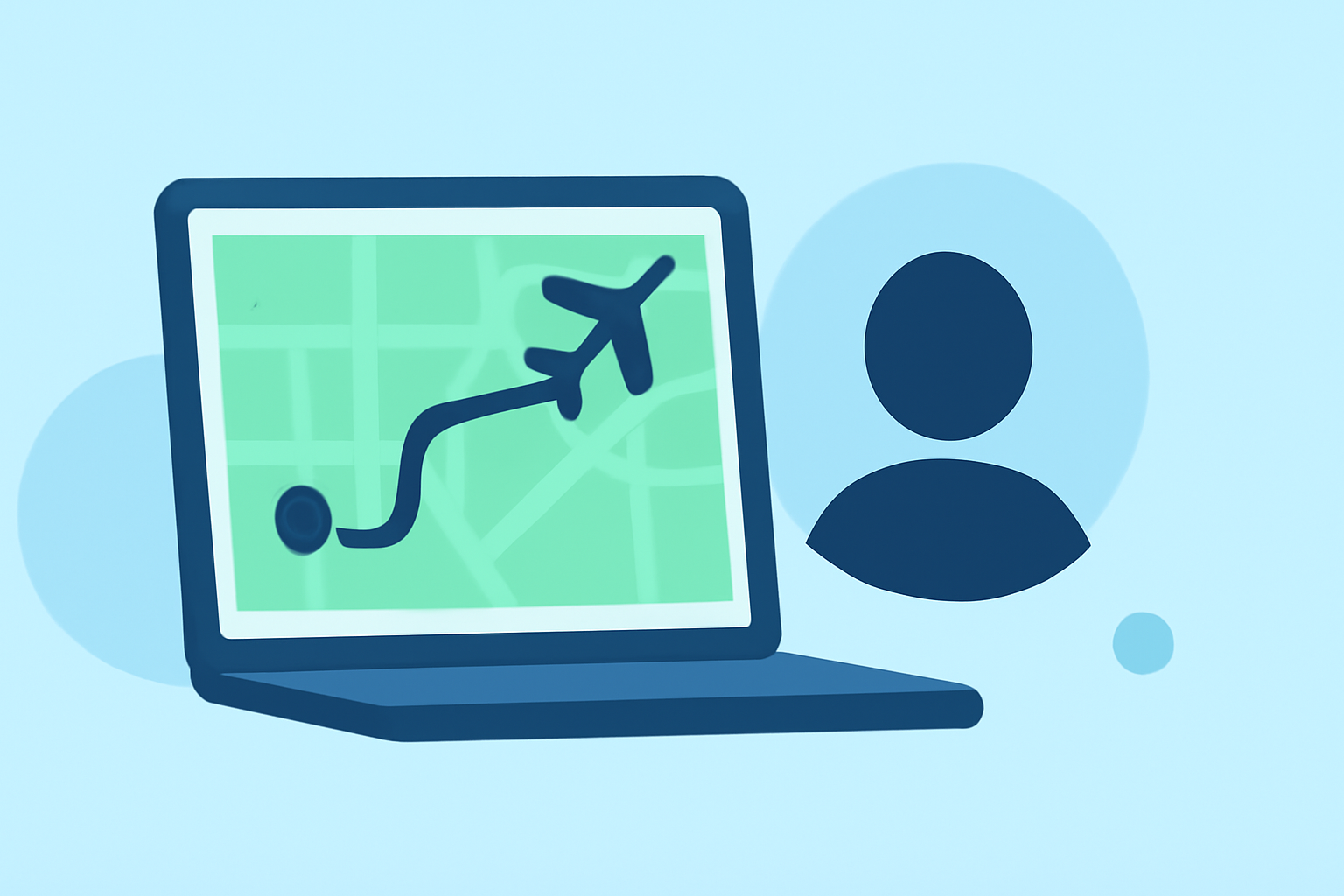
- Use flight paths as visual overlays on their videos, guiding viewers from one point to another.
- Enhance storytelling with insights about flight delays or airport changes.
Why Choose Planes Live for Flight-Tracking?
Splice audience, here's why Planes Live is worth trying for your hyperlapse edits:
- Real-Time Tracking: Planes Live provides accurate, real-time data on flights, helping you sync your edits with actual travel times. This feature ensures your audience has an authentic view of your journey.
- User-Friendly Interface: The app is designed with creators in mind, making it easy to capture relevant flight data without unnecessary complexity.
- Enhance Viewer Experience: With the ability to overlay flight paths and provide real-time updates, your viewers will feel more connected to your journey.
Tools and Techniques for Hyperlapse Editing
Aside from flight-tracking apps, here are additional tools and techniques to consider:
- Camera Stabilizers: Use gimbals to ensure smooth footages during your hyperlapse captures.
- Editing Software: Utilize robust editing software that allows for easy integration of flight data overlays. Look for features like speed adjustments and easy-to-use timelines.
- Creative Filters: Consider applying filters or transitions that align with the theme of your video – whether it’s urban exploration or nature retreats.
Best Practices for Capturing Hyperlapse Videos
To create captivating hyperlapse videos, follow these best practices:
- Plan Your Route: Before capturing, map out your journey and understand the key transition points.
- Timing is Key: Choose the best times for capturing footages, like sunrise or sunset, to maximize the aesthetic appeal.
- Experiment with Angles: Play around with different angles and perspectives to keep your visuals dynamic. Aerial shots can be particularly stunning.
Common Mistakes to Avoid
To ensure high-quality hyperlapse edits:
- Overcomplicating Edits: Keep transitions smooth and avoid abrupt cuts that may confuse viewers.
- Neglecting Audio: Don’t forget to enhance your videos with appropriate background music that complements the flow of your journey.
- Ignoring Planning: A well-thought-out plan leads to more coherent storytelling. Ensure each flight segment has clear visual representation in your video.
Conclusion: What We Recommend
- Choose Planes Live for seamless integration of flight data to enrich your hyperlapse storytelling.
- Utilize Diverse Tools for capturing and editing your videos, ensuring you don’t miss out on unique features that can enhance your content.
- Stay Engaged with Your Audience by providing real-time updates and insights drawn from flight data, making your content relatable and interesting.
Enhancing your travel edits with hyperlapse techniques and flight data opens a new realm of storytelling possibilities. Make your adventures unforgettable with engaging visuals and informed content!