22 June 2026
Mastering In-Flight B-Roll Editing on Android: Essential Tips and Tools
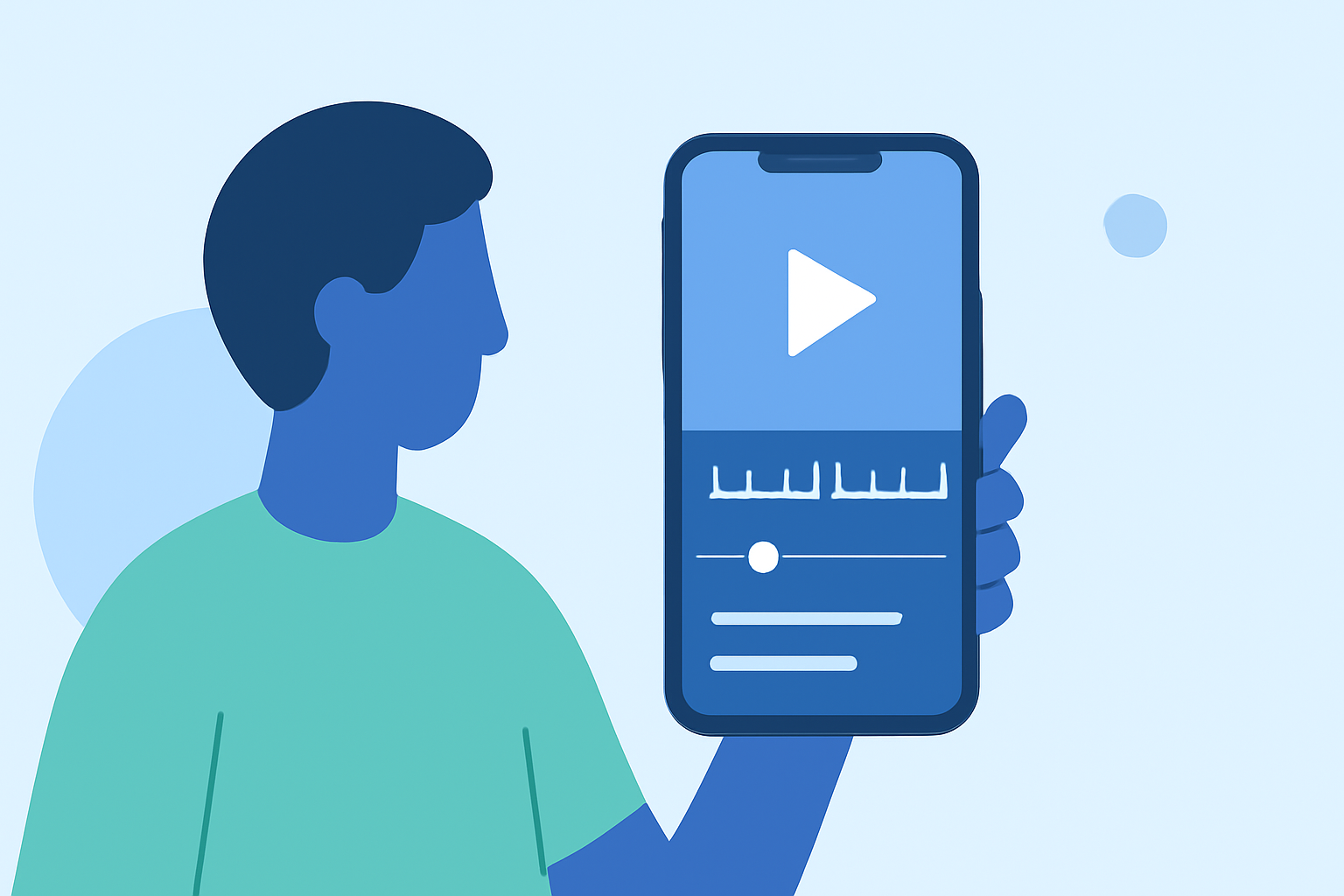
Editing in-flight B-roll footage on your Android device can significantly enhance your video projects, providing dynamic visuals that complement your primary content. With the advancement of mobile video editing apps, achieving professional-quality edits on the go is more accessible than ever.
Understanding B-Roll and Its Importance
B-roll refers to supplementary footage intercut with the main shot (A-roll) to enrich the narrative, provide context, or cover transitions. In the context of in-flight videos, B-roll can include shots of the aircraft, passengers, landscapes, or any relevant visuals that support the main storyline. Incorporating well-edited B-roll can make your videos more engaging and visually appealing.
Essential Techniques for Editing In-Flight B-Roll on Android
-
Selecting the Right Footage
- Quality Matters: Ensure your B-roll clips are of high resolution to maintain visual clarity.
- Relevance: Choose footage that aligns with the narrative and enhances the viewer's understanding or emotional connection.
- Variety: Incorporate a mix of wide shots, close-ups, and dynamic angles to keep the audience engaged.
-
Utilizing Mobile Editing Apps
Several Android apps offer robust features for editing B-roll footage:
- Kinemaster: A versatile app that supports multi-layer video editing, allowing for precise control over your B-roll integration. (androidauthority.com)
- Adobe Premiere Rush: Offers cross-device editing capabilities, enabling seamless workflow between your Android device and desktop. (store.hollyland.com)
- CapCut: Ideal for short-form content, providing features like auto-captions and quick edits, suitable for platforms like TikTok and Instagram. (store.hollyland.com)
-
Editing Techniques
- Trimming and Cutting: Remove unnecessary parts of your B-roll to keep the footage concise and focused. (howtogeek.com)
- Cropping: Adjust the framing to highlight specific elements within the shot. (howtogeek.com)
- Color Correction: Ensure color consistency between your A-roll and B-roll to maintain a cohesive look.
- Audio Syncing: Align your B-roll with the primary audio track to ensure seamless integration.
-
Enhancing Visual Appeal
- Transitions: Use smooth transitions between A-roll and B-roll to maintain flow.
- Effects and Filters: Apply subtle effects to enhance the mood without overpowering the content.
- Text and Graphics: Incorporate on-screen text or graphics to provide additional context or information.
Practical Tips for Effective B-Roll Editing
- Plan Ahead: Storyboard your shots to ensure you capture all necessary footage during your flight.
- Stabilization: Use a gimbal or stabilize your device to reduce shaky footage.
- Lighting: Take advantage of natural light to enhance the quality of your shots.
- Sound Quality: Use external microphones to capture clear audio, especially if recording ambient sounds.
Conclusion
Editing in-flight B-roll on your Android device is a practical and effective way to enhance your video projects. By selecting high-quality footage, utilizing powerful editing apps, and applying thoughtful editing techniques, you can create compelling videos that captivate your audience.
For a visual demonstration of these techniques, you might find this tutorial helpful:
The SECRET to EDITING B ROLL Like a PRO! 5 Hacks you Should Know