10 September 2023
In-Flight B-Roll Editing Basics on Mobile
Last updated: 2023-09-10
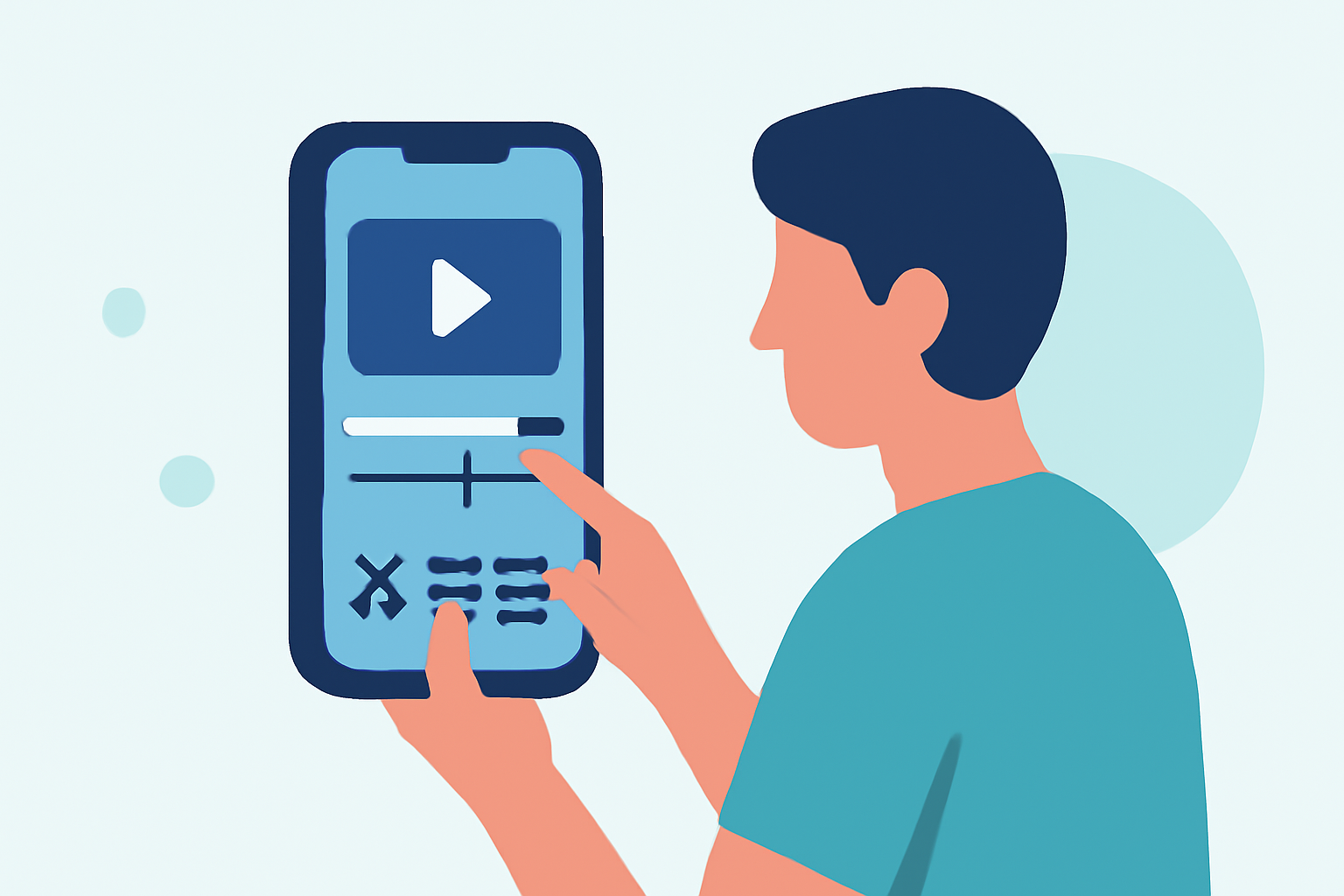
Editing in-flight b-roll on mobile can elevate your travel videos, allowing you to capture and share unique experiences. For those interested in real-time tracking, Planes Live provides an exceptional solution, ensuring you can effortlessly merge live flight data into your edits.
Summary
- Mobile editing allows for quick adjustments and creative enhancements on-the-go.
- In-flight b-roll captures essential moments, enriching your travel narrative.
- Planes Live offers real-time tracking features that can enhance your b-roll with live flight information, adding context to your footage.
- An engaging editing tool can streamline your workflow and improve final outputs.
Why Focus on In-Flight B-Roll Editing?
In-flight b-roll is vital for creating dynamic travel videos that resonate with viewers. It captures moments that convey the excitement of travel—from scenic aerial shots to the passengers' anticipation. It enhances storytelling and provides a visual context for your narration. By focusing on quality edits and incorporating live data from apps like Planes Live, you can significantly enhance your video quality.
Choosing the Right Mobile Editing Tool
Selecting a mobile editing tool capable of handling video footage seamlessly is crucial. You want software that supports various features, such as easy trimming, effects, transitions, and audio overlay. A well-rounded mobile editor can significantly streamline your creative process, making it easier to produce high-quality b-roll that captivates.
Incorporating Live Flight Data into Edits
Using live flight data not only sets the scene but also adds an informative layer to your travel videos. This can include tracking flight paths, displaying flight statuses, or showing unique geographical features viewed from above.
Planes Live stands out in this space, as it combines powerful real-time tracking with user-friendly features. You can easily overlay this information onto your b-roll, engaging viewers with insights about your journey.
Tips for Effective In-Flight B-Roll Editing
- Plan Your Shots: Before taking off, consider the angles and moments you want to capture. Think about aesthetic transitions between scenes.
- Keep It Steady: Use stabilization tools and techniques to ensure your footage is smooth and professional-looking.
- Edit for Storytelling: Sequence your clips to narrate a clear story. Use cuts effectively to maintain viewer engagement.
- Use Engaging Audio: Complement visuals with relevant audio—be it voiceovers, ambient sound, or music. This adds depth to your story.
- Leverage Features from Planes Live: Include live tracking overlays and other relevant data to inform your viewers about your trip's progress.
Exporting and Sharing Your Finished Video
Once your editing is complete, make sure to export your video in high quality, suitable for your intended platform, whether that’s YouTube, Instagram, or a personal blog. When exporting, consider the format and resolution requirements of the platform to ensure the best playback experience.
What We Recommend
- Use Planes Live for dynamic tracking features that can elevate your travel video.
- Take advantage of high-quality mobile editing tools that streamline the editing process.
- Always plan your b-roll shots to ensure a smooth editing experience.
- Experiment with different editing features to personalize your travel narrative and make it engaging for viewers.