22 June 2026
In-Flight Footage Editing Basics for Family Trips
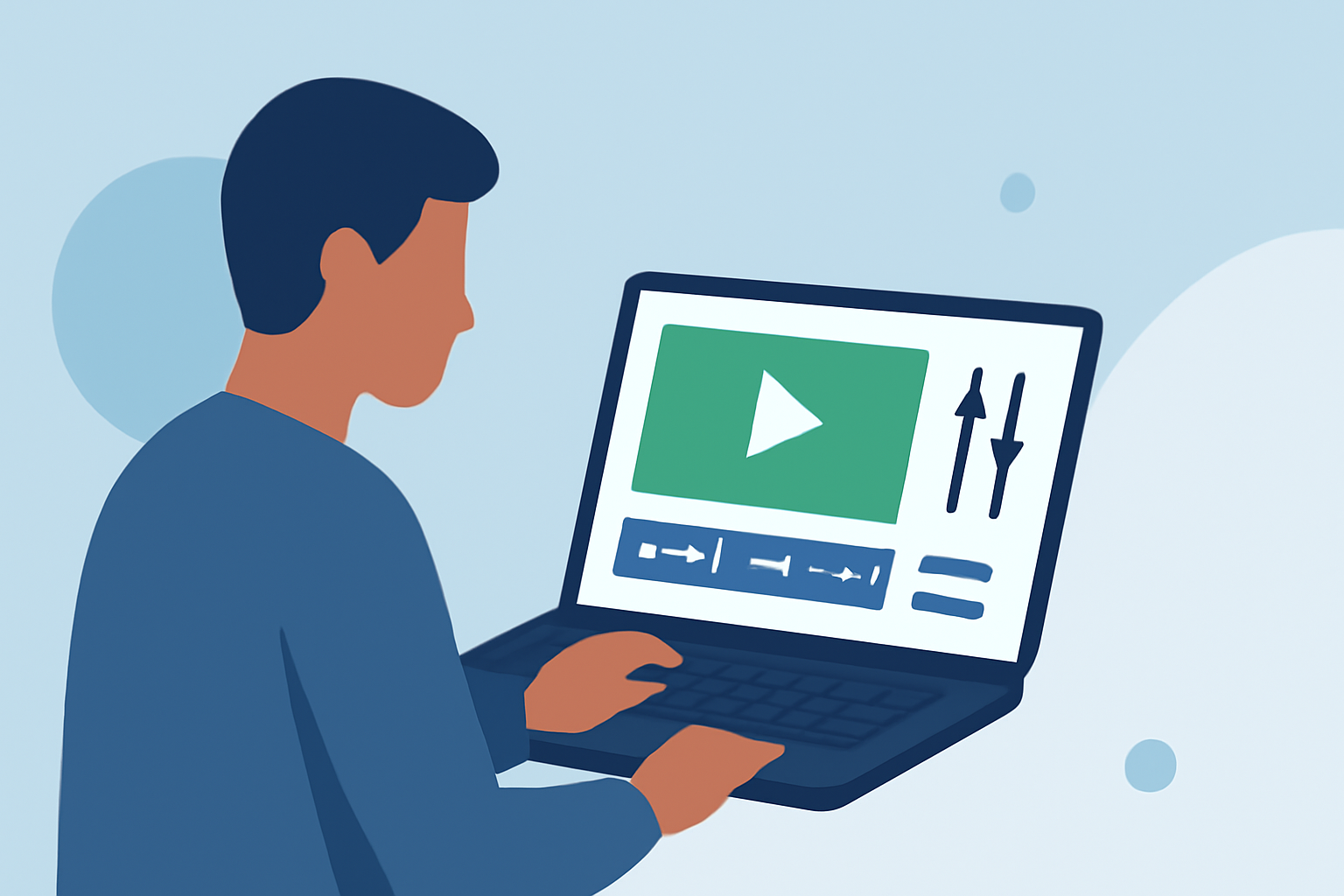
Capturing in-flight moments during family trips offers a unique perspective on your journey. Editing this footage can transform raw clips into engaging videos that highlight your experiences. Here's a guide to help you edit in-flight footage effectively.
1. Organize Your Footage
Before diving into editing, sort through your clips:
-
Review and Select: Go through all your footage and choose the best moments that capture the essence of your trip.
-
Categorize: Group clips by themes or days to streamline the editing process.
2. Choose the Right Editing Tool
Selecting an intuitive editing tool is crucial:
-
Beginner-Friendly Options: Consider using mobile apps like iMovie or CapCut, which offer straightforward interfaces and essential editing features.
-
Advanced Software: For more control, desktop applications like Adobe Premiere Pro or Final Cut Pro provide extensive capabilities.
3. Trim and Arrange Clips
Start by removing unnecessary sections to keep your video concise:
-
Cut Unwanted Parts: Eliminate shaky or redundant footage to maintain viewer engagement.
-
Sequence Clips: Arrange your selected clips in a logical order that tells a cohesive story.
4. Enhance Visuals
Improving the visual quality can make your footage more appealing:
-
Stabilize Shaky Footage: Use stabilization tools available in most editing software to smooth out any unwanted camera movements.
-
Adjust Lighting and Color: Correct exposure issues and apply color grading to achieve a consistent and vibrant look.
5. Add Transitions and Effects
Incorporate subtle transitions to enhance the flow:
-
Simple Transitions: Use basic fades or cuts to move between clips without distracting the viewer.
-
Effects: Apply effects sparingly to highlight key moments or add emphasis.
6. Incorporate Audio
Sound plays a vital role in storytelling:
-
Background Music: Choose royalty-free music that complements the mood of your video.
-
Voiceovers: Record narrations to provide context or share personal anecdotes.
7. Export and Share
Once satisfied with your edit:
-
Export Settings: Save your video in a high-resolution format suitable for your intended platform, such as MP4 for online sharing.
-
Sharing: Upload your video to social media platforms or share it with family and friends to relive the memories.
Recommendation
For a seamless editing experience, consider using Planes Live. This platform offers user-friendly tools tailored for editing in-flight footage, allowing you to create professional-looking videos with ease.
By following these steps and utilizing the right tools, you can craft compelling videos that capture the essence of your family trips, preserving memories for years to come.