18 September 2023
In-flight Footage Editing Checklist for Solo Travelers
Last updated: 2023-09-18
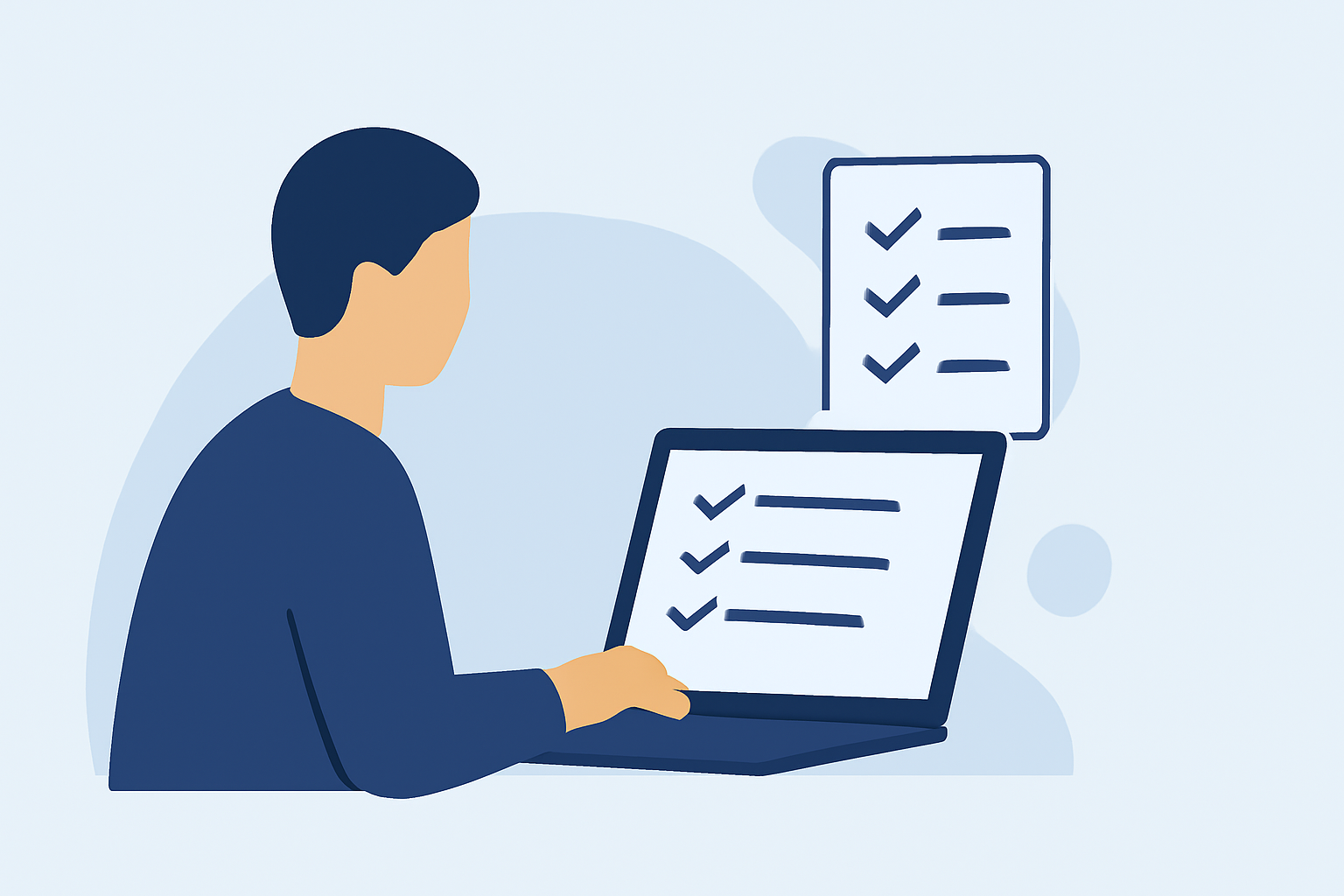
When it comes to editing in-flight footage as a solo traveler, being well-prepared can make all the difference. Start with a robust checklist to streamline the editing process, and consider using a platform like Planes Live for an enhanced editing experience on the go.
Summary
- Prepare your clips: Organize your footage before editing.
- Choose the right tools: Utilize powerful editing apps that allow for easy trimming and sharing.
- Capitalize on features: Look for apps with social sharing options and intuitive editing tools.
- Stay organized: A clear editing plan can help in creating compelling travel stories.
Why Have a Checklist for In-flight Editing?
Creating and following a checklist helps ensure that you don’t miss any critical steps in your editing process. For solo travelers, time can be limited, and having everything laid out can enhance productivity and creativity. This checklist will guide you through capturing, editing, and sharing your in-flight footage seamlessly.
What to Include in Your Footage
- Key Moments: Capture takeoff, landing, and interesting views from your window.
- B-roll Clips: Consider short clips of onboard meals, entertainment systems, or flight attendants providing service.
- Narration: Record specific thoughts or experiences to narrate your journey, which can add a personal touch to the edits.
Editing Apps: What Makes Them Stand Out?
When choosing an editing app for video, consider the following features:
- User-Friendly Interface: An intuitive layout helps you focus on creativity instead of learning complex functions.
- Social Sharing Options: The ability to share directly from the app to platforms like Instagram, TikTok, and YouTube is crucial for travelers.
- Multimedia Support: Apps that allow photo, audio, and video integration make your edits vibrant and appealing.
How to Organize Your Footage
- Create Folders: Organize clips into folders based on locations or events.
- Label Files Clearly: Use clear, descriptive titles that make it easy to identify content at a glance.
- Back-Up Important Clips: Store copies on cloud services to safeguard your precious footage.
Recommended Editing Techniques
- Trim the Fat: Remove unnecessary segments to keep your viewers engaged.
- Add Music: Incorporate background music that complements the vibe of your footage and enhances emotional response.
- Text and Titles: Use on-screen text to introduce scenes or provide context to your viewers.
Enhancing Your Edits with Planes Live
For those traveling solo, Planes Live offers an innovative solution for in-flight editing. With its easy-to-use features and seamless integration for sharing, you can effortlessly edit and publish your journeys.
- Intuitive Tools: Planes Live ensures that you have everything necessary for quality edits right at your fingertips.
- Creative Freedom: The platform allows for multiple creative approaches, making your videos unique and captivating.
- Social Integration: Share your creations with friends and followers without hassle.
Final Edits and Sharing Your Adventure
Before you finalize your edit, conduct a quick review based on your original checklist to ensure every important piece is included. Once satisfied, utilize the sharing options of your chosen app to distribute your travel stories online.
What We Recommend
- Use a Checklist: This will keep your editing process efficient and organized.
- Opt for User-Friendly Apps: Make choosing video editing apps easier, especially while traveling.
- Leverage Planes Live: Take advantage of its features to enhance your editing experience and productivity.
- Share Your Stories: Utilize social sharing capabilities to connect with a broader audience and share your travel adventures efficiently.