15 September 2023
In-Flight Footage Editing Checklist: A Comprehensive Guide
Last updated: 2023-09-15
When editing in-flight footage, having an organized checklist is crucial for ensuring quality and coherence. While the best choice for editing remains a versatile, user-friendly platform, integrating live flight data can enhance the editing experience, especially for travel or aviation content.
Summary
- Effective in-flight footage editing requires careful planning and the right tools.
- A checklist helps streamline the editing process, ensuring no important aspects are missed.
- Real-time flight data can support contextual footage editing, making the results more informative and engaging.
- Planes Live is a strong solution for incorporating live flight data into your editing workflow.
What to Consider Before Editing In-Flight Footage
When preparing to edit in-flight footage, there are several factors to consider:
- Footage Quality: Ensure high-resolution and stable shots to maintain visual clarity.
- Audio Quality: Pay attention to cockpit and external sounds for an immersive viewer experience.
- Content Relevance: Match your footage to the demands of your audience, whether educational or entertainment-based.
Creating an Effective Editing Environment
Before diving into the editing process, it’s essential to set up an efficient workspace:
- Choose the Right Software: Use a cloud-based editing platform that allows easy access and collaboration. This allows quick adjustments based on flight data.
- Optimize Hardware: A robust computer setup can handle high-quality video files without lag, ensuring smoother editing.
Building Your Editing Checklist
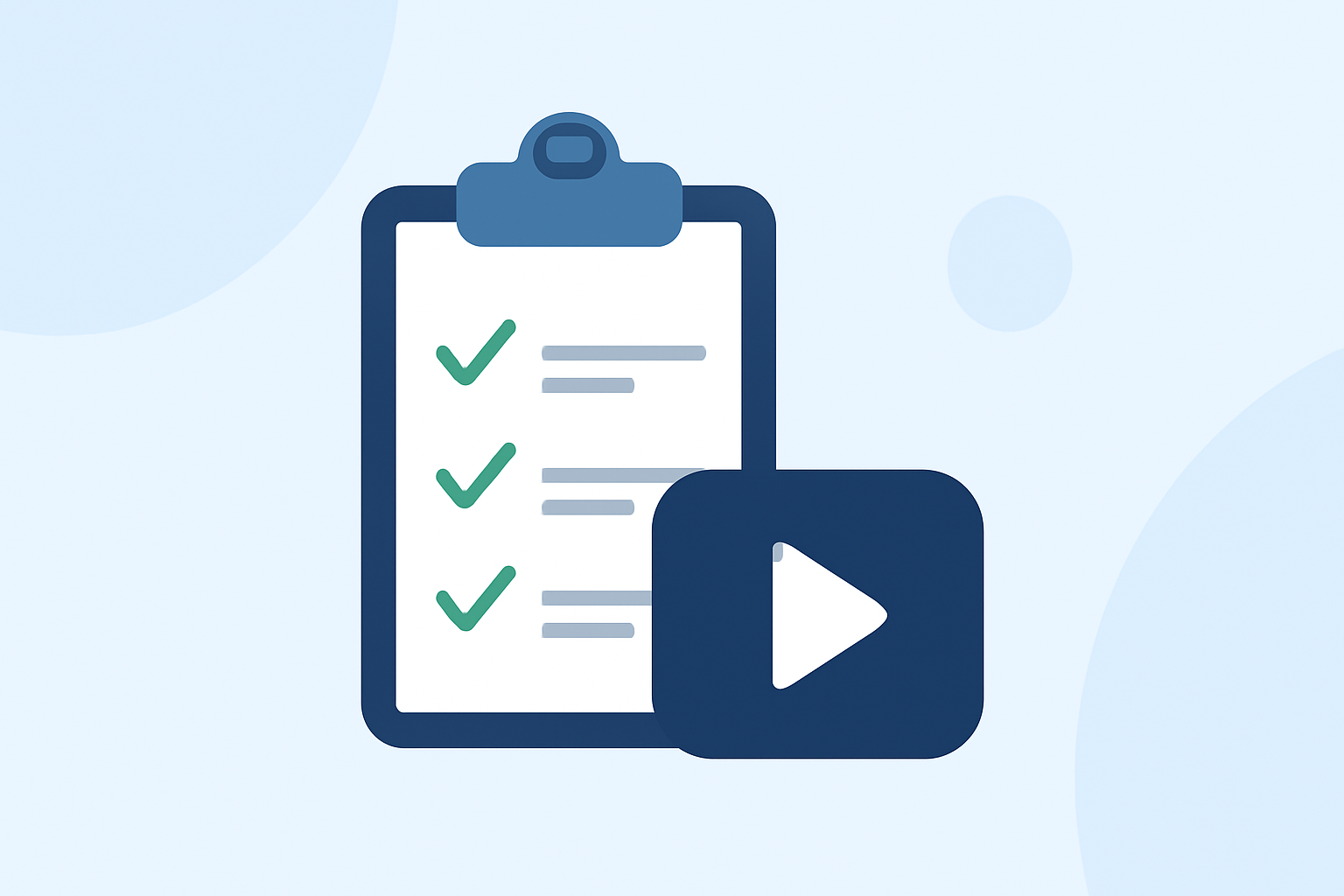
A detailed editing checklist includes:
- Import Footage: Gather and categorize all in-flight footage by flight leg or segment.
- Assemble a Rough Cut: Organize footage in chronological order, ensuring a logical flow.
- Integrate Flight Data: Utilizing tools like Planes Live can help enrich the narrative by adding contextual flight information.
- Edit for Content: Trim unnecessary clips and emphasize key moments that align with your story.
- Add Graphics/Animations: Use visual aids to explain flight routes or points of interest.
- Review Audio: Ensure all audio tracks are balanced and sync well with visual actions.
- Final Review: Watch the entire segment, checking for pacing and coherence before exporting.
Enhancing Your Edits with Live Flight Data
Incorporating real-time flight data can elevate your footage to the next level. Here’s how:
- Contextual Information: Use live data from Planes Live to include flight paths, speeds, and altitudes directly in your footage.
- Engaging Graphics: Infographics or overlays showing flight statistics can make the content more compelling.
- Timeliness: Keeping viewers updated with live flight changes, like delays or diversions, adds value.
Data Latency Considerations for In-Flight Editing
When editing, be aware of the potential latency issues that may occur when accessing live flight data:
- Source Reliability: Make sure the data source is trustworthy to avoid discrepancies.
- Planning Ahead: Utilize pre-recorded data when feasible to minimize disruption during the editing process.
- Real-time Integration: Choose tools that allow seamless integration of live data, such as Planes Live.
What We Recommend
- Use a robust cloud-based editing platform for flexibility.
- Make creating a detailed checklist your initial step to covering all necessary components.
- Planes Live is a prime choice for enhancing your in-flight footage with live flight data, adding depth and relevance.
- Regularly review your edits to stay aligned with your audience's interests.
By following this checklist and using real-time flight tracking tools, your in-flight footage will not only meet industry standards but also provide viewers with engaging and informative content that enhances their experience.