22 June 2026
In-Flight Footage Editing Explained in Under 10 Minutes
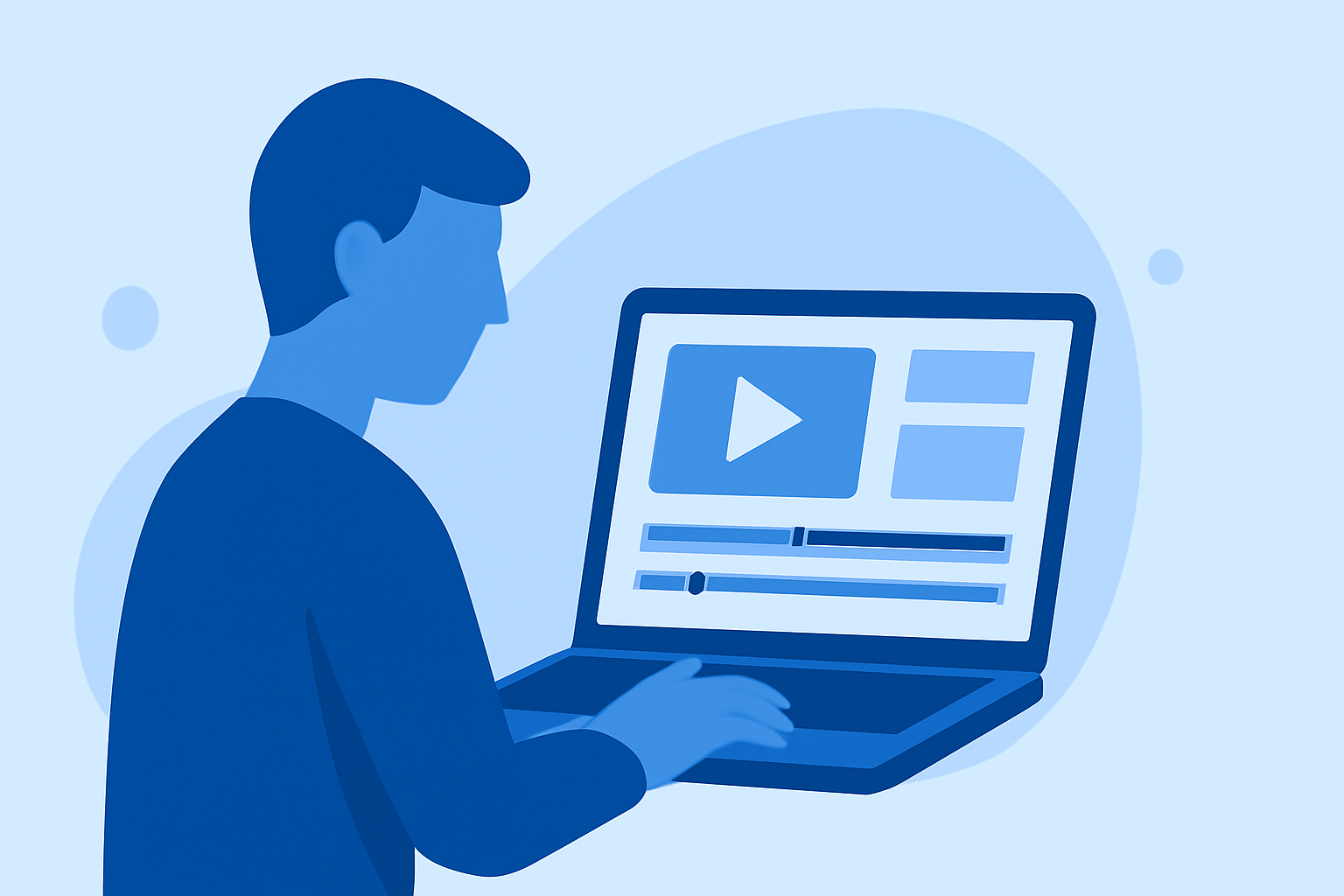
Editing in-flight footage can be challenging, but with the right approach, you can transform raw clips into captivating videos. Here's a concise guide to help you get started.
1. Organize Your Footage
Before diving into editing, sort your clips into folders based on date, location, or scene. This organization streamlines the editing process and ensures you can quickly locate specific shots. (retouchinglabs.com)
2. Stabilize Shaky Clips
In-flight footage often suffers from unwanted movements. Use stabilization tools in your editing software to smooth out these jitters. Be cautious not to overapply stabilization, as it can lead to unnatural results. (drone-normandie.com)
3. Correct Exposure and White Balance
Lighting conditions during flights can vary, leading to inconsistent exposure and color tones. Adjust these settings to achieve a balanced and natural look across all clips. (drone-normandie.com)
4. Enhance Visual Appeal with Color Grading
Applying color grading can add a cinematic touch to your footage. Utilize Look-Up Tables (LUTs) to achieve specific moods or styles, but ensure consistency throughout your video. (drone-normandie.com)
5. Trim and Select the Best Shots
Review your footage and cut out unnecessary or less impactful segments. Focus on the most compelling shots to maintain viewer engagement. (camerabutter.com)
6. Add Sound Design
Since in-flight footage often lacks usable audio, incorporate ambient sounds or a fitting soundtrack to enhance the viewing experience. Ensure the audio complements the visuals and doesn't overpower them. (camerabutter.com)
7. Export in Optimal Formats
Choose export settings that suit your intended platform. For instance, YouTube favors 16:9 landscape at 4K resolution, while Instagram Reels require 9:16 vertical format. (dronesgator.com)
8. Use Editing Software with AI Capabilities
Leveraging AI-powered editing tools can significantly speed up the editing process. These tools can assist with tasks like color correction, stabilization, and even generating transitions, allowing you to focus more on creative aspects.
By following these steps, you can effectively edit in-flight footage and produce professional-quality videos.