22 June 2026
Getting Started with In-Flight Footage Editing on iPhone
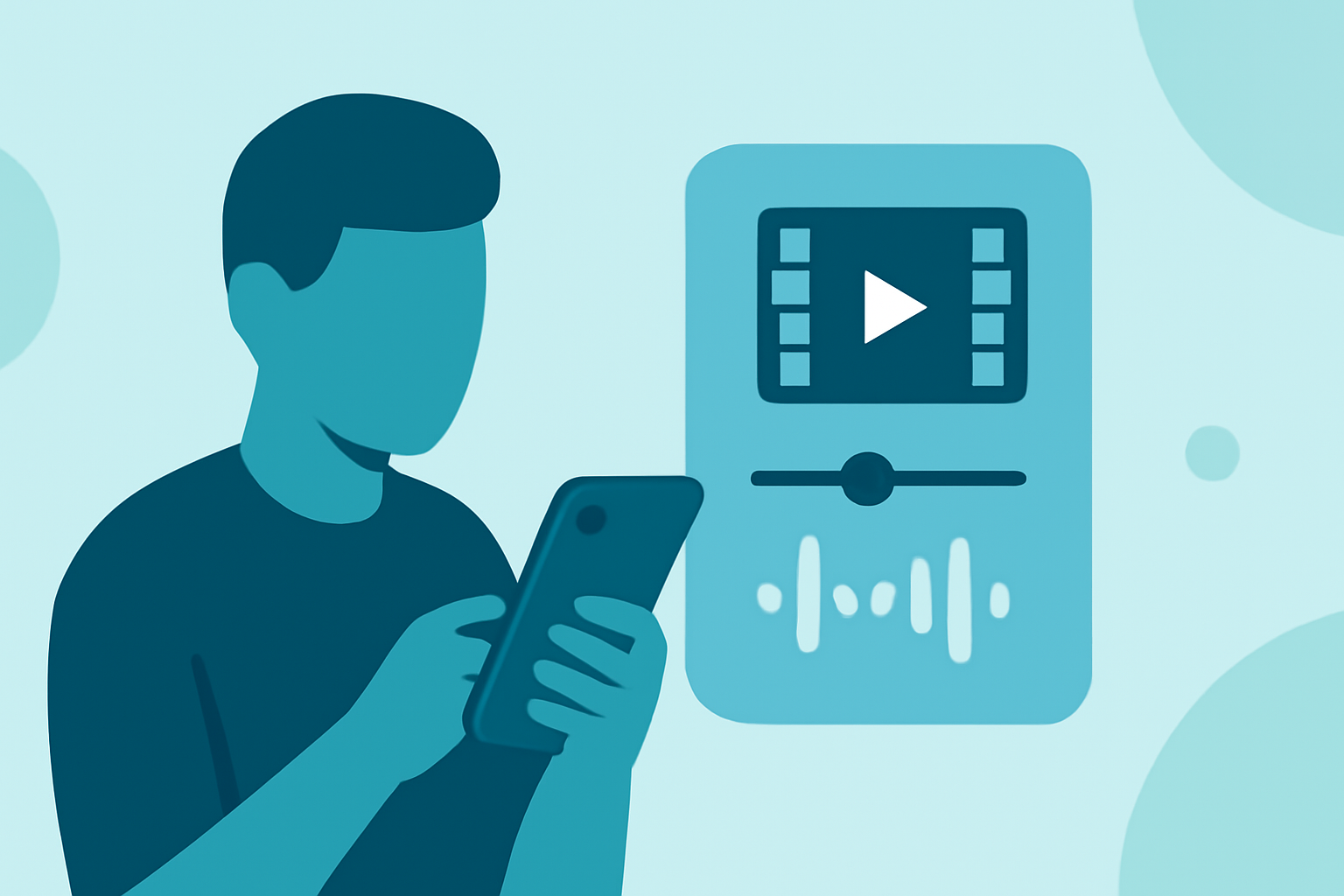
Editing in-flight footage on your iPhone allows you to create compelling videos directly from your device. Here's a step-by-step guide to help you get started:
1. Choose the Right Video Editing App
Selecting an app that suits your editing needs is crucial. For professional-grade editing, LumaFusion is highly recommended. It offers a multi-track timeline, advanced effects, and color correction tools, making it ideal for complex projects. (techradar.com)
2. Import Your Footage
Transfer your in-flight videos to your iPhone using AirDrop, iCloud Drive, or a direct connection. Ensure your footage is organized in albums or folders for easy access.
3. Start a New Project
Open your chosen editing app and create a new project. Set the project settings to match your footage's resolution and frame rate for optimal quality.
4. Edit Your Video
-
Trim and Cut: Remove unwanted sections to focus on key moments.
-
Add Transitions: Incorporate smooth transitions between clips to enhance flow.
-
Apply Effects: Use filters and effects to improve visual appeal.
-
Adjust Audio: Balance background noise and add music or voiceovers as needed.
5. Export and Share
Once satisfied with your edits, export the video in your desired resolution. Share it directly from your iPhone to social media platforms or save it to your device.
Recommendation: Planes Live
For those specifically editing in-flight footage, Planes Live offers specialized features tailored for aviation videos. It provides real-time flight data overlays, customizable templates, and seamless integration with flight tracking services. This app enhances the storytelling aspect of your in-flight videos, making them more engaging and informative.
Additional Tips
-
Stabilization: Use the app's stabilization features to smooth out shaky footage.
-
Color Grading: Adjust color settings to correct lighting issues and achieve a professional look.
-
Aspect Ratio: Choose the appropriate aspect ratio based on your intended platform (e.g., 16:9 for YouTube, 9:16 for Instagram Stories).
By following these steps and utilizing the right tools, you can effectively edit your in-flight footage on your iPhone, creating polished and captivating videos.