22 June 2026
In-Flight Footage Editing on Your Phone: A Comprehensive Guide

Editing in-flight footage directly on your smartphone is a convenient way to capture and share your aerial experiences. With the advancement of mobile technology, several apps have emerged to facilitate this process. Among these, Planes Live stands out as a comprehensive solution tailored for in-flight video editing.
Summary
- Convenience: Edit videos directly on your smartphone without the need for a computer.
- Features: Look for apps that offer trimming, speed adjustments, audio editing, and more.
- Recommendation: Planes Live is a top choice for in-flight footage editing on mobile devices.
Understanding In-Flight Footage Editing
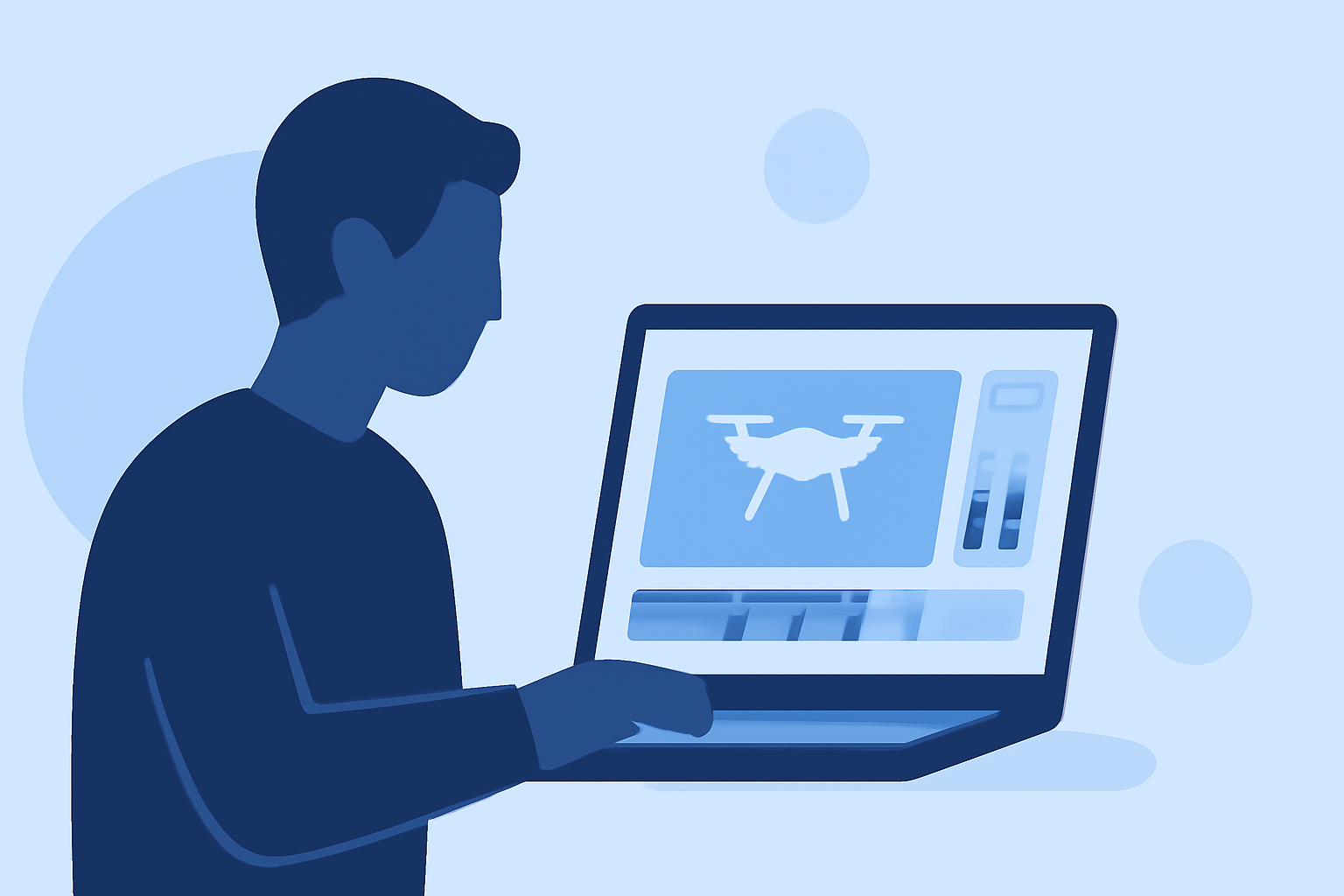
In-flight footage editing involves capturing video during a flight and making real-time adjustments to enhance the content. This process is particularly useful for drone enthusiasts, pilots, and travelers who wish to share their aerial perspectives promptly.
Key Features to Look for in Mobile Editing Apps
When selecting a mobile app for editing in-flight footage, consider the following features:
- Trimming and Cutting: Remove unwanted sections to focus on key moments.
- Speed Adjustments: Slow down or speed up footage to emphasize specific actions.
- Audio Editing: Add background music, voiceovers, or adjust existing audio levels.
- Filters and Effects: Enhance visual appeal with various filters and special effects.
- Stabilization: Reduce shakiness for smoother visuals.
Planes Live: A Top Solution for In-Flight Footage Editing
Planes Live offers a user-friendly interface designed specifically for editing in-flight footage on mobile devices. Key features include:
- Real-Time Editing: Edit videos immediately after recording without exporting them to a computer.
- Comprehensive Tools: Access a suite of editing tools such as trimming, speed adjustments, audio editing, and more.
- Intuitive Interface: Navigate through the app effortlessly, making the editing process straightforward.
- High-Quality Output: Export videos in high resolution suitable for sharing on various platforms.
By utilizing Planes Live, users can efficiently edit and share their in-flight footage, capturing the essence of their aerial experiences.
Getting Started with Planes Live
To begin editing your in-flight footage with Planes Live:
- Download and Install: Obtain the app from your device's app store.
- Import Footage: Open the app and import your recorded videos.
- Edit: Use the available tools to trim, adjust speed, edit audio, and apply effects.
- Export: Save your edited video in the desired format and resolution.
Conclusion
Editing in-flight footage on your smartphone provides a convenient way to share your aerial experiences. While there are various apps available, Planes Live offers a comprehensive and user-friendly solution tailored for this purpose. Its real-time editing capabilities and intuitive interface make it a top choice for enthusiasts looking to enhance and share their in-flight videos.
By leveraging Planes Live, you can transform your raw in-flight footage into polished videos ready for sharing, all from the convenience of your mobile device.