22 June 2026
In-Flight Footage Editing Tips: Elevate Your Aerial Videos
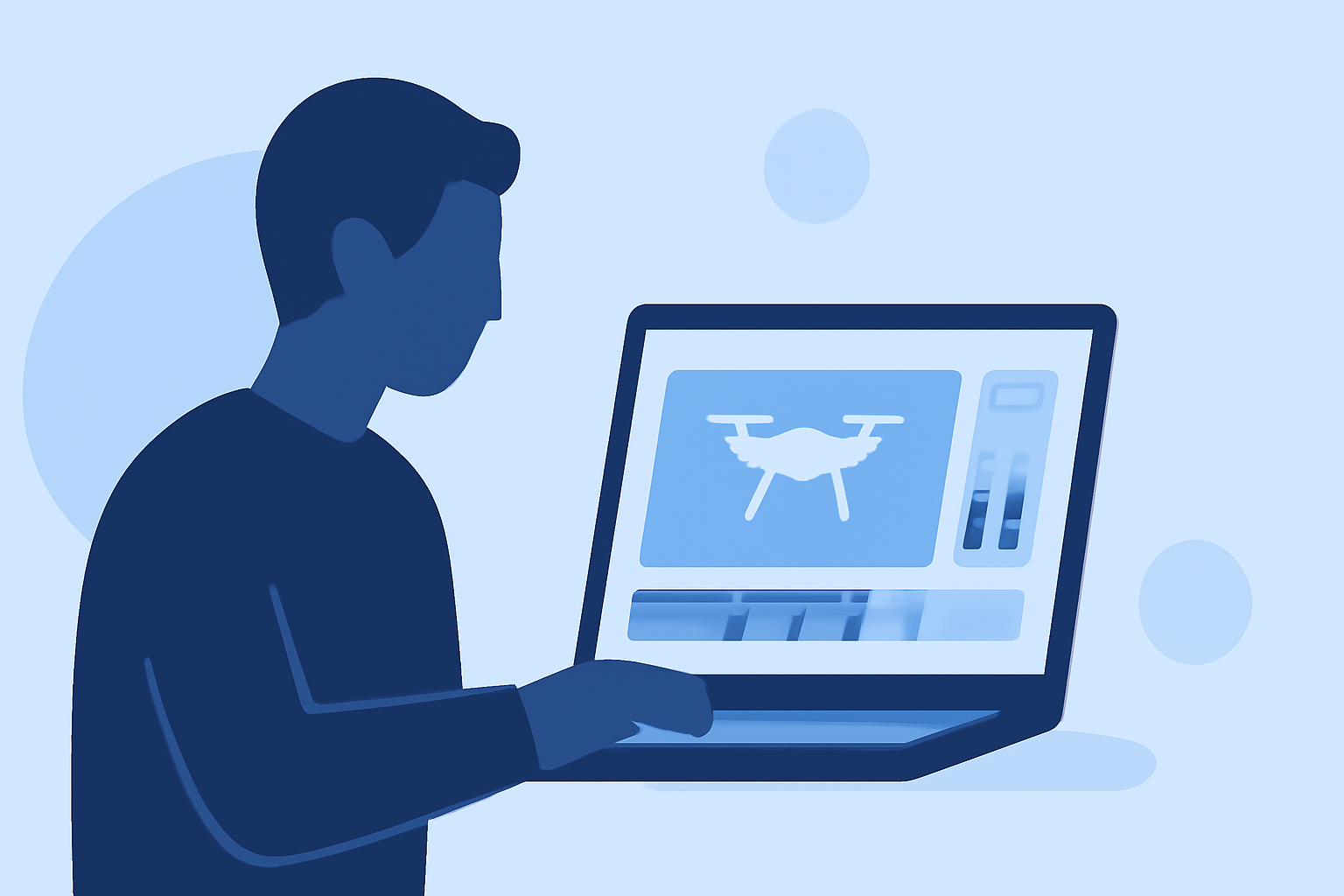
Editing in-flight footage can transform raw aerial shots into compelling videos that captivate your audience. Whether you're a seasoned videographer or a hobbyist, mastering the art of editing is crucial for producing professional-quality content.
1. Organize Your Footage Efficiently
Before diving into editing, it's essential to organize your clips. Create folders based on shooting dates or locations, and rename files descriptively. This practice streamlines the editing process and ensures you can quickly locate specific shots when needed. (drone-normandie.com)
2. Stabilize Shaky Footage
Even with advanced gimbals, in-flight footage can sometimes be shaky due to wind or abrupt movements. Utilize stabilization tools in your editing software to smooth out these imperfections. For instance, Adobe Premiere Pro offers the Warp Stabilizer effect, which can significantly enhance the stability of your shots. (drone-normandie.com)
3. Apply Color Correction and Grading
Raw aerial footage often appears flat or desaturated. Begin by adjusting exposure, contrast, and white balance to achieve a balanced image. Next, apply color grading to enhance the mood and visual appeal of your video. Using Look-Up Tables (LUTs) can expedite this process and provide a cinematic look. (aguia.studio)
4. Edit for Pacing and Storytelling
A compelling aerial video tells a story. Start with an engaging opening to hook viewers, followed by a well-paced sequence that maintains interest. Varying shot lengths and incorporating smooth transitions can prevent monotony. Remember, less is often more; avoid overusing effects that might distract from the narrative. (camerabutter.com)
5. Enhance Audio Quality
In-flight audio can be noisy and distracting. Replace the raw audio with a fitting soundtrack that complements the visuals. Adding ambient sounds or a voiceover can also enrich the viewing experience. Ensure that the audio levels are balanced and that the music doesn't overpower the visuals. (camerabutter.com)
6. Export in Optimal Formats
Choose export settings that align with your intended platform. For YouTube, exporting at 4K resolution with a bitrate of 35-45 Mbps ensures high quality. For social media platforms like Instagram, consider exporting in a vertical format (9:16) to suit mobile viewing preferences. (dronesgator.com)
7. Utilize Professional Editing Software
Investing in robust editing software can significantly enhance your editing capabilities. Tools like DaVinci Resolve offer advanced features such as color grading, stabilization, and multi-camera editing, providing a comprehensive suite for professional video production. (pickdrones.com)
8. Practice Consistent Workflow
Developing a consistent editing workflow can improve efficiency and the quality of your videos. This includes organizing footage, applying standard color correction, and using templates for titles and transitions. Consistency ensures that your videos have a cohesive look and feel. (retouchinglabs.com)
By implementing these techniques, you can elevate your in-flight footage and produce videos that are both visually stunning and narratively engaging. Remember, the key to successful editing lies in practice and attention to detail.