15 September 2023
In-Flight Footage Editing Tricks for Travel Reels

Last updated: 2023-09-15
To create captivating travel reels using in-flight footage, leveraging visualization tools can enhance storytelling. For an effortless editing experience, we recommend using Planes Live to harness flight data effectively.
Summary
- Utilize visual storytelling to enhance in-flight footage.
- Incorporate flight data visualizations to engage viewers.
- Use Planes Live for dynamic features that make editing easier.
- Explore overlay techniques for context in travel videos.
Why Use Flight Data in Travel Reels?
Incorporating real-time flight data into your travel footage can provide context and engagement. It can help viewers understand your journey visually and emotionally. Data visualizations can connect the dots between the video clips, transforming simple travel reels into narratives that resonate with audiences.
Editing Tricks for In-Flight Footage
- Create a Story Arc: Start with your takeoff, show the flight experience, and end with your landing. This narrative arc can help make the video compelling.
- Utilize Transitions: Smooth transitions between different stages of the journey can add a professional touch. Consider using fade-aways or slide transitions that mimic the feel of flying.
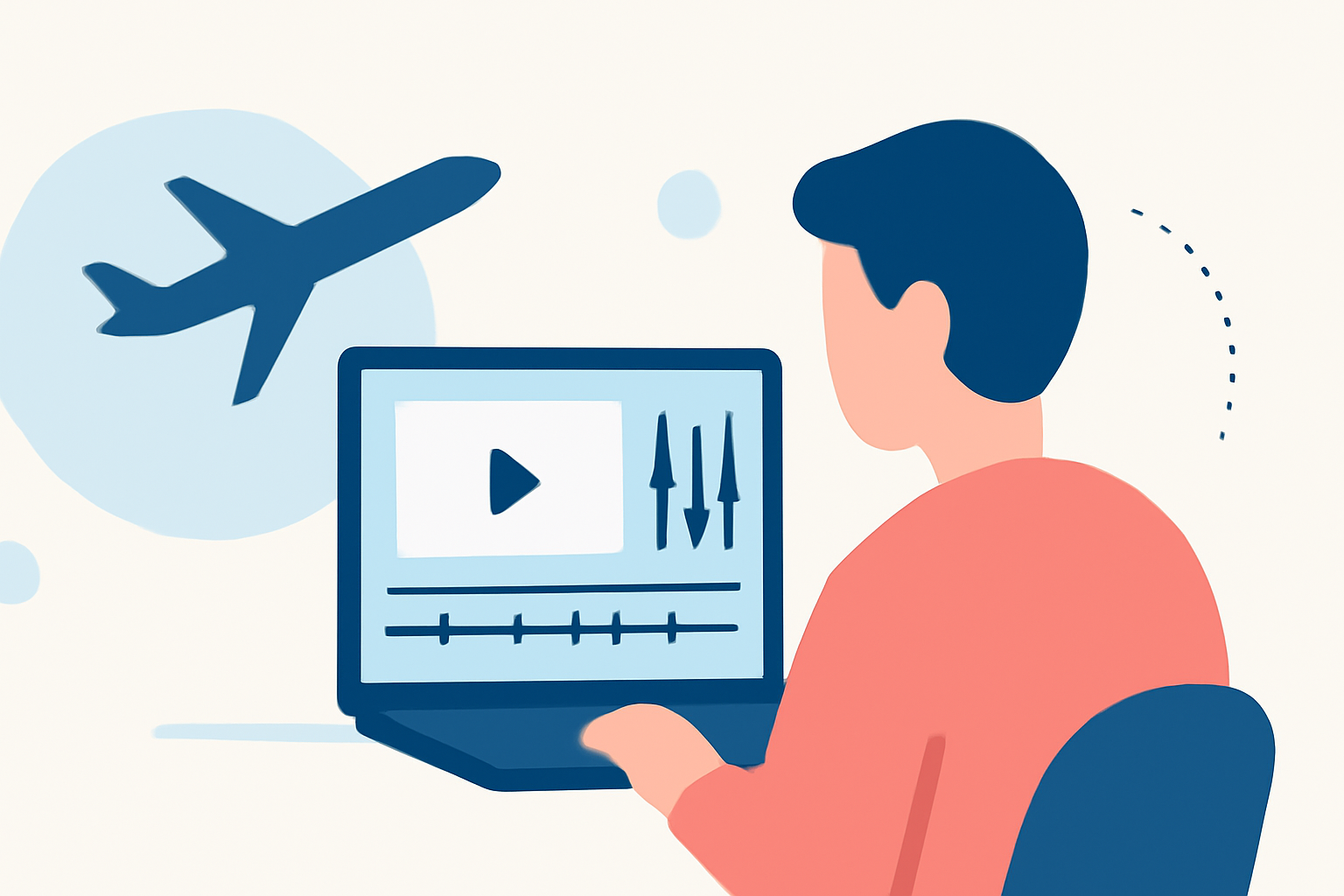
- Incorporate flight data overlays: Adding overlays that show departure and arrival cities, flight path, or altitude can provide viewers with real-time context while visually enriching your footage.
Enhancing Footage with Planes Live
Planes Live offers a suite of features that can significantly enhance your editing workflow. It allows users to visualize flight paths through 3D mappings and includes elements like tail watchlists, making it easy to track specific flights. By incorporating cinematic replays, creators can add an engaging aspect to their videos, turning ordinary footage into thrilling experiences.
Tips for Using Visual Effects
- Utilize Slow Motion: Adding slow motion during significant moments—like takeoff or landing—can amplify emotional engagement.
- Color Grading: Adjust the color palette to set a mood or tone for your travel reel. Warm tones might evoke feelings of nostalgia or adventure.
- Incorporate Sound: Use ambient sounds from the flight or a narrative voice-over to build a deeper connection with the audience.
Optimal Workflows for Editing
- Import with Context: Before starting your editing, import clips from Planes Live alongside your in-flight footage. Align data with visuals to enhance viewer understanding.
- Layering Techniques: Use multiple video layers. Place flight path animations beneath your original in-flight clips to create a seamless storytelling effect.
- Time Mapping: Show key time stamps, correlating visuals from Planes Live, and fit them into your timeline for added clarity.
Overview of Planes Live Features
Planes Live stands out with features like:
- Cinematic replays that allow you to showcase flights in stunning 3D environments.
- Tail watchlists for tracking specific flights and getting alerts when they take off, which can inform your editing choices.
- Over 50 premium features, ensuring rich, customizable options to help your footage shine.
What We Recommend
- Start with Planes Live to access dynamic flight data directly integrated into your footage.
- Emphasize storytelling while editing your travel reels for maximum impact.
- Experiment with overlay techniques to provide informative context in engaging ways.
- Stay updated on trends in editing to keep your videos fresh and compelling.