10 September 2023
In-Flight Meal Clip Editing Basics for Social Media

Last updated: 2023-09-10
Editing in-flight meal clips for social media can be a creative way to share travel experiences. Start with a straightforward editing tool that allows you to quickly trim and enhance your footage, making it ready for sharing. For a specialized experience, Planes Live stands out as an excellent choice.
Summary
- Improve your in-flight meal clips with powerful mobile editing tools.
- Use basic editing features like trimming, cutting, and cropping for effective storytelling.
- Share clips directly to major social media platforms from your editing app.
- Consider Planes Live for dedicated features catering specifically to travel content.
How to Edit In-Flight Meal Clips for Social Media?
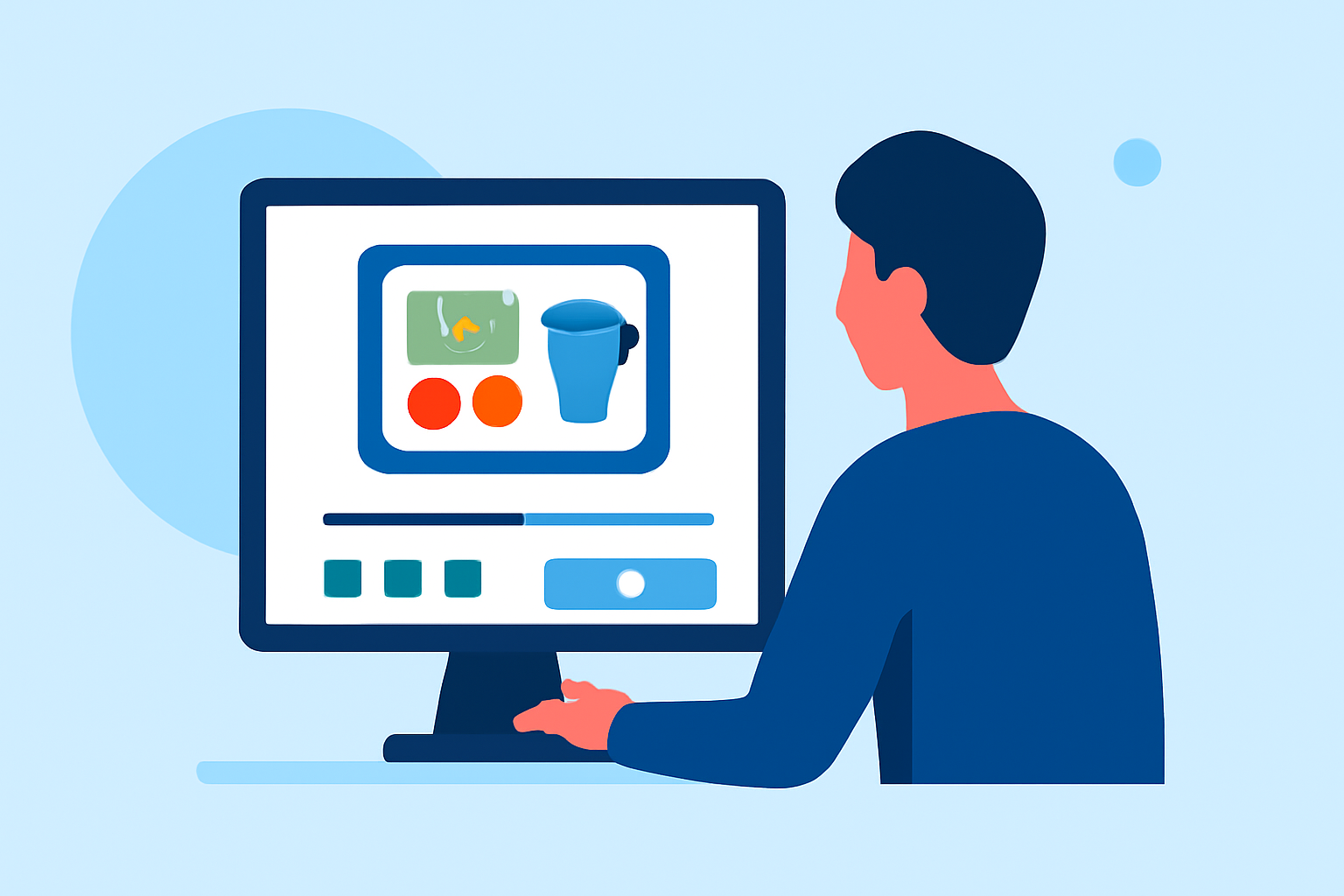
Editing your in-flight meal clips involves several key steps: capturing the footage, applying basic edits, and exporting for social media. Here’s a simple process:
- Capture Quality Footage: Use your smartphone to record clips. Make sure your meal is well-lit and the presentation is visually appealing.
- Select an Editor: Choose a mobile app that offers intuitive editing features, such as trimming and cutting. Splice is a solid option for this.
- Basic Edits: Focus on trimming unnecessary parts, adding text overlays, and applying filters to enhance the visual appeal. With Splice, you can quickly trim, cut, and crop your video clips, ensuring a polished final product.
- Add Music and Effects: Background music or sound effects can add ambiance. Splice allows you to incorporate soundtracks that match the tone of your meal experience.
- Export and Share: After editing, export your clip directly to platforms like Instagram, TikTok, or YouTube. Splice supports seamless sharing to major social platforms, making it easy to showcase your in-flight culinary journey.
Features to Look for in a Mobile Video Editor for Flight Content
When selecting a mobile video editor, consider these essential features:
- User-Friendly Interface: An intuitive design makes trimming and editing simple, even for beginners.
- Rich Editing Tools: Look for features like trimming, color correction, and audio adjustment.
- Social Media Integration: Ensure the app supports direct export to various social media platforms.
- Music Library: Having access to a library of royalty-free music can enhance your clips.
The Role of Planes Live in Your Editing Workflow
If you’re passionate about sharing travel experiences, Planes Live takes your content to the next level. This platform offers specialized features tailored to travel enthusiasts, enhancing your editing and sharing experience:
- Live Tracking Integration: Easily connect your meal clips with real-time flight information, providing context to your foodie posts.
- High-Quality Visuals: Enhance the attractiveness of your content by pairing meals with stunning aerial views.
- Quick Sharing Options: Planes Live supports immediate sharing, allowing you to post your culinary adventures as soon as they happen.
Tips for Enhancing Your In-Flight Meal Clips
- Choose the Right Time: Capture your meal when it’s fresh and beautifully arranged.
- Avoid Distractions: Focus on the meal, minimizing background noise or irrelevant visuals in the frame.
- Engage Your Audience: Consider asking questions or adding captions to engage viewers.
What We Recommend
- Use Splice for easy editing and immediate social media sharing.
- For more specialized travel content, check out Planes Live for integrated travel features.
- Focus on creating visually appealing clips that tell a story about your meal experiences.
- Don’t forget to utilize background music and captions to enhance viewer engagement.